


The latest version:Woo Product Table Pro V9.1.0
Woocommerce product tabulation
$10.00
Woo Product Table Pro product table plugin helps you replace the default WooCommerce product grid with a searchable table layout with filters. Supports the application of different tables for different product categories, and adds tables on any page or article through shortcodes. You can create as many tables as you need. Ideal for creating table layouts for restaurant order systems, online music sales, product wholesale, class booking, or selling books, etc.
Official Demo:Enter
Official price: 79-250 US dollars,This site provides continuous new versions and Chinese updates
This plug-in requires the free version to be installed first.Free version download
Table of contents
Togglespecial function
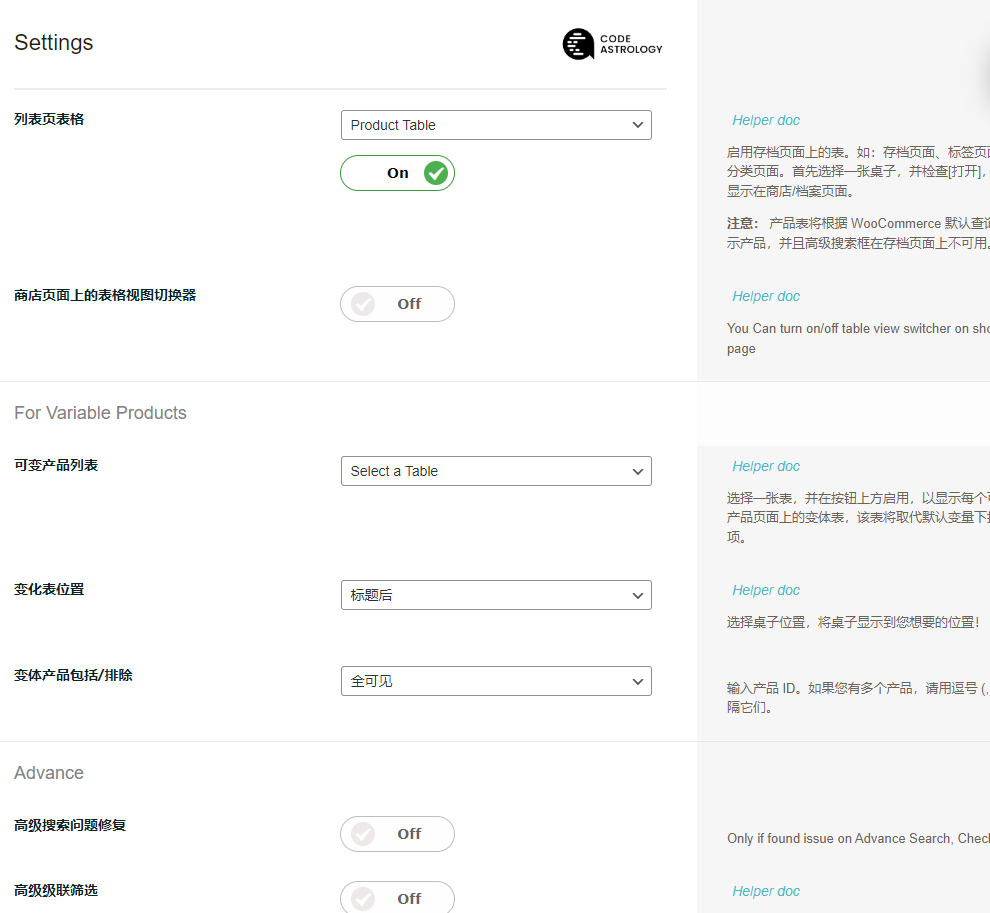
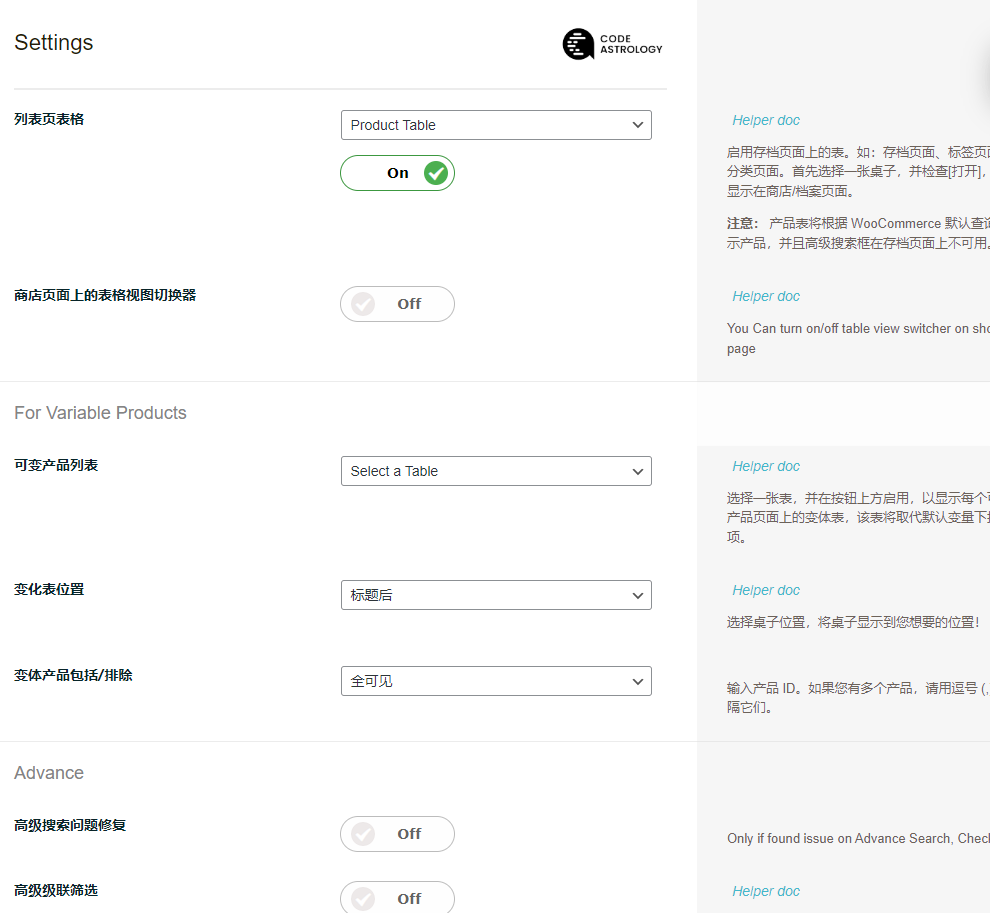
Replace product list page
Turn the default grid into a list table. You can display a table on a product list page, or select specific product list pages to display a specific table.
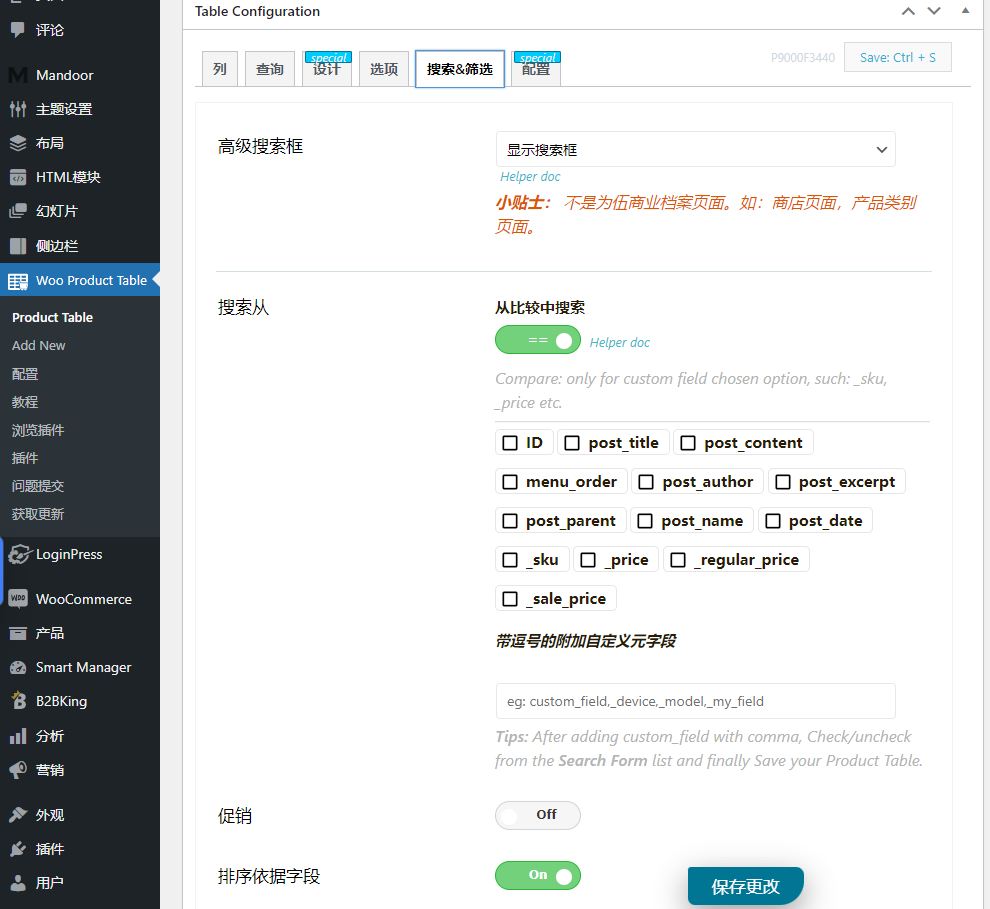
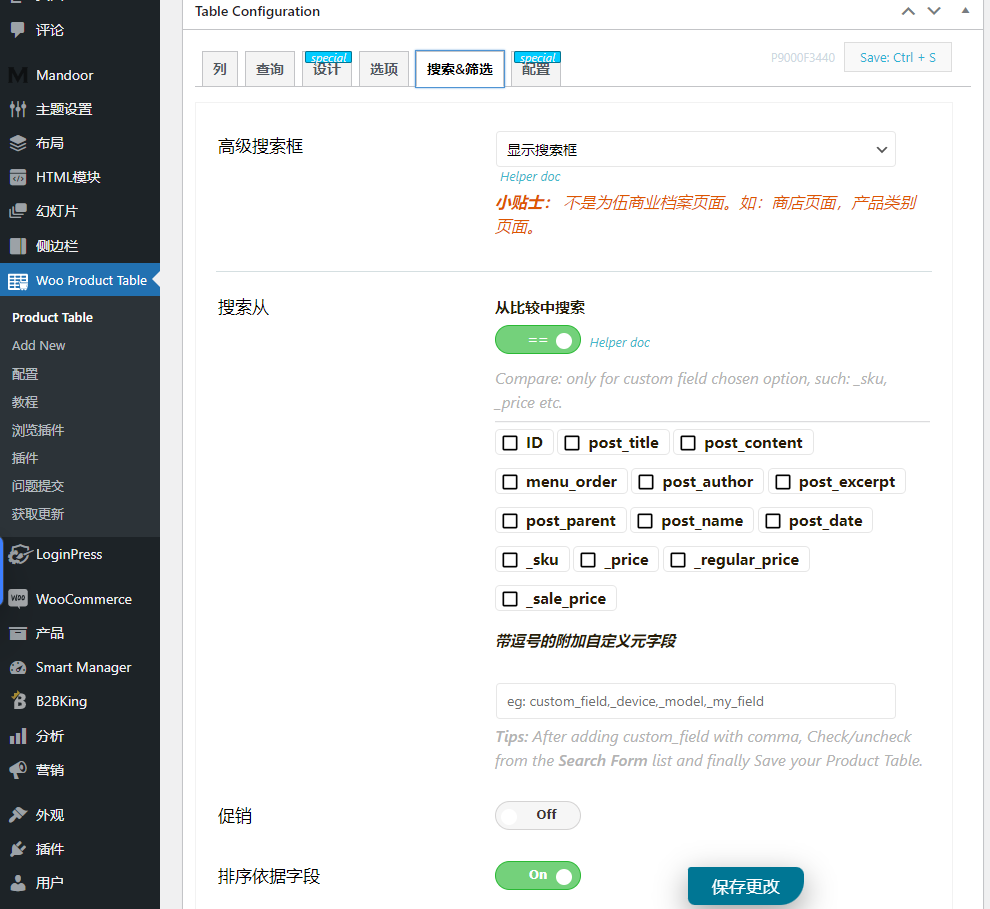
Advanced filtering capabilities
Powerful search and filtering capabilities make it easy for customers to find what they're looking for.
Filter your products by categories and attributes such as category, tag, color, or size. Use custom field data for more precise filtering.
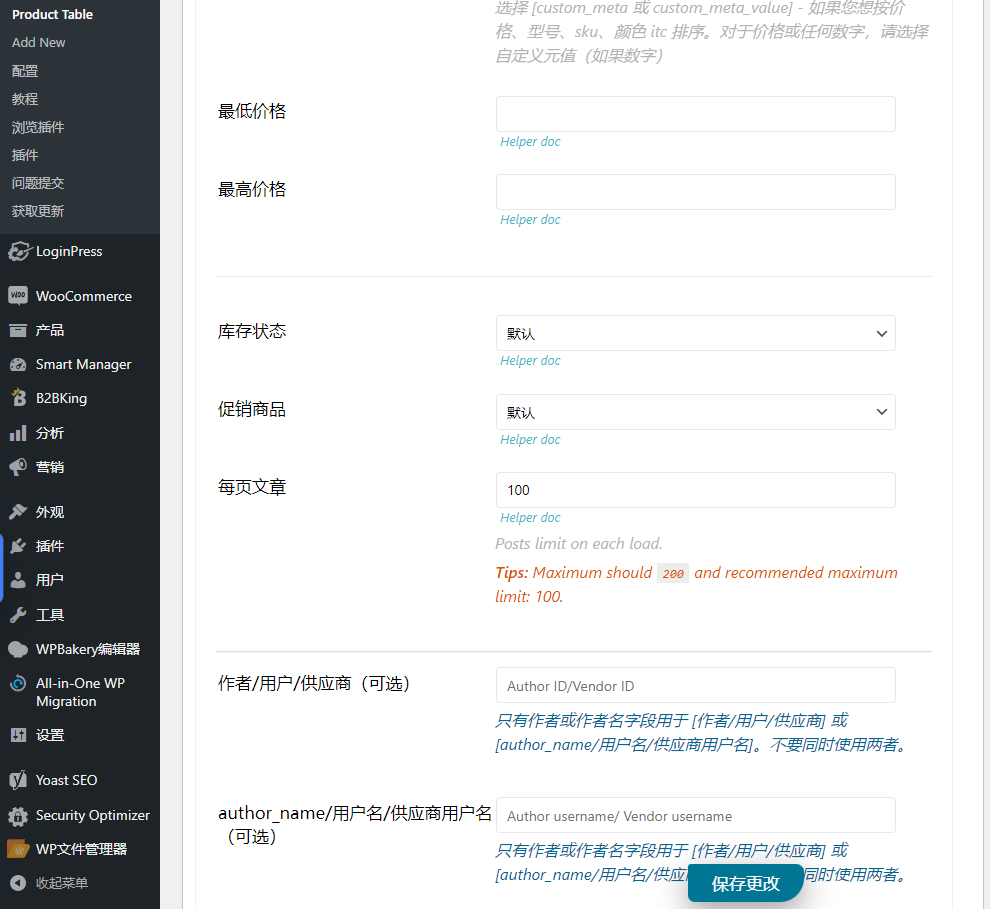
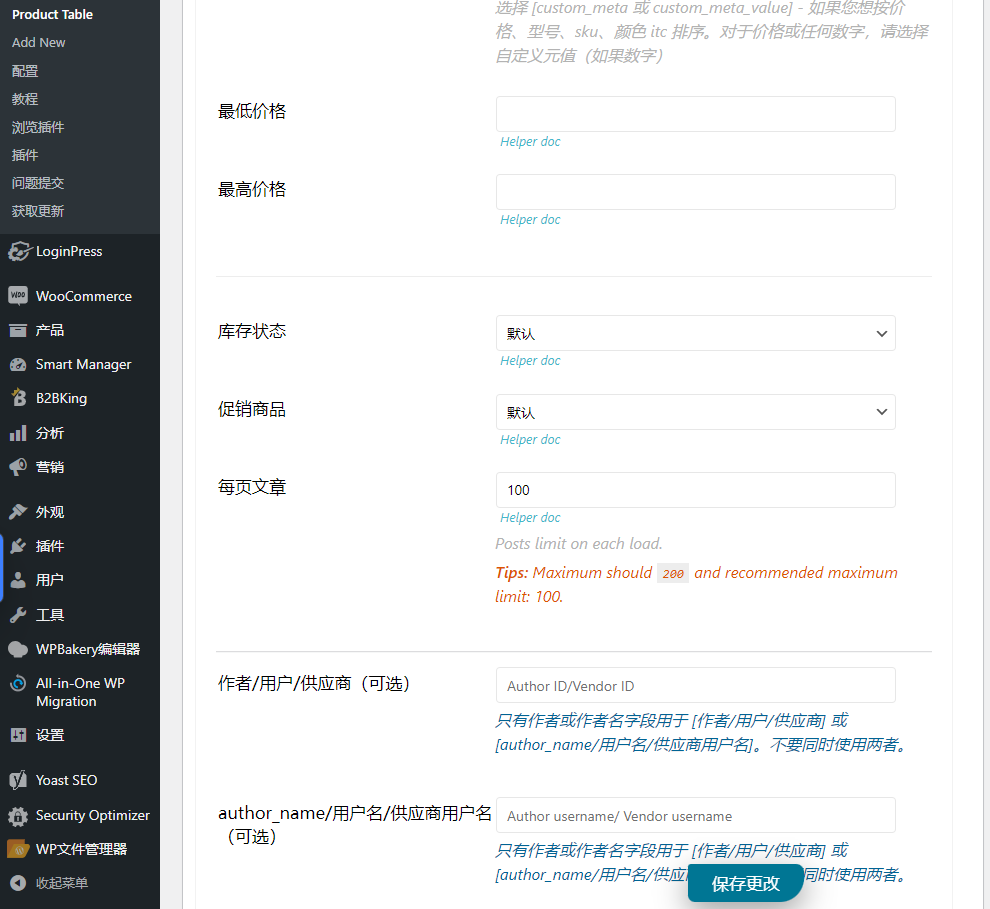
Narrow your search to specific areas such as SKU or price
Your customers can use mini filters to filter the products displayed on the current page, optimized for mobile users.
Responsive design ensures a seamless shopping experience for all mobile and smartphone users.
All features
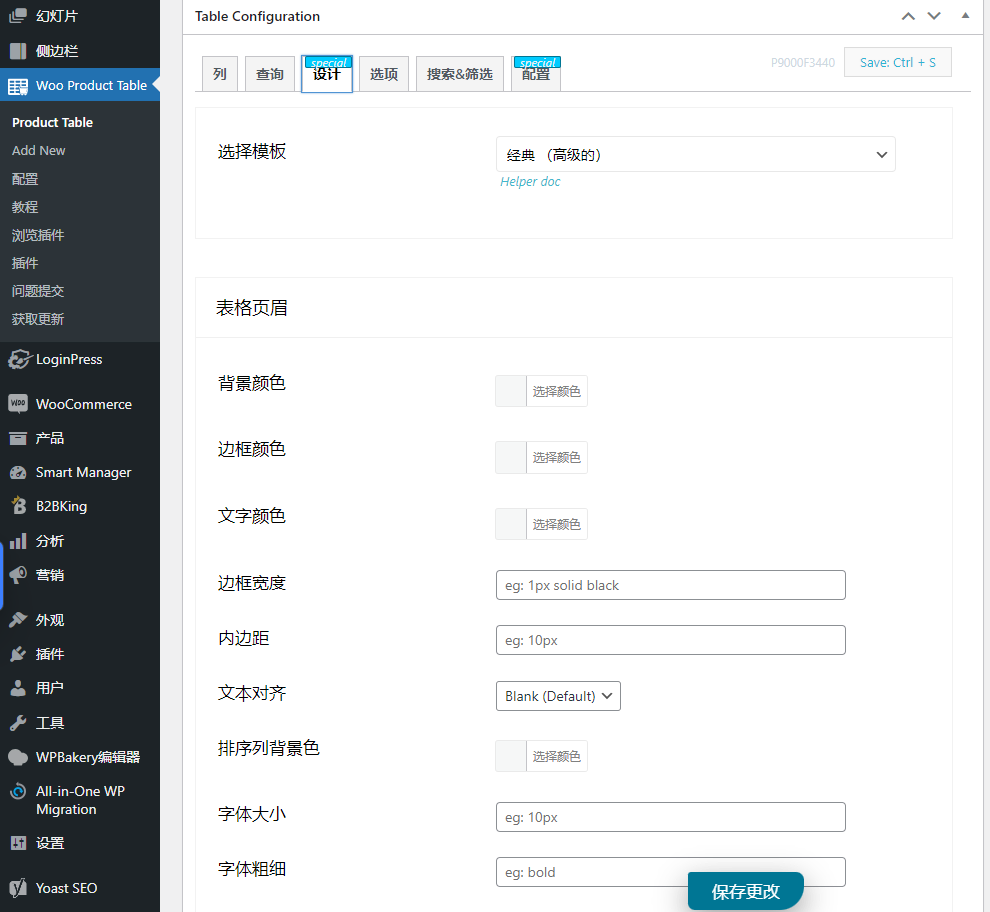
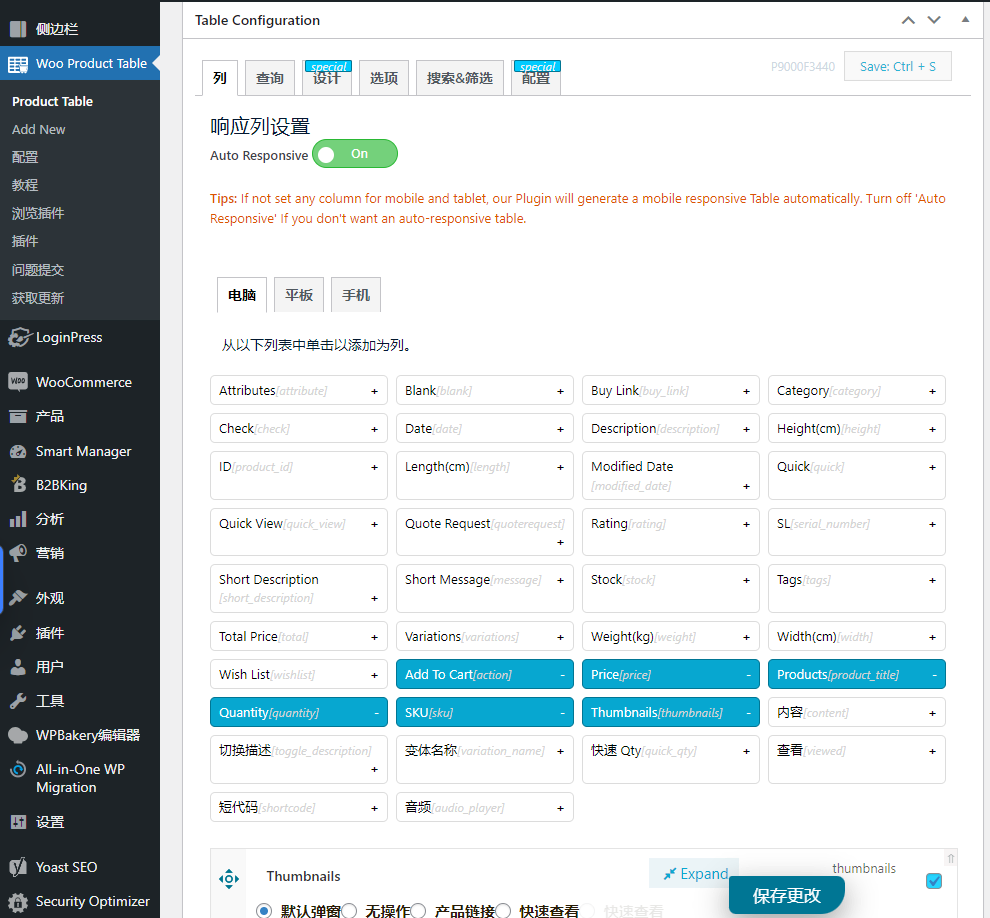
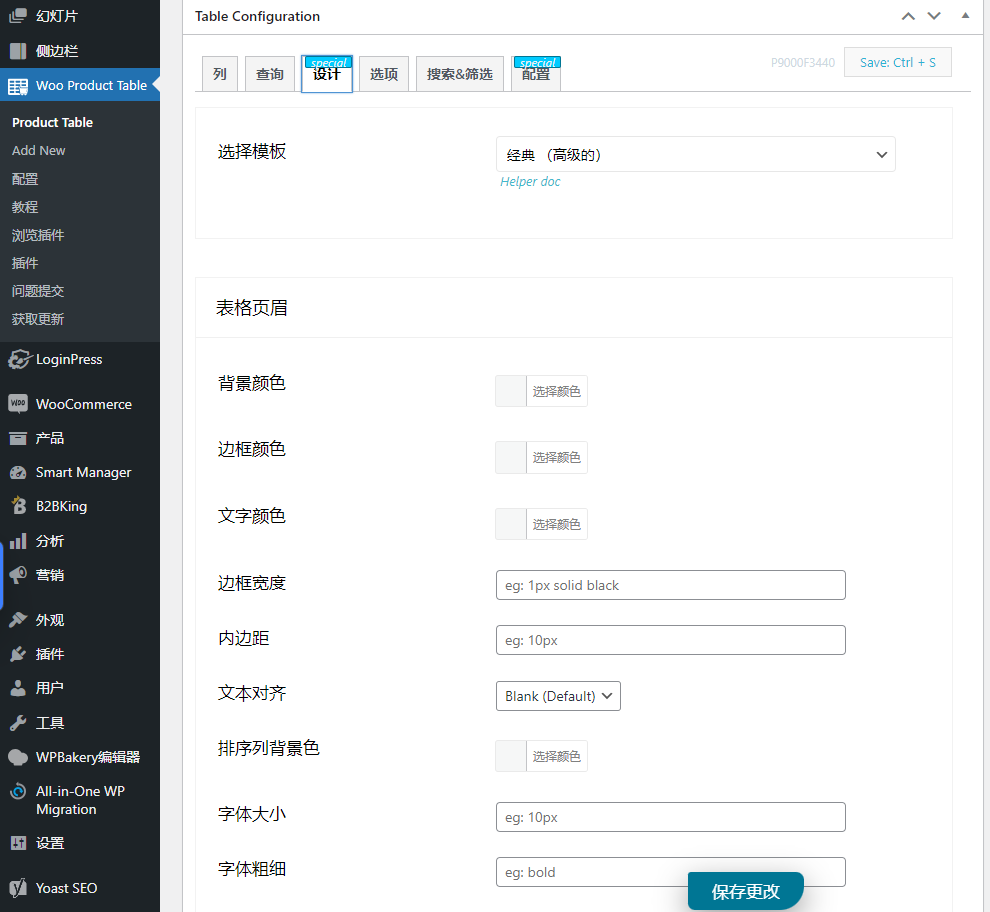
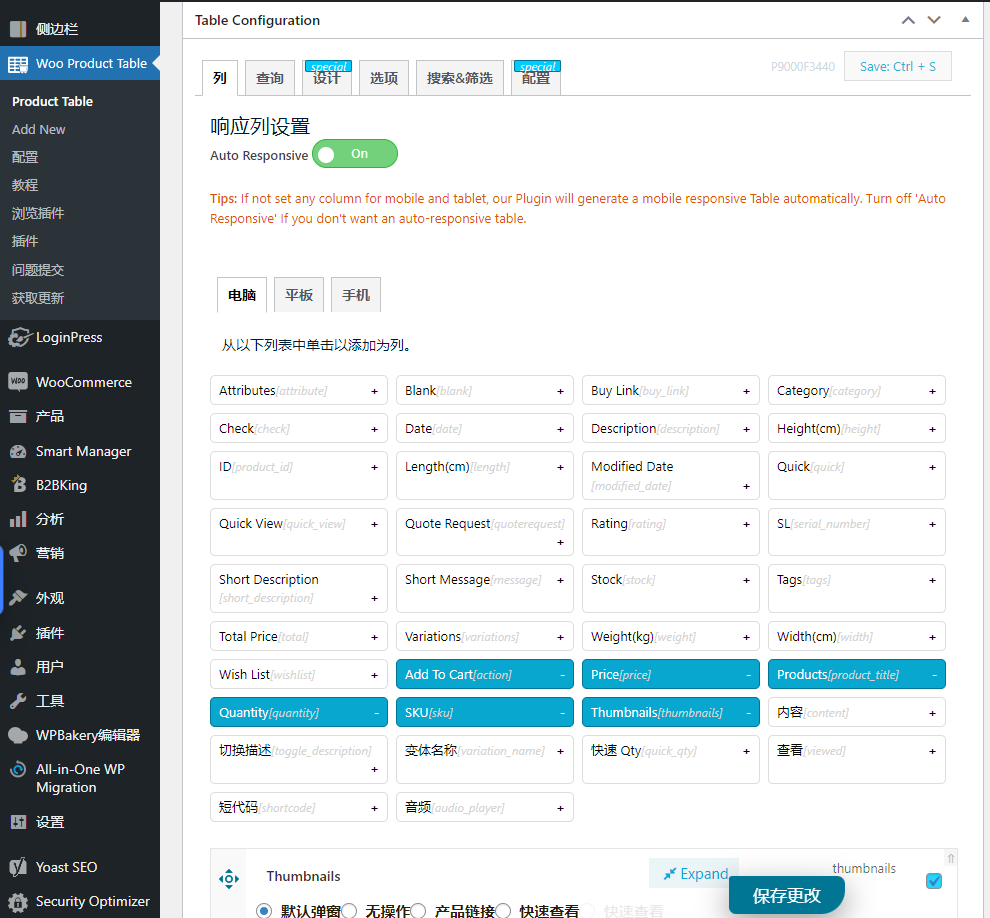
Design columns individually
You can easily design every part of the column just the way you want.
Add custom columns as needed
You can show or hide columns with just one click.
Columns only for logged in users
You can restrict this column so that only registered or logged in users can see it.
Show multiple internal projects
You can display multiple internal items in a column, such as price, quantity, category, and more.
Create variant product table
It gives you the option to add multiple variations to the product table at once.
Table on variant product page
You can set up tables on individual product variation pages.
Show variant labels
Variant tags allow you to replace standard options such as color, size, and dynamic tags.
Include/exclude products
On the product table, you have complete control over whether specific products are shown or hidden.
include/exclude categories
You can set restrictions on one or more specific categories to hide them from the product table.
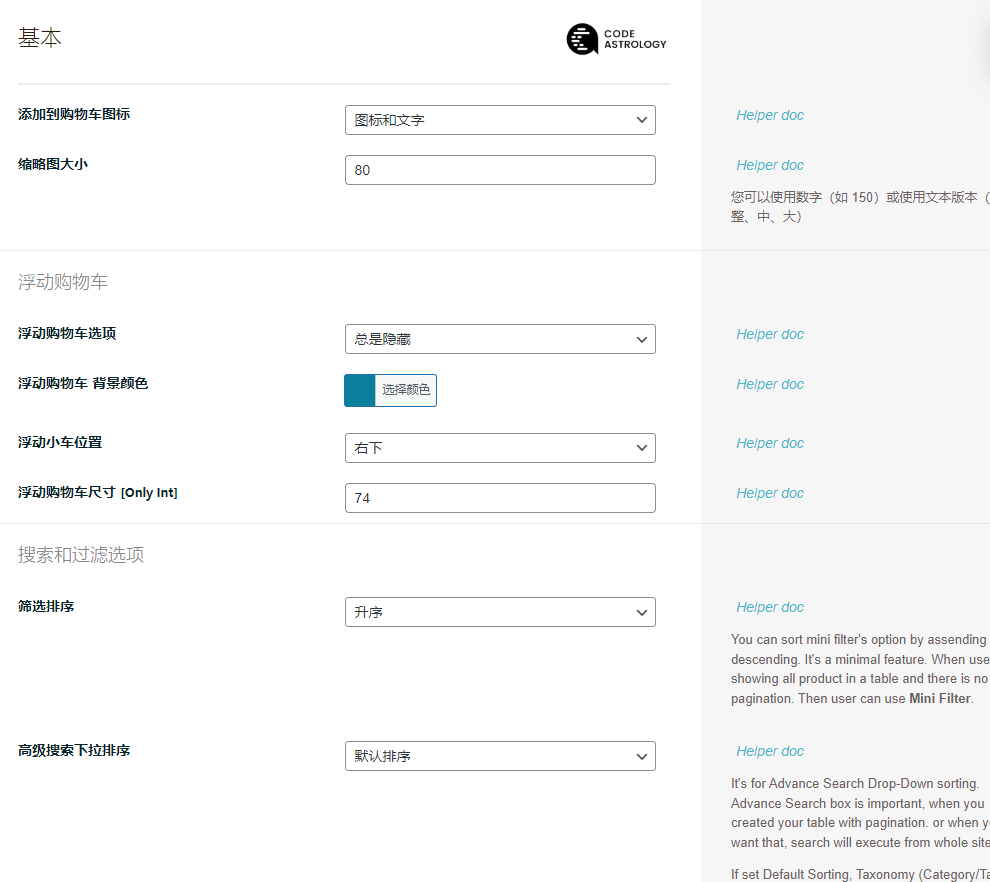
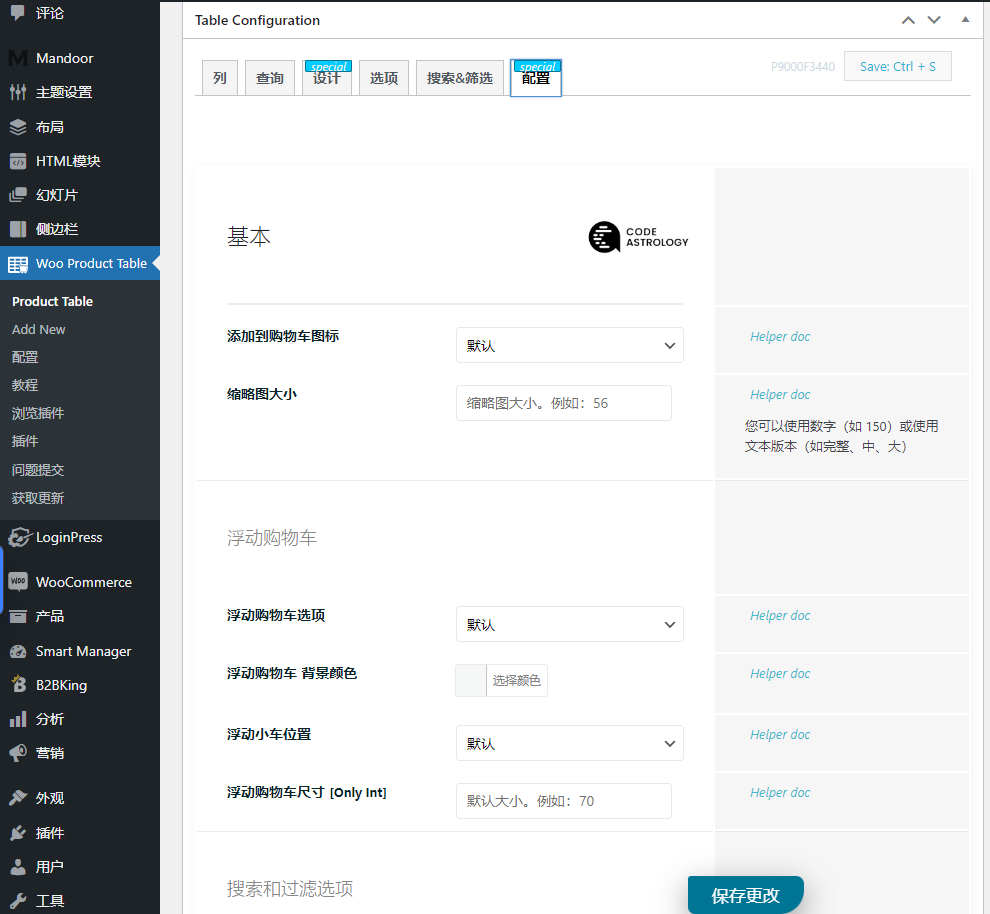
Show or hide mini shopping cart
You can show/disable this mini shopping cart with just one click.
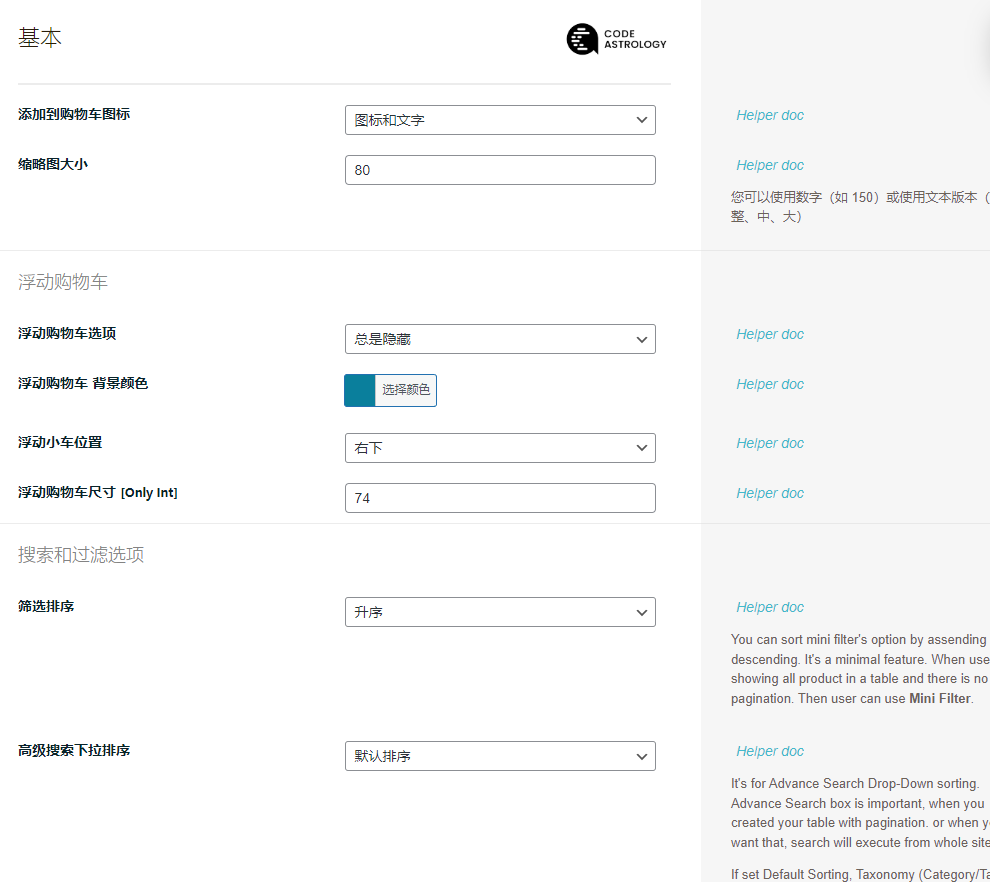
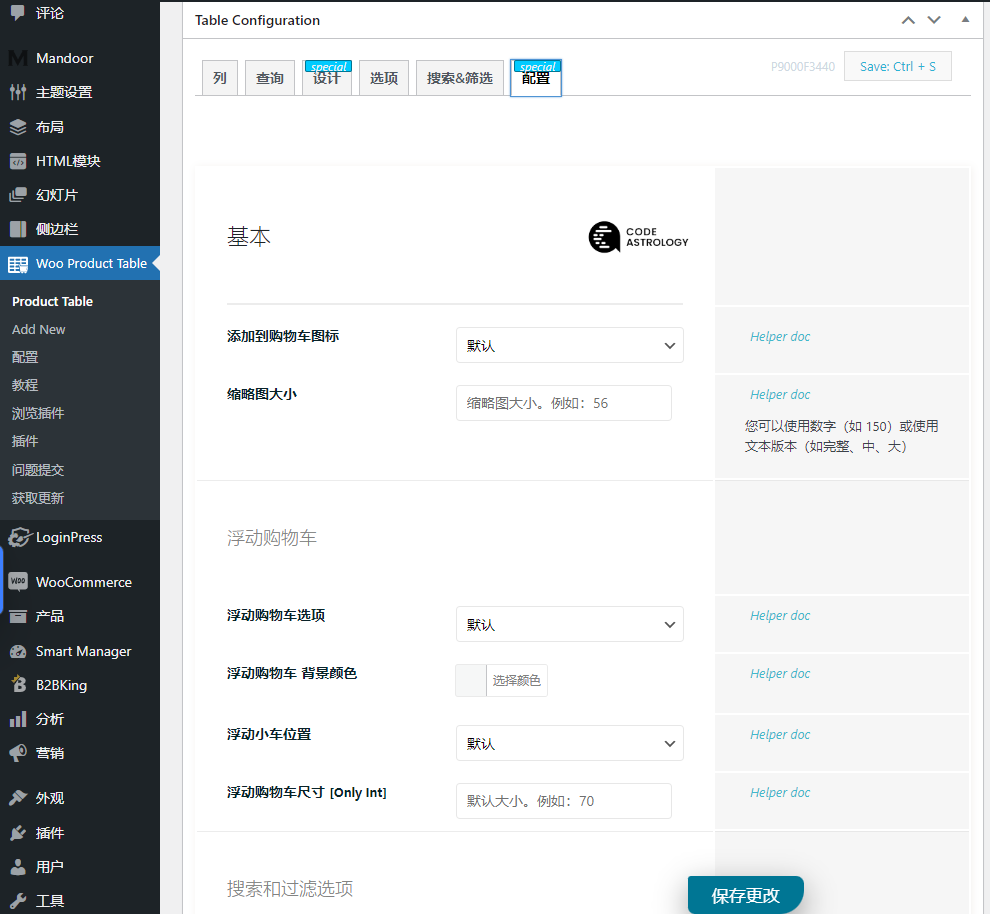
Customizable floating shopping cart
With a customizable floating cart, you can reduce cart abandonment rates in your store.
Instant search and filtering
Give your shoppers a way to quickly search for products using instant search filters.
Limit the number of products displayed
You can display a limited number of products in the product table per page.
Load more button
If you have a lot of products, then you need to use the "Load More" button to display more products.
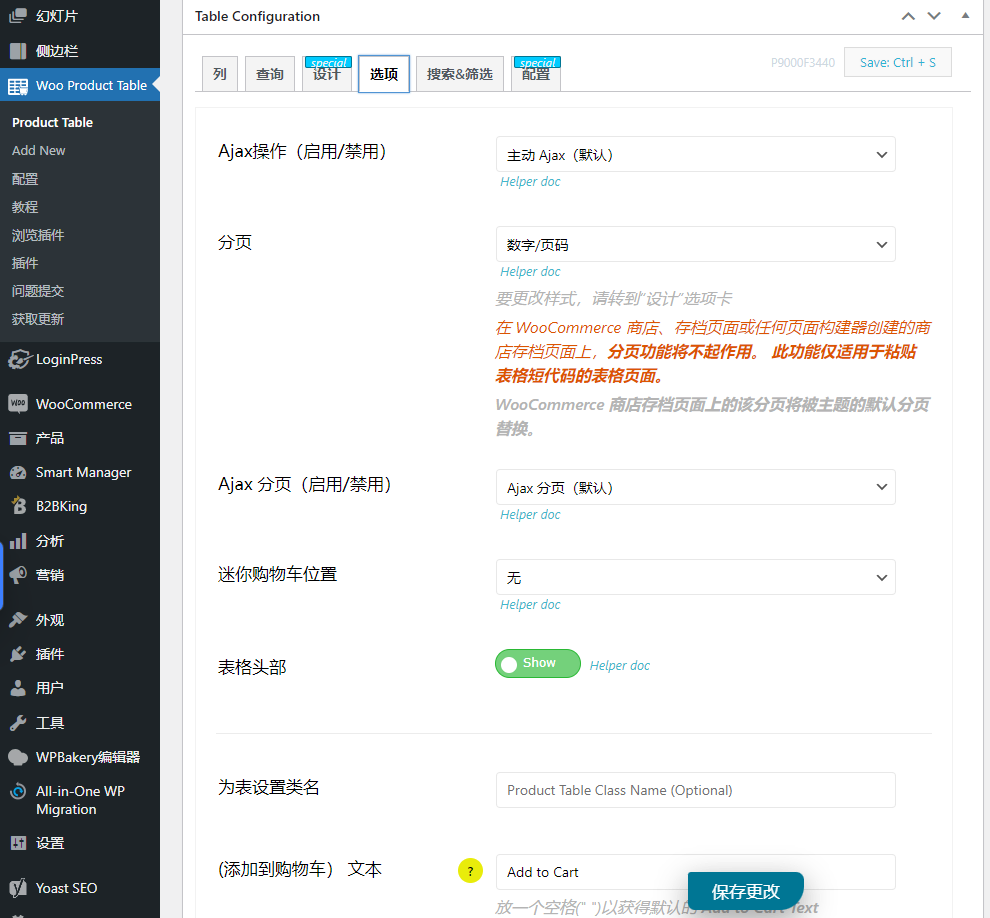
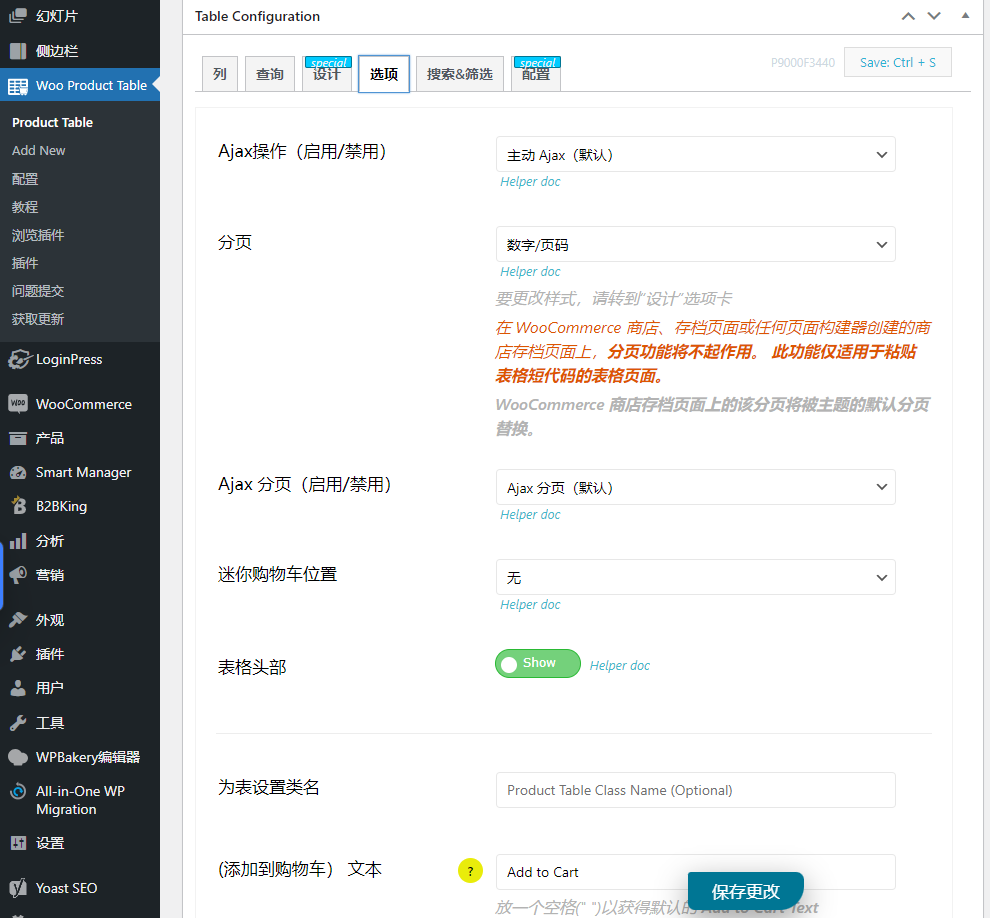
Enable/disable paging
Pagination on the product table is enabled by default, but if you wish, you can hide it with just one click.
Customizable "Add to Cart" button
Pagination on the product table is enabled by default, but if you wish, you can hide it with just one click.
Responsive form
You can make the same form fully responsive across different devices, such as desktop, tablet, and mobile devices.
Product Category
You can sort products by mini-filters or search box taxonomies.
2 reviews for Woocommerce 产品表格化
You must be logged in to post a review.
Theme/plugin installation method
Installation method one:
Directly upload the (theme/plug-in) zip package to the WordPress backend, install it and activate it.
[Theme installation method] Appearance-Theme-Add new theme-Upload theme zip package
[Plug-in installation method] Plug-in-Add new plug-in-Upload plug-in zip package
Installation method two:
FTP upload [theme] to the website root directory /wp-content/theme/ below
FTP upload [plug-in] to the website root directory /wp-content/plugins/ below
How to use Chinese documents
The default Chinese file is already included in the theme/plug-in file package. If there is an independent Chinese file, use the following method to upload it
FTP upload [theme Chinese file] to the root directory of the website under /wp-content/languages/themes
FTP upload [plug-in Chinese file] to the root directory of the website under /wp-content/languages/plugins
Microsoft corporate mailbox, 50 users, full set of Office software, 1T network disk per person
Latest Updates

Translatepress business multilingual plugin
WP rocket small rocket cache acceleration
Product review collection and import
WordPress Ecommerce Theme Woodmart
Customize order status
CURCY – WooCommerce Multi Currency Switcher
Gravity Forms Advanced Forms
Praise plugin
-
Translatepress business multilingual plugin
Rated 5 out of 5$7.00Original price was: $7.00.$5.00Current price is: $5.00. -
XStore Premium Multipurpose WooCommerce Theme
Rated 5.00 out of 5$10.00 -
Shopping cart dynamic tracking/reporting
Rated 5.00 out of 5$6.00 -
[Monthly payment plan] Monthly subscription with unlimited downloads for the entire site
Rated 5.00 out of 5$18.00Original price was: $18.00.$15.00Current price is: $15.00. -
AliExpress AliExpress product collection
Rated 5 out of 5$10.00

Patricia (verified owner) –
It's really powerful and easy to use.
Ye Fan (verified owner) –
It's great to be able to replace the default woo grid.