









Official Demo:Enter
Official price: $49/month,This site provides continuous new versions and Chinese updates
This plugin can only use the batch compression function. If you need CDN function, please purchase an official member.
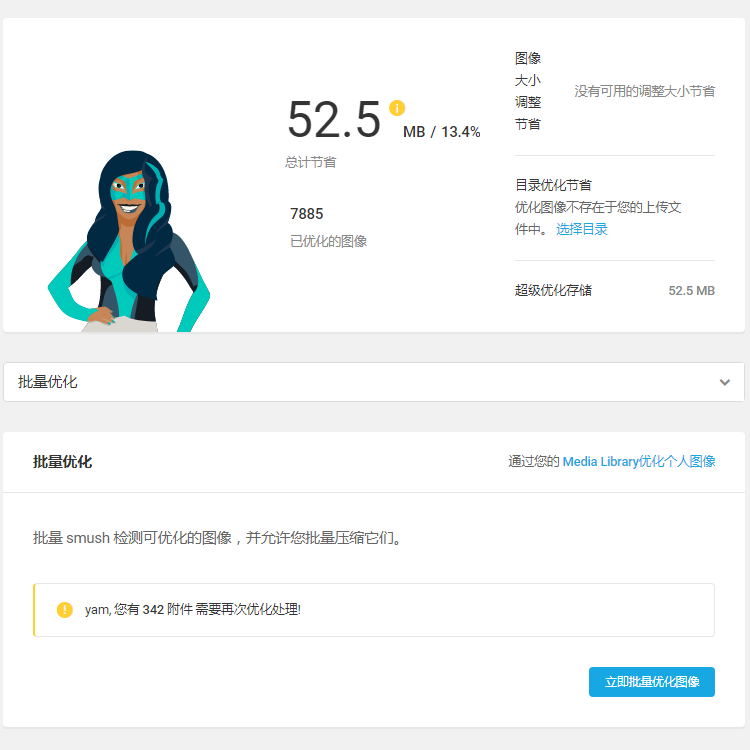
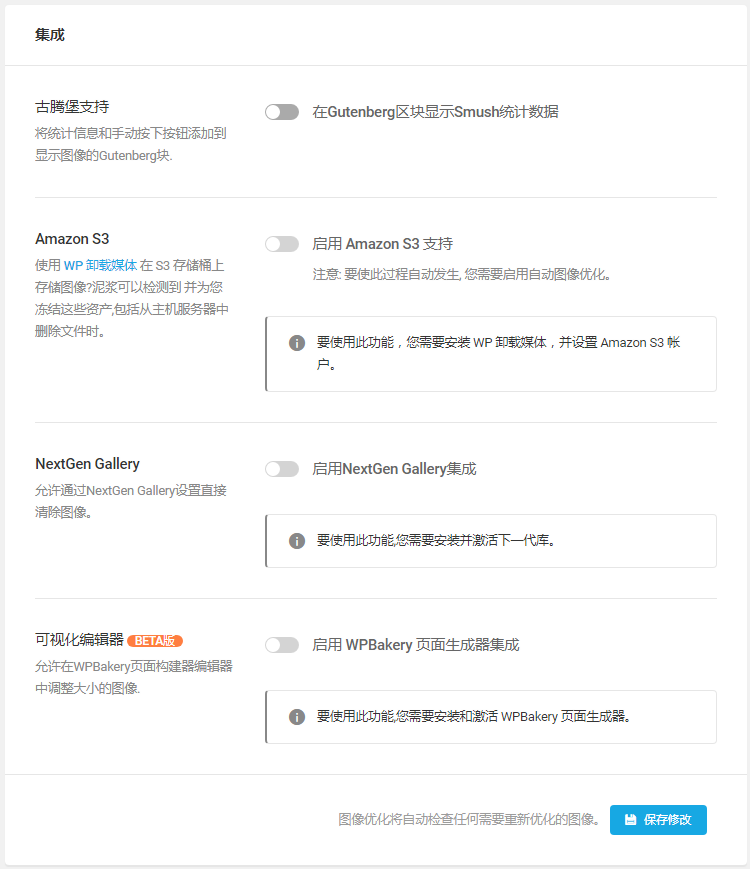
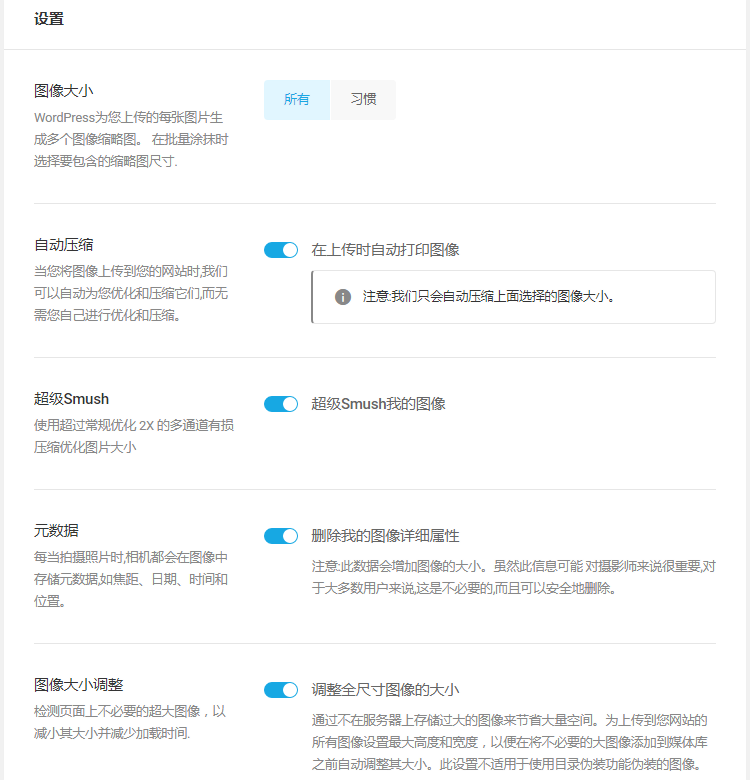
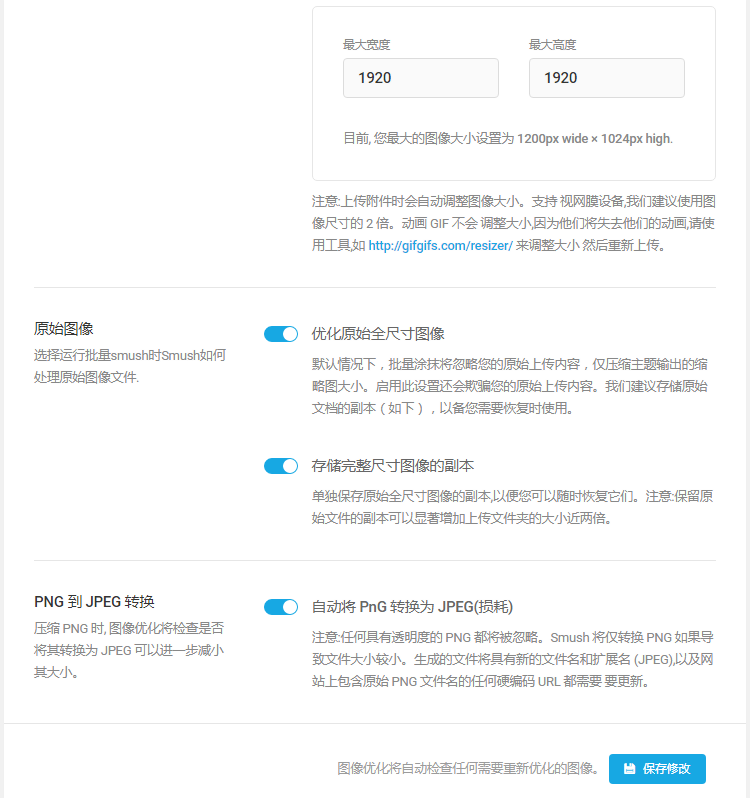
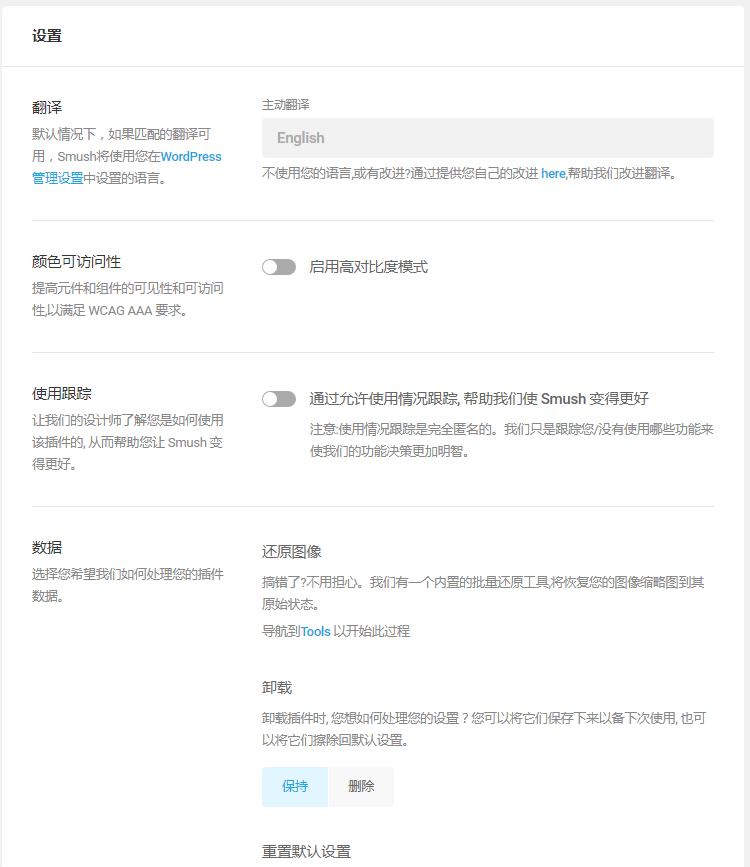
special function:
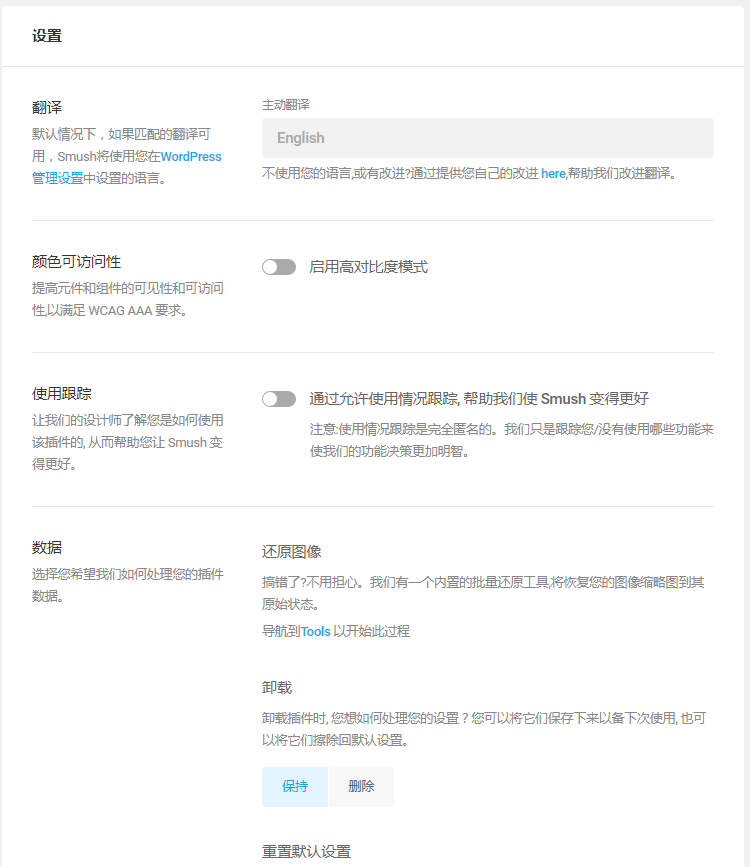
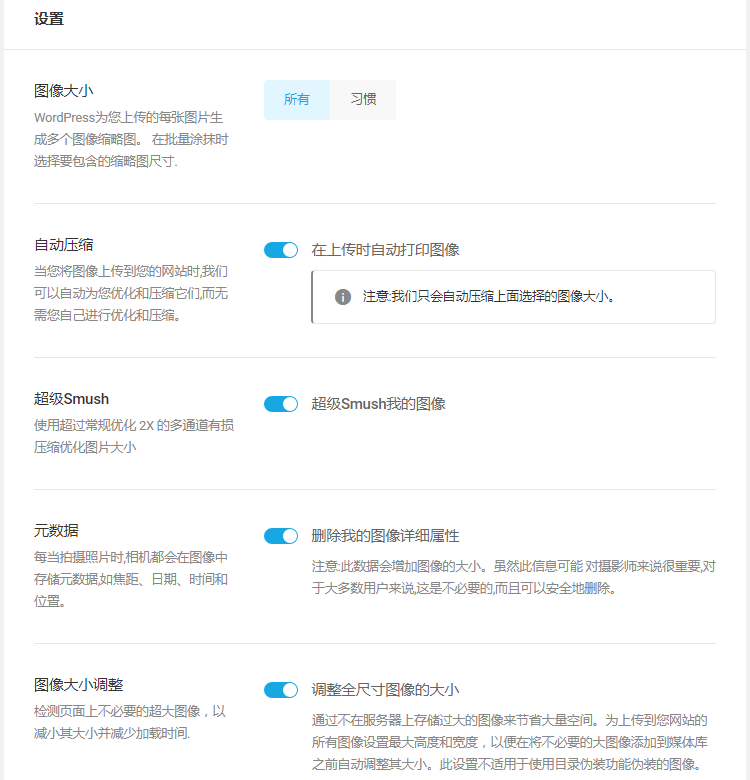
- Double the savings with Super-Smush
- Automatically optimize uploads
- Unlimited pictures per month
- Smush Pro Global CDN
- Compress large photos up to 32MB
- Perfect for automatic image resizing
- Lazy loading of offscreen images
- WebP Next Generation File Conversion
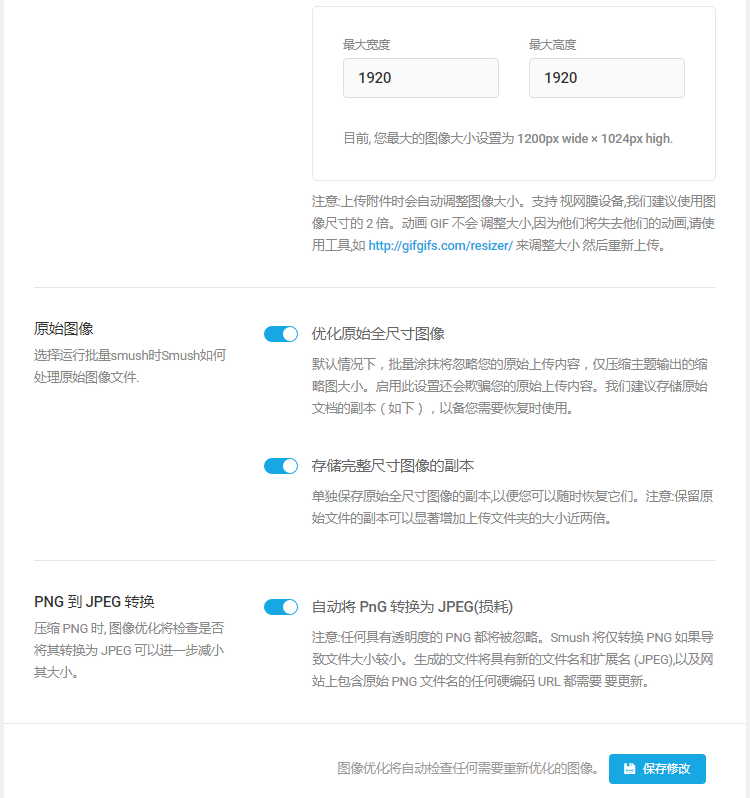
- PNG to Lossy JPEG Smart Conversion
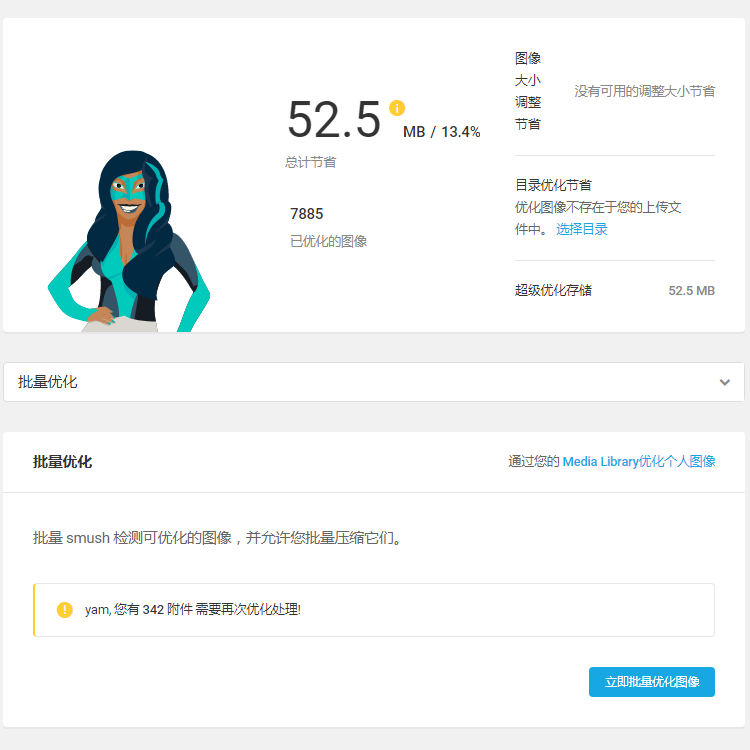
- One-click compression of existing images
- Perpetually retain the rights to each file
- Optimize images in any folder
- Smudge or save raw image files
- Multisite global and subsite settings
- Lossy compression with almost no quality loss
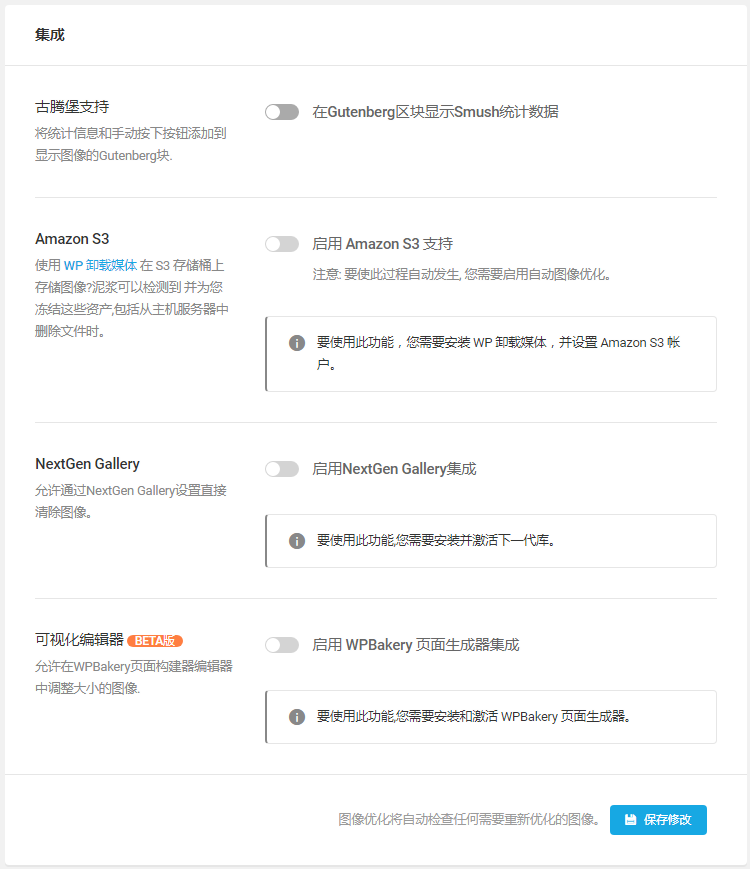
- Amazon S3 plugin integration
- Compatible with NextGEN Gallery
- Preserve EXIF data
- WP Retina 2x plugin support
- Envira Gallery Support
You must be logged in to post a review.
Theme/plugin installation method
Installation method one:
Directly upload the (theme/plug-in) zip package to the WordPress backend, install it and activate it.
[Theme installation method] Appearance-Theme-Add new theme-Upload theme zip package
[Plug-in installation method] Plug-in-Add new plug-in-Upload plug-in zip package
Installation method two:
FTP upload [theme] to the website root directory /wp-content/theme/ below
FTP upload [plug-in] to the website root directory /wp-content/plugins/ below
How to use Chinese documents
The default Chinese file is already included in the theme/plug-in file package. If there is an independent Chinese file, use the following method to upload it
FTP upload [theme Chinese file] to the root directory of the website under /wp-content/languages/themes
FTP upload [plug-in Chinese file] to the root directory of the website under /wp-content/languages/plugins



















Reviews
There are no reviews yet.