










Official Demo:Enter
Official price: $49/year,This site provides continuous new versions and Chinese updates
main feature
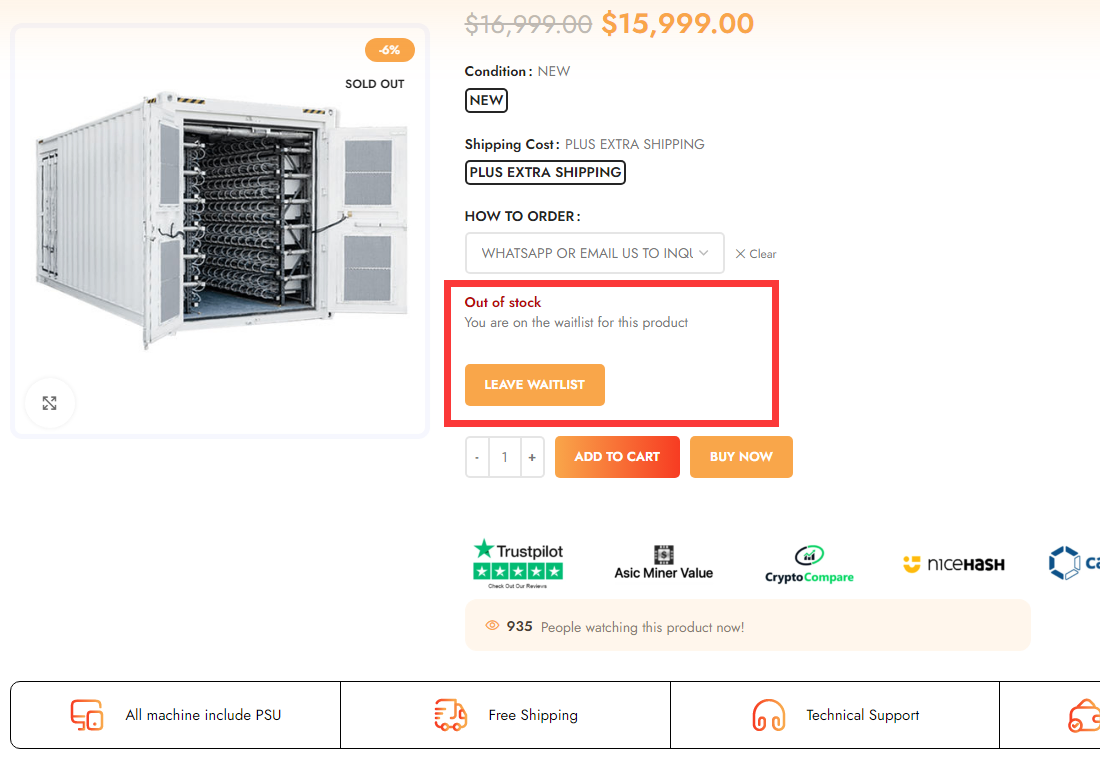
- Let customers be notified when items that are currently out of stock are back in stock
- Easily count "customer most wanted" products for priority replenishment
- Allow customers to easily view and edit their waiting list
- Manage and maintain records of users who have emailed inventory notifications
- Easily Manage Your Waitlist From Your WordPress Admin Dashboard
- Support shortcode, insert any page
- Plug and play functionality - just install, activate and go!
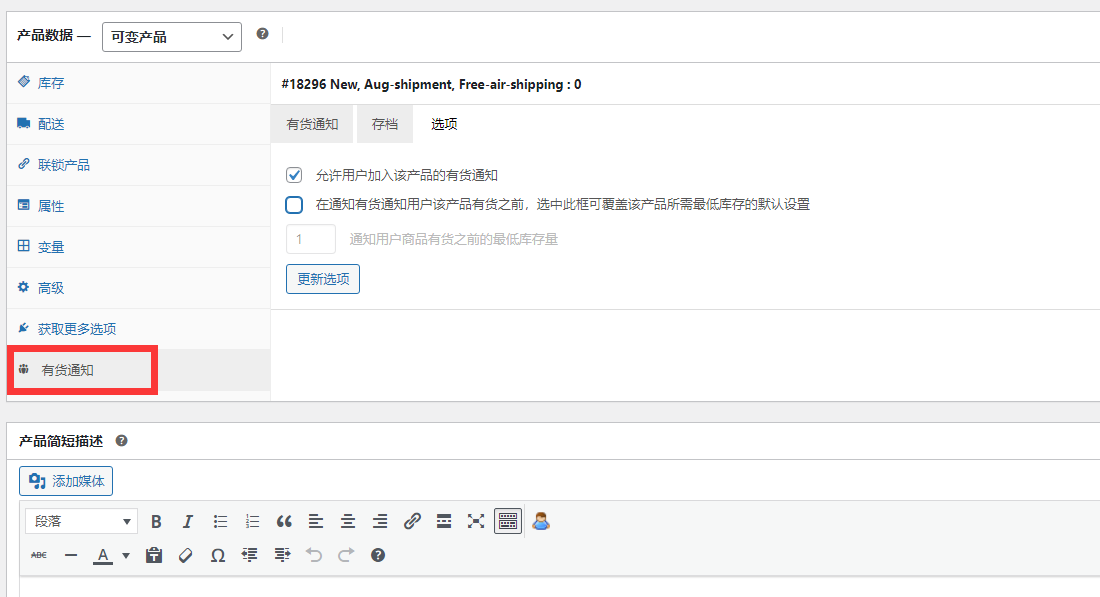
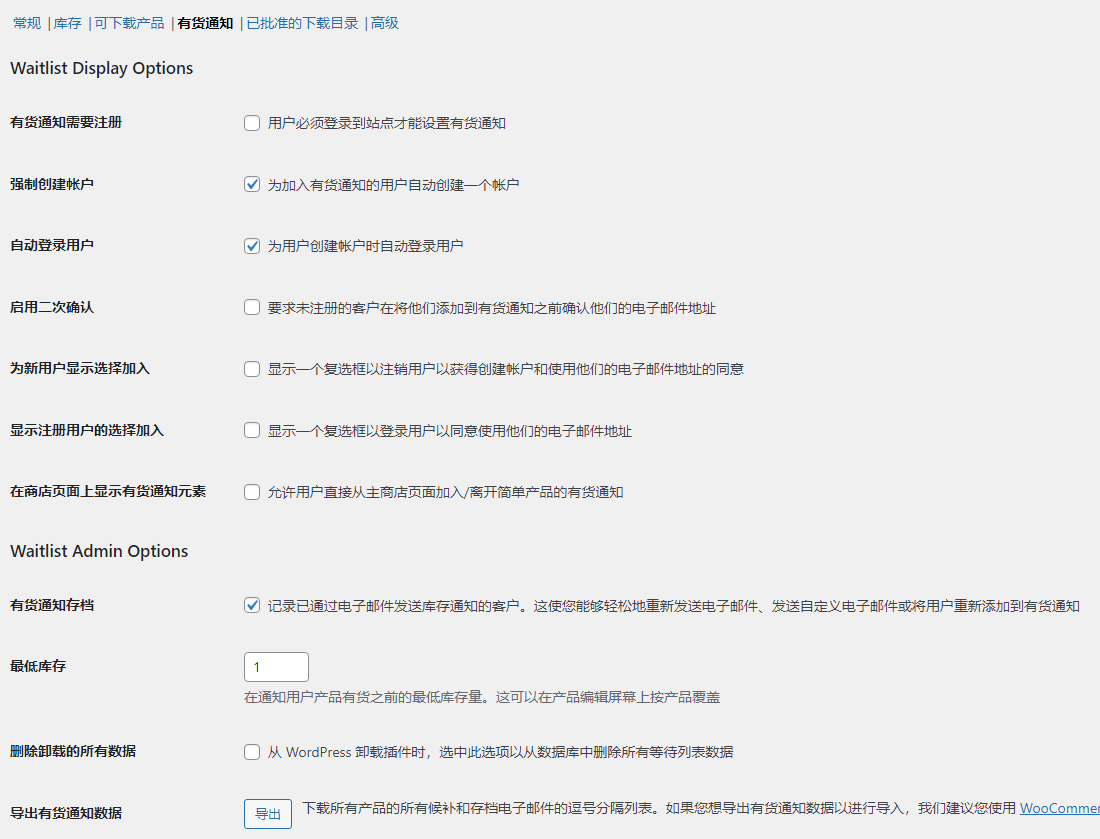
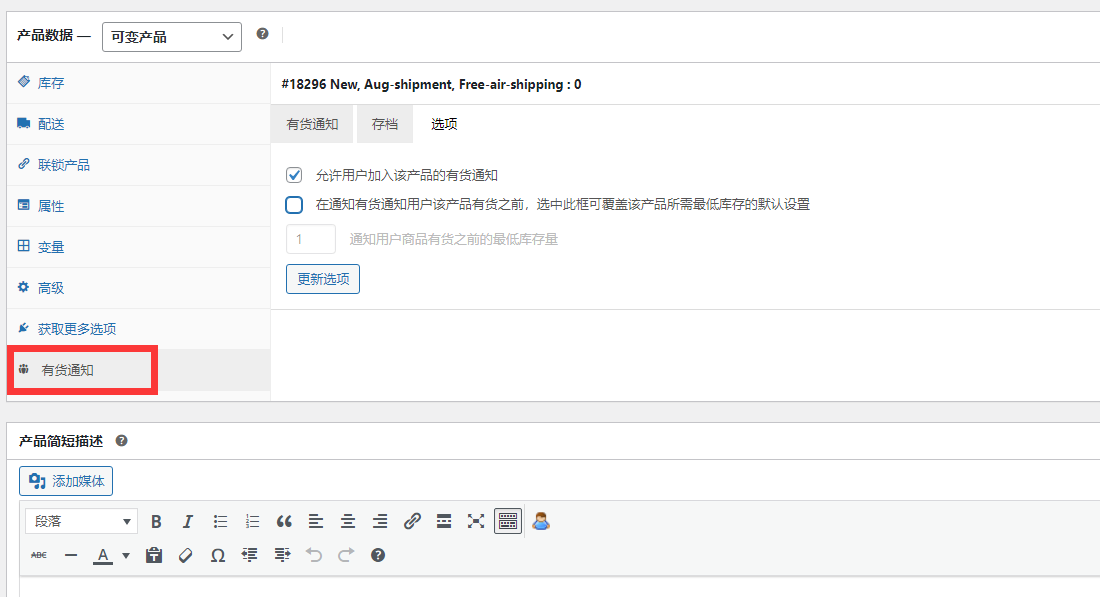
Background settings
How the WooCommerce Waitlist Plugin Works
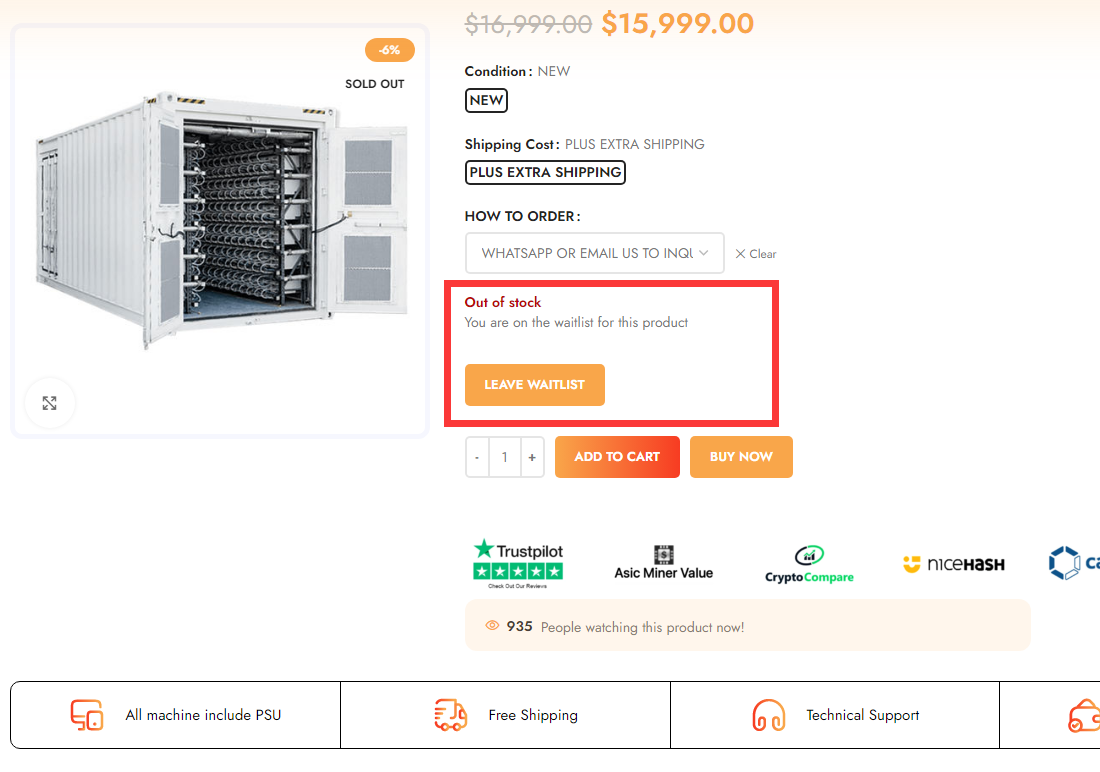
客户只需几秒钟即可通过 WooCommerce 商店产品列表上的按钮加入等候名单。
Once you update your inventory on the site, everyone on your list will automatically receive an email with a link to the product, making it even easier for them to purchase.
WooCommerce Waitlist fully supports child items for simple products, variable products and grouped products.

2 reviews for WooCommerce 有货通知
You must be logged in to post a review.
Theme/plugin installation method
Installation method one:
Directly upload the (theme/plug-in) zip package to the WordPress backend, install it and activate it.
[Theme installation method] Appearance-Theme-Add new theme-Upload theme zip package
[Plug-in installation method] Plug-in-Add new plug-in-Upload plug-in zip package
Installation method two:
FTP upload [theme] to the website root directory /wp-content/theme/ below
FTP upload [plug-in] to the website root directory /wp-content/plugins/ below
How to use Chinese documents
The default Chinese file is already included in the theme/plug-in file package. If there is an independent Chinese file, use the following method to upload it
FTP upload [theme Chinese file] to the root directory of the website under /wp-content/languages/themes
FTP upload [plug-in Chinese file] to the root directory of the website under /wp-content/languages/plugins


















La Yi Bao (verified owner) –
perfectly worked
greater than 23 (verified owner) –
Nice, simple, but powerful