








Official Demo:Enter
Official price: $159/year,This site provides continuous new version Chineseization updates
Plug-in function
- Set an optional date/time when the product will be available
- Automatically charge orders when products are in stock
- Change the release date of a pre-order product
- Send an email to all customers who pre-ordered a product
- If the product is no longer available, please cancel your reservation
- Filter your reservations with custom "Reservation" order status
- Suitable for simple and variable products
- Option to charge a pre-order fee
- Customize the “Add to Cart/Place Order” button for bookings
Effect preview
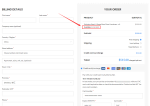
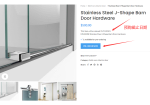
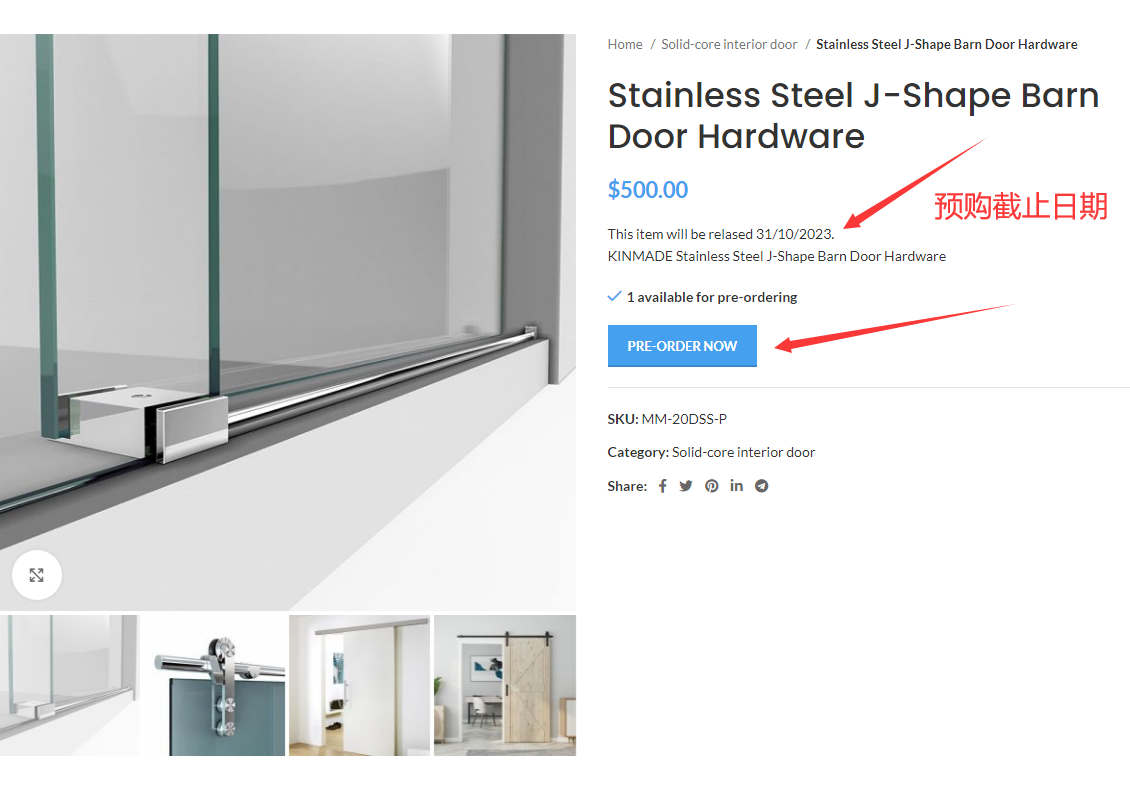
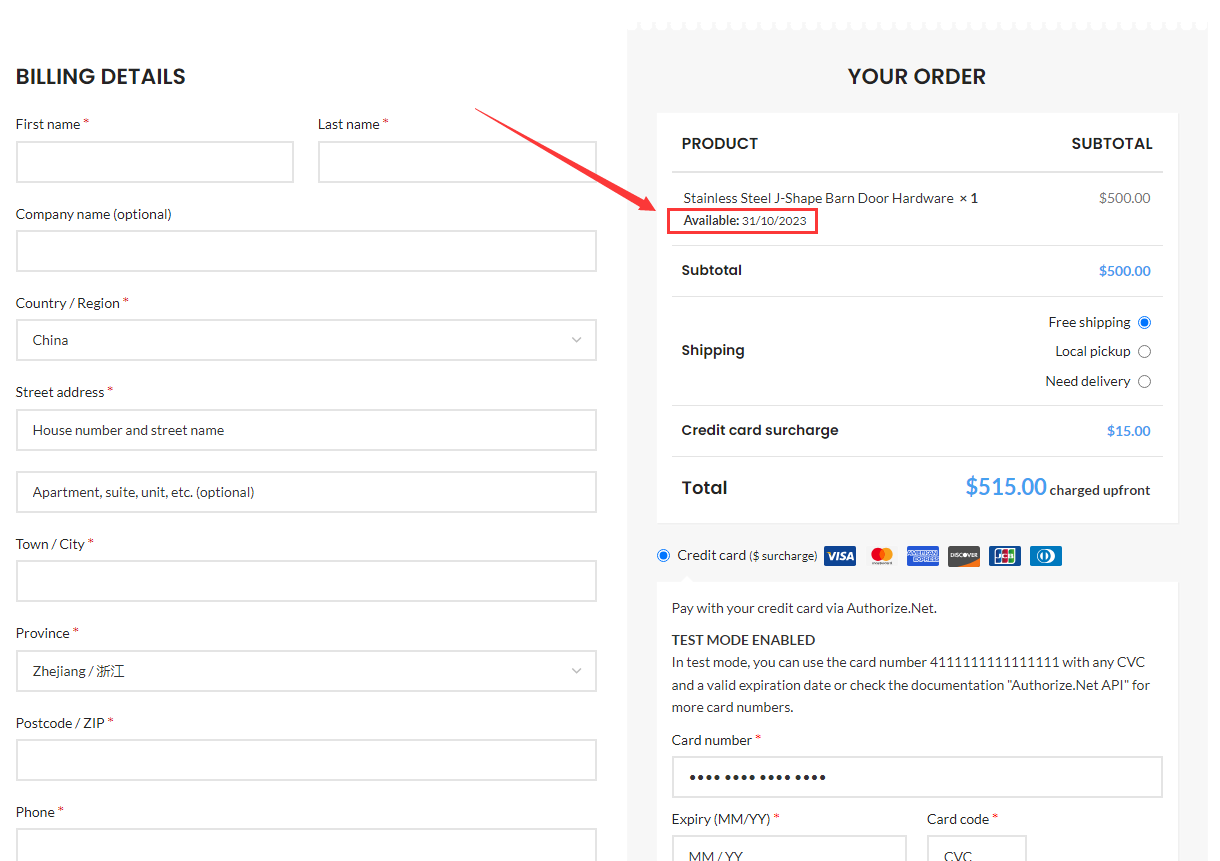
The launch date can be customized to display, during which pre-sales are available.
Background settings
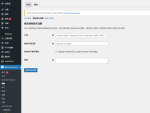
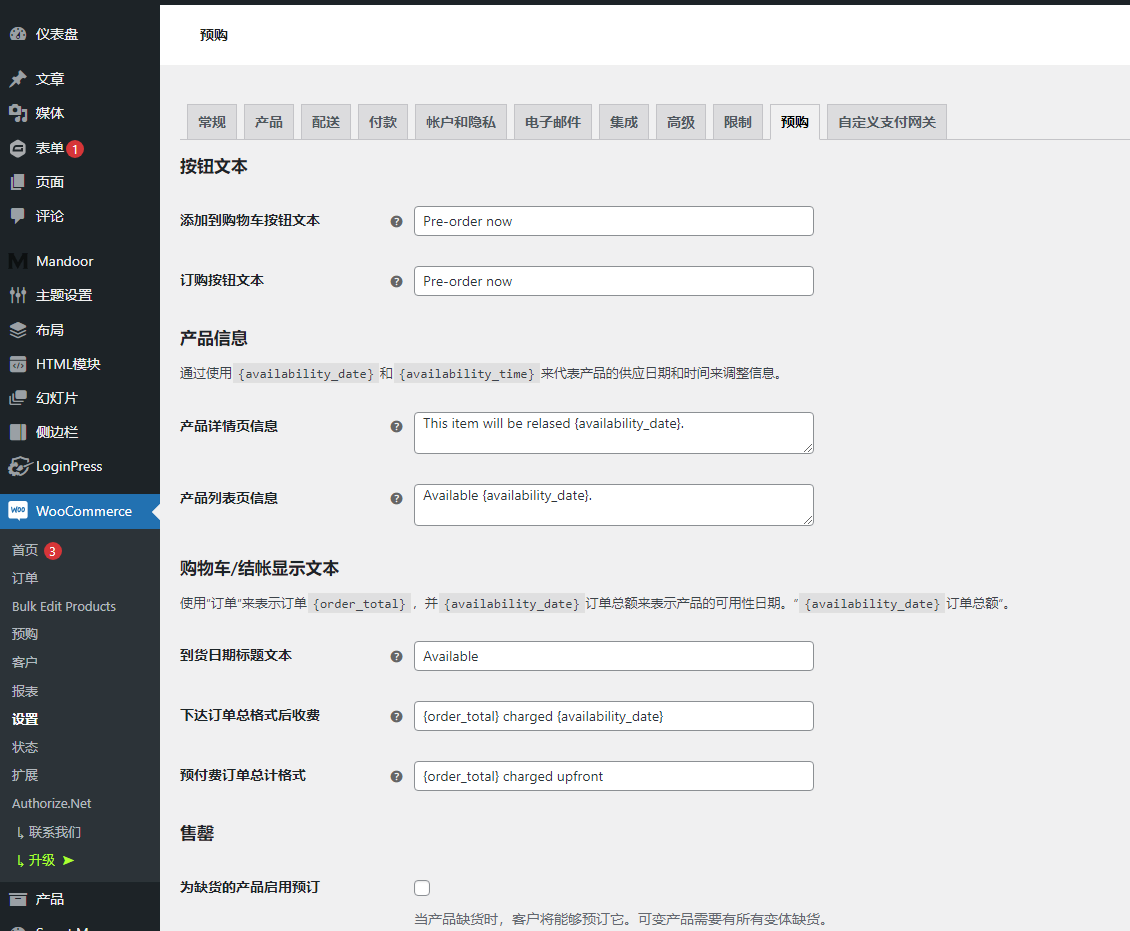
Go to the backend, WooCommerce > Settings > Pre-orders, and set the displayed text.
- Add to cart button text– This controls the “Add to Cart” button text on individual product pages for pre-order enabled products.
- For example "Book Now" instead of "Add to Cart"
- Order button text– This button controls the Place Order button text at checkout when the order contains a pre-order.
- For example, book now rather than "place an order"
- Product details page– Add optional messaging to single product pages below price.
{availability_date}Use and to announce when bookings are available{availability_time}. Limited HTML is allowed. Leave blank to disable. - Store list page Add an optional message for each pre-order enabled product on the store loop page above the "Add to Cart" button.
{availability_date}Use and to announce when bookings are available{availability_time}. Limited HTML is allowed. Leave blank to disable. - Delivery date title text– This controls the title of the Delivery Date section on the shopping cart/checkout page, “Thank you”, view order, order email template and order details form. Leave blank to suppress availability dates from being displayed in the cart.
- Charge order total format when publishing– This option controls the order total format when the shopping cart contains pre-orders that are charged at launch.
{availability_date}Use this to indicate when customers will be charged for pre-orders by using and{order_total}. - Prepaid Release Order Total Format– This option controls the order total format when the shopping cart contains prepaid orders.
{availability_date}Use this guide on how to charge customers for pre-orders by using{order_total}. - Disable automatic pre-order processing– Use this option when you are on a staging/testing site and don’t want any pre-orders to be processed automatically.
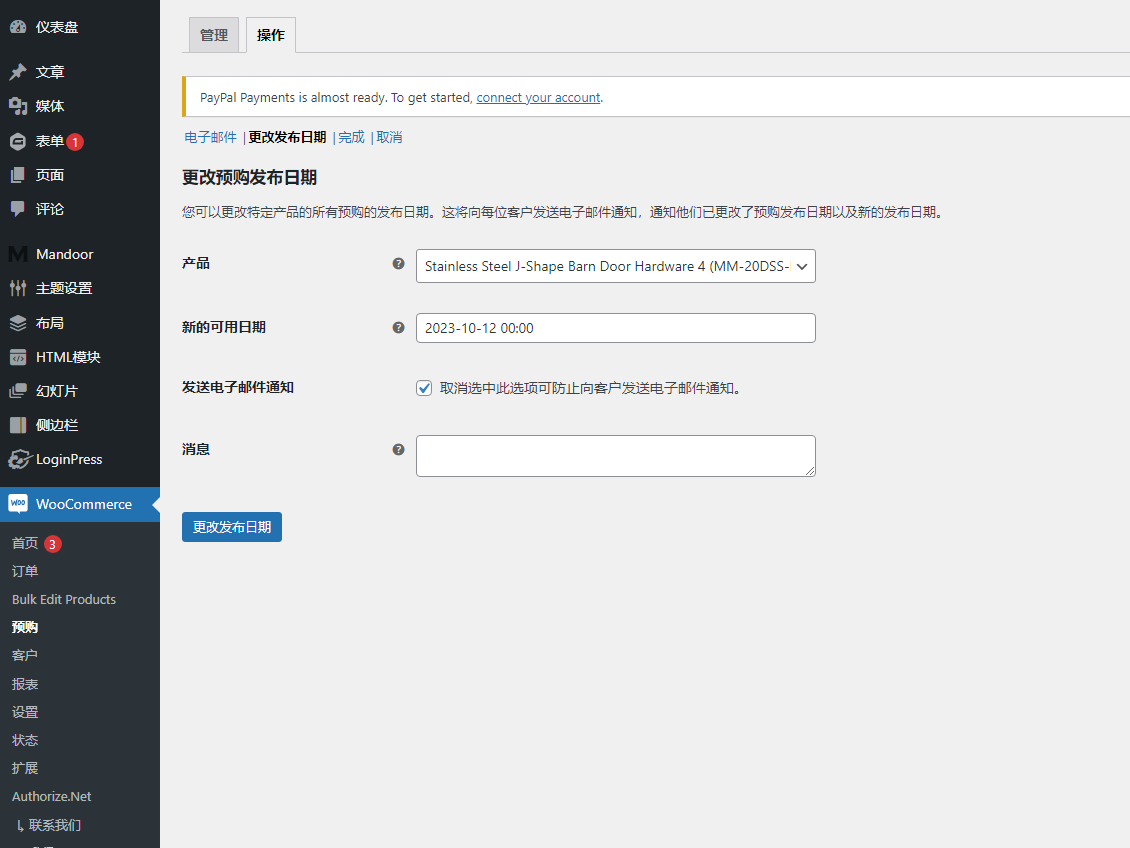
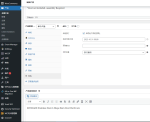
Product Settings, go to Pre-Order tab, enable pre-order, set time.

- Enable pre-order– This makes relevant products available for pre-order
- Delivery date/time– Set an optional availability date/time to indicate that the pre-order product is “available” as a regular product(Valid only for future dates/times). If set, this available date and time will be displayed in multiple places on the frontend, and once that date/time is reached, the product will no longer be a "pre-order" product and behave like a normal product.
- Pre-order fee– This allows you to charge an optional pre-order fee on top of the regular product price in the currency you set for your store.
- When to charge– This determines when the pre-ordered product is charged. Options include:
- after release– Pre-order products that are charged “post-launch” will not be charged until they are available for purchase (i.e., they are no longer a pre-order product). This can happen when an optional availability date/time is met, or when the store administrator completes the reservation manually. Supported gateways will automatically charge the booking customer's saved credit card, and any gateway can be supported via a "Pay Now" email sent to the booking customer to collect payment.
- Prepayment- "Prepaid" pre-order products are charged the same as regular products at checkout.
Product inventory settings
Product inventory is enabled/disabled and managed like any normal product. This allows you to set up your inventory, mark it as "out of stock" and manage your inventory for pre-ordered products as usual. If inventory management is enabled, product inventory will be reduced with each reservation, meaning you can easily and effectively limit the inventory of items available for reservation. If an item is out of stock and backorders are not allowed, users will see a "No longer available for pre-order" message.
3 reviews for 产品预售/预购
You must be logged in to post a review.
Theme/plugin installation method
Installation method one:
Directly upload the (theme/plug-in) zip package to the WordPress backend, install it and activate it.
[Theme installation method] Appearance-Theme-Add new theme-Upload theme zip package
[Plug-in installation method] Plug-in-Add new plug-in-Upload plug-in zip package
Installation method two:
FTP upload [theme] to the website root directory /wp-content/theme/ below
FTP upload [plug-in] to the website root directory /wp-content/plugins/ below
How to use Chinese documents
The default Chinese file is already included in the theme/plug-in file package. If there is an independent Chinese file, use the following method to upload it
FTP upload [theme Chinese file] to the root directory of the website under /wp-content/languages/themes
FTP upload [plug-in Chinese file] to the root directory of the website under /wp-content/languages/plugins














Duobao 56 (verified owner) –
Wow, this plugin is perfectly Chineseized
zhe (verified owner) –
Great to find a perfect pre-sale plugin
Ks (verified owner) –
Plug-in works normally