









Official Demo:Enter
Official price: $79,This site provides continuous new versions and Chinese updates
Features:
- Overview Dashboard Widget
- Comprehensive custom date range reporting
- The Cart Details view displays cart products, when they were last updated, and more.
- Reach out to customers when they log in but have abandoned their cart.
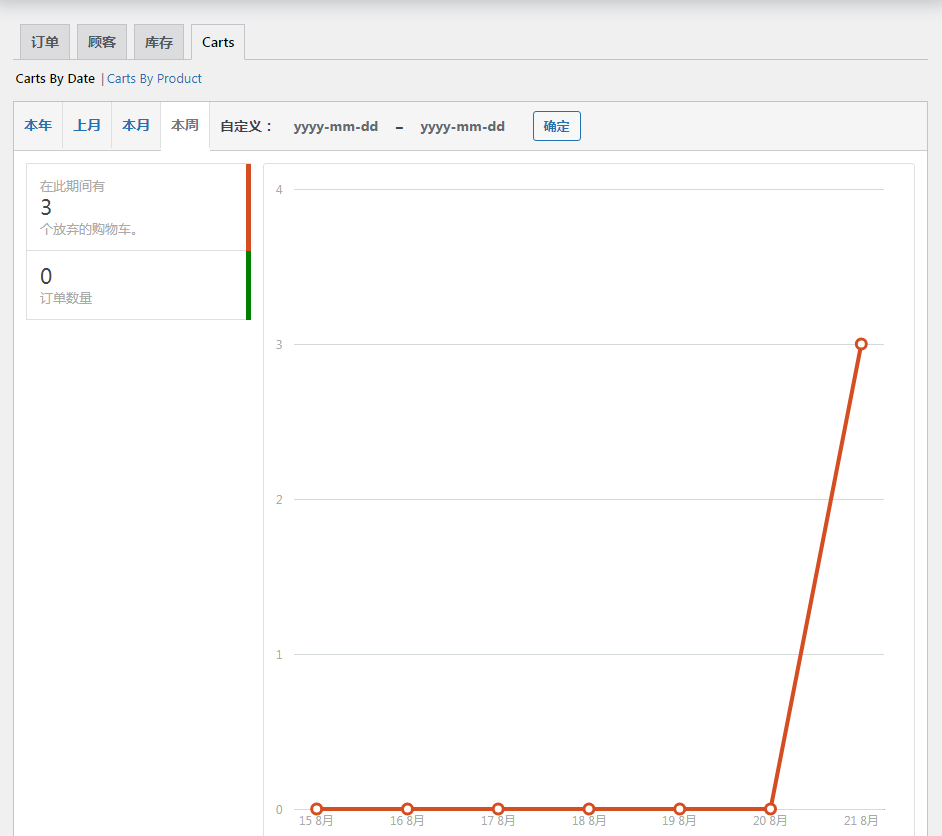
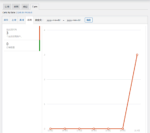
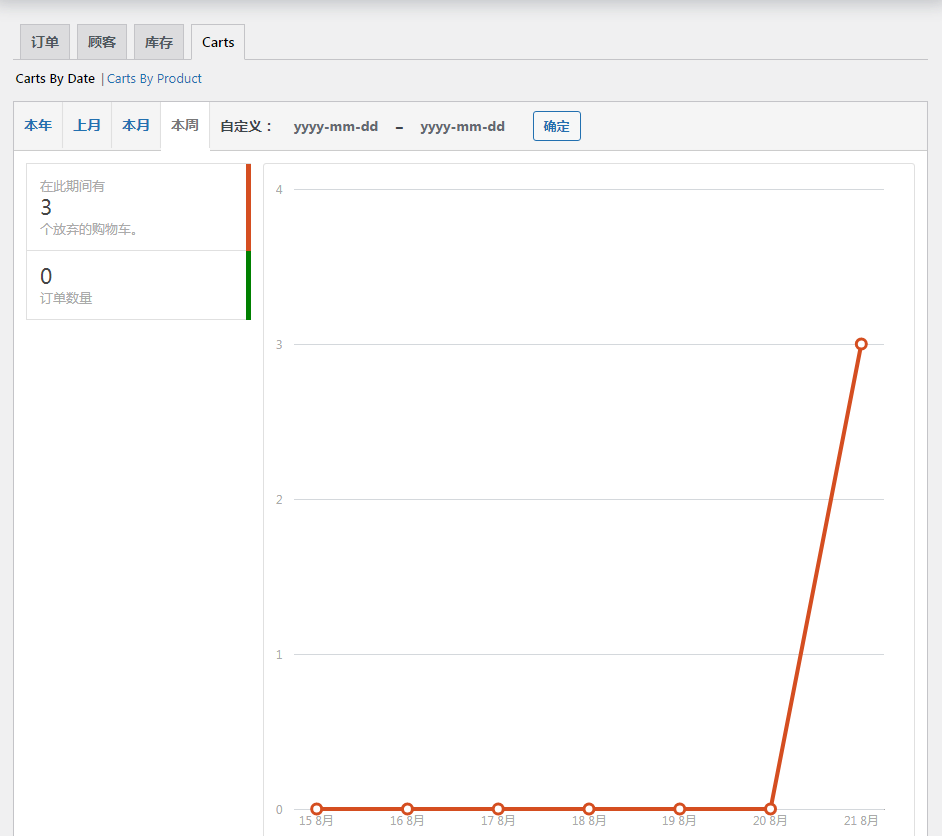
Comprehensive reporting functionality is available in the Carts tab in WooCommerce -> Reports. From the "Shopping Cart" tab, you can view the carts converted/opened/abandoned, the most abandoned products, and the products abandoned by month for a custom date range, as shown below
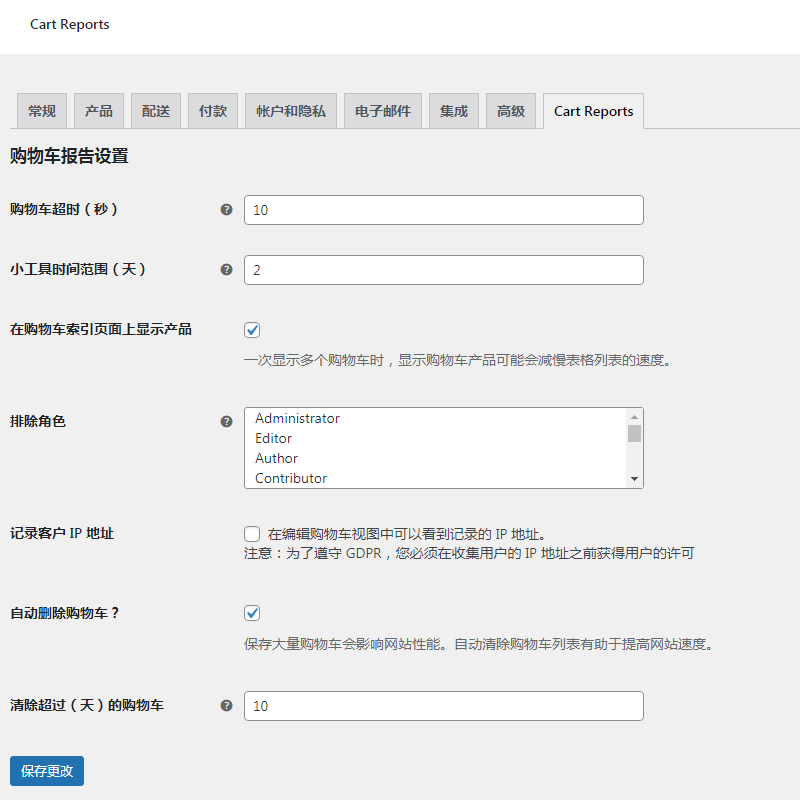
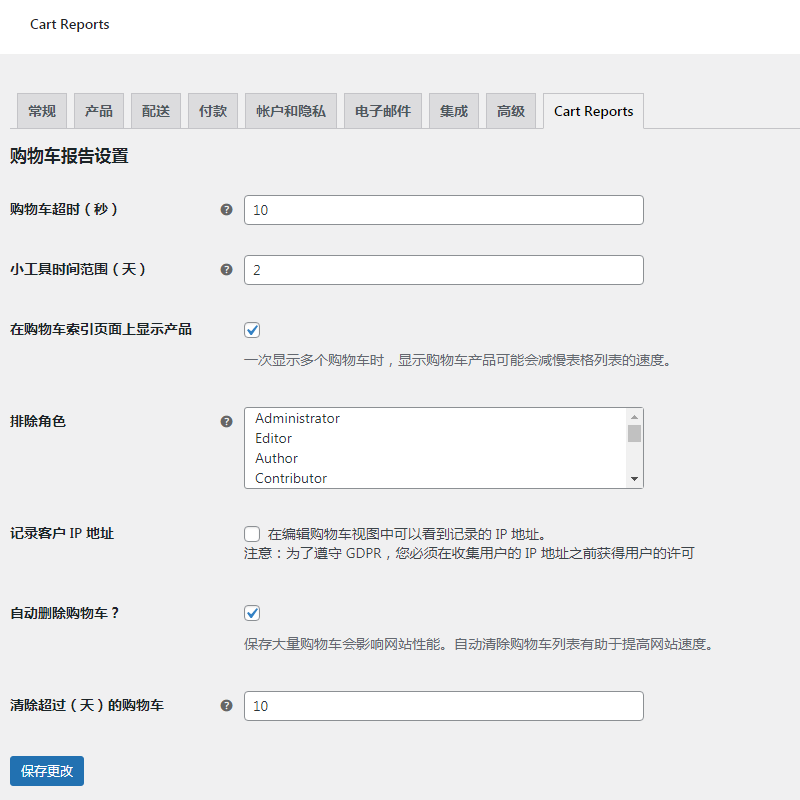
General settings, in woocommerce settings, in Cart Reports tab
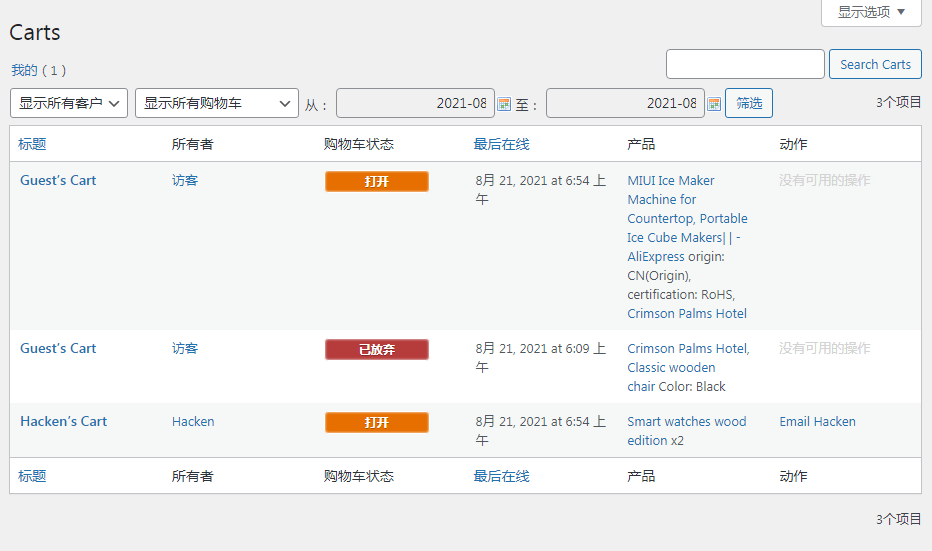
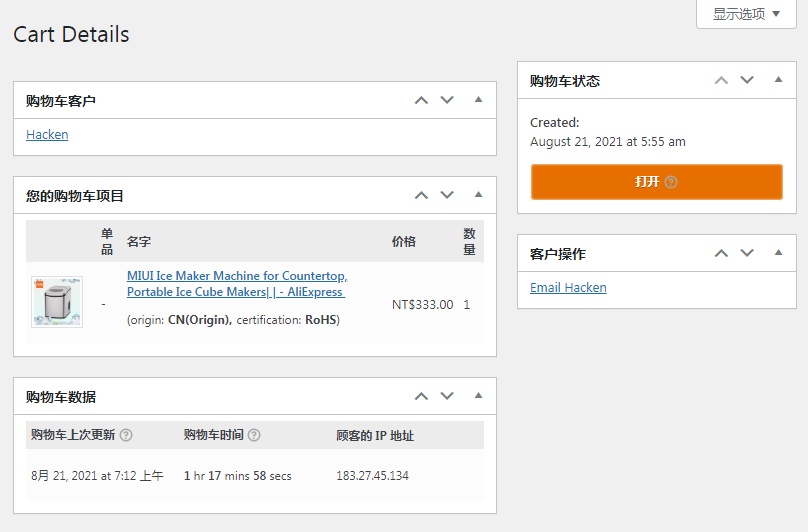
See everyone's real-time cart status
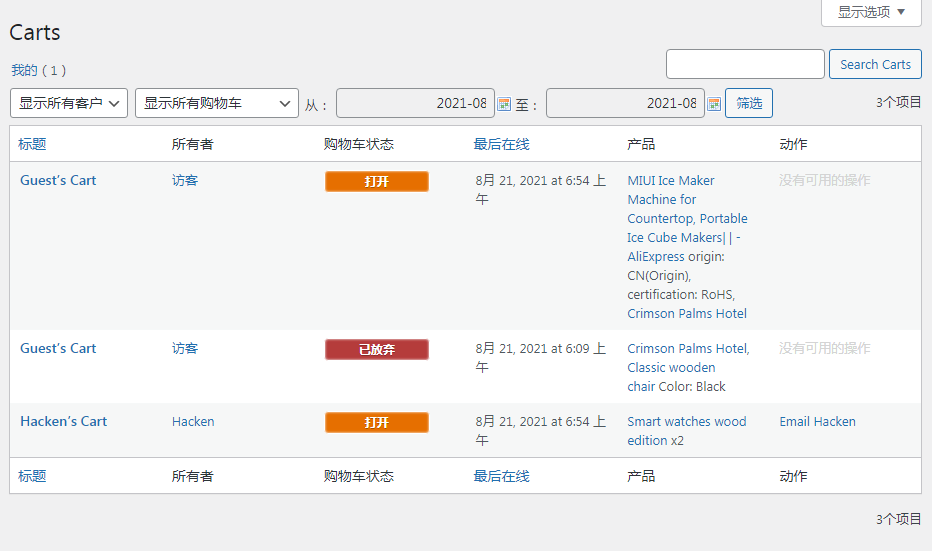
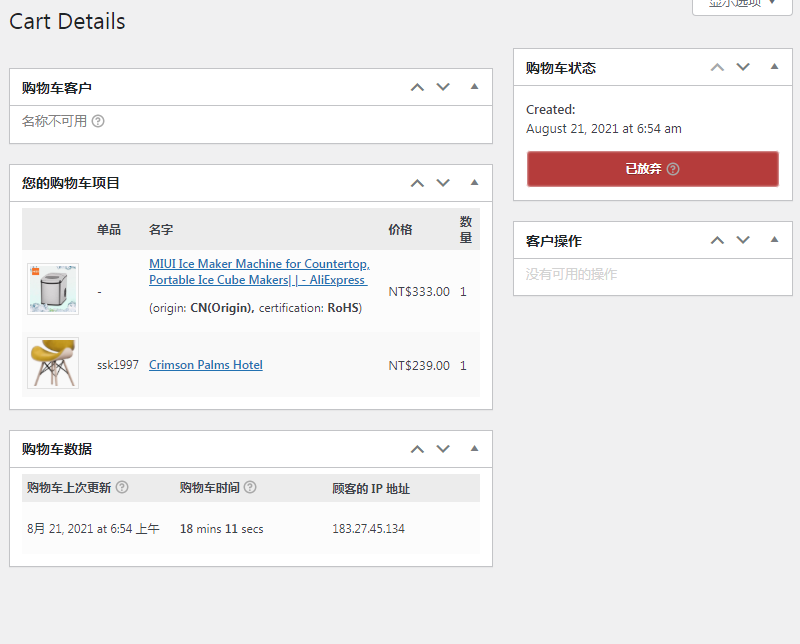
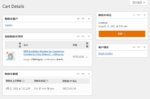
Visitor's real-time shopping cart details
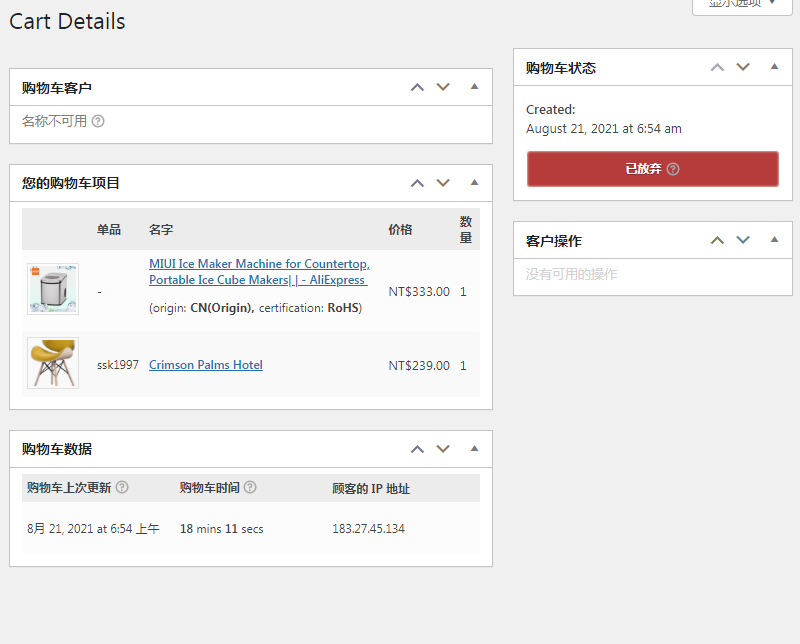
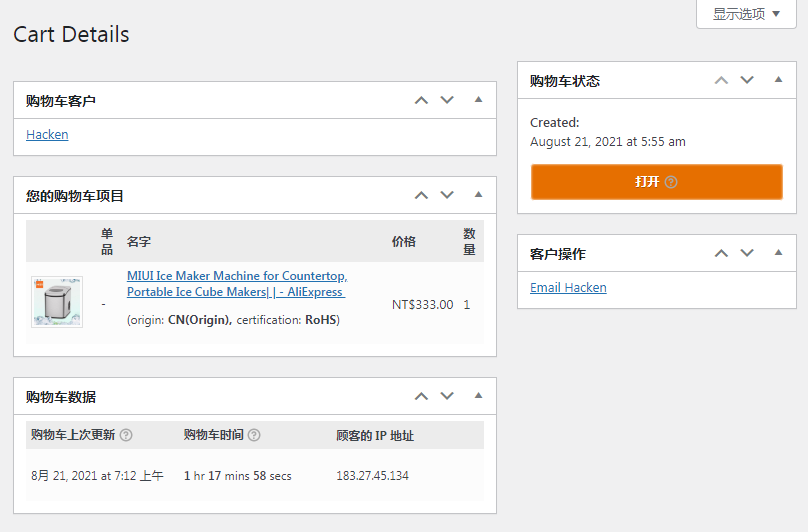
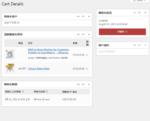
Real-time shopping cart details of logged in users
2 reviews for 购物车动态跟踪/报表
You must be logged in to post a review.
Theme/plugin installation method
Installation method one:
Directly upload the (theme/plug-in) zip package to the WordPress backend, install it and activate it.
[Theme installation method] Appearance-Theme-Add new theme-Upload theme zip package
[Plug-in installation method] Plug-in-Add new plug-in-Upload plug-in zip package
Installation method two:
FTP upload [theme] to the website root directory /wp-content/theme/ below
FTP upload [plug-in] to the website root directory /wp-content/plugins/ below
How to use Chinese documents
The default Chinese file is already included in the theme/plug-in file package. If there is an independent Chinese file, use the following method to upload it
FTP upload [theme Chinese file] to the root directory of the website under /wp-content/languages/themes
FTP upload [plug-in Chinese file] to the root directory of the website under /wp-content/languages/plugins



















James (verified owner) –
The function is simple and easy to use.
Robert hero (verified owner) –
It works fine, it's just too simple.