







Official Demo:Enter
Official price: $30,This site provides continuous new versions and Chinese updates
Features
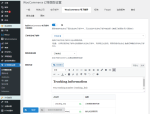
Manage tracking for orders, order items, or both, and add tracking on the order list page.
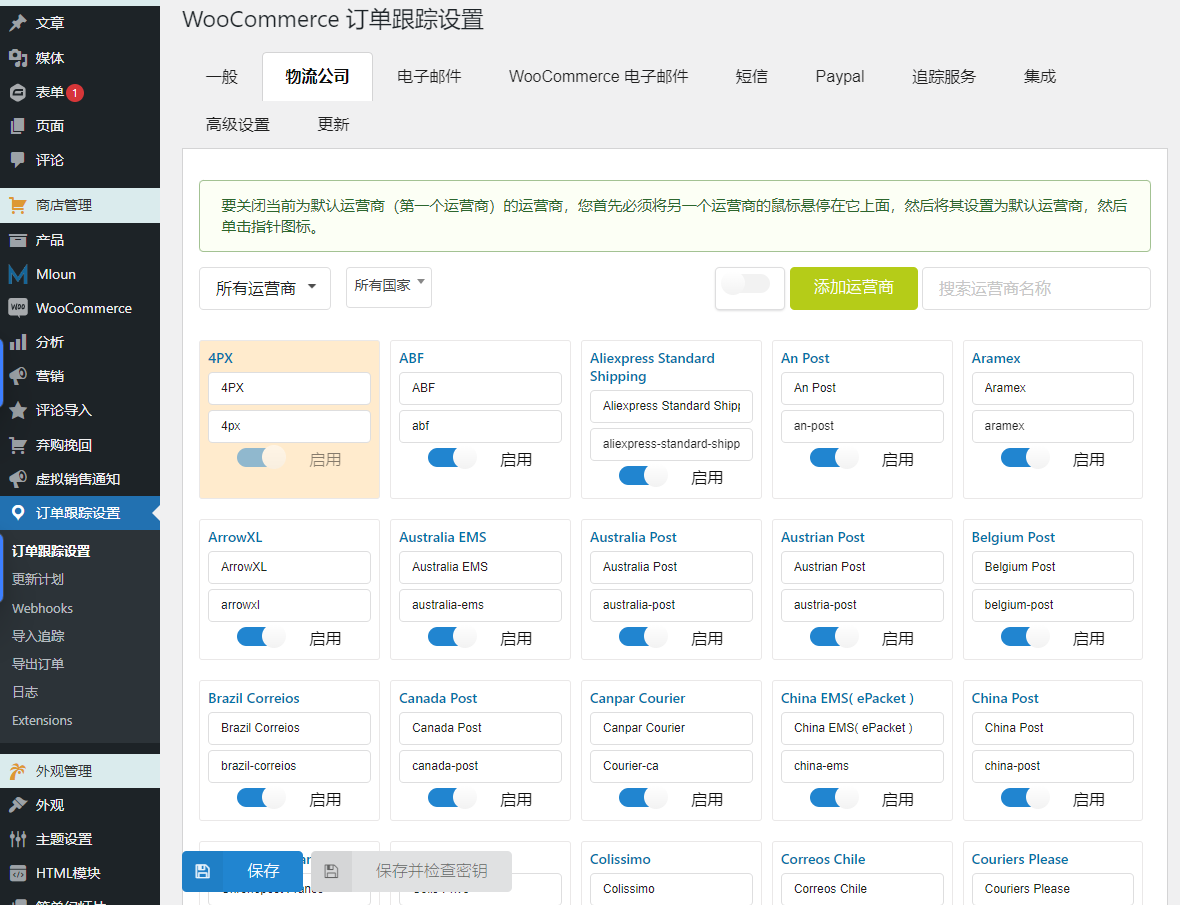
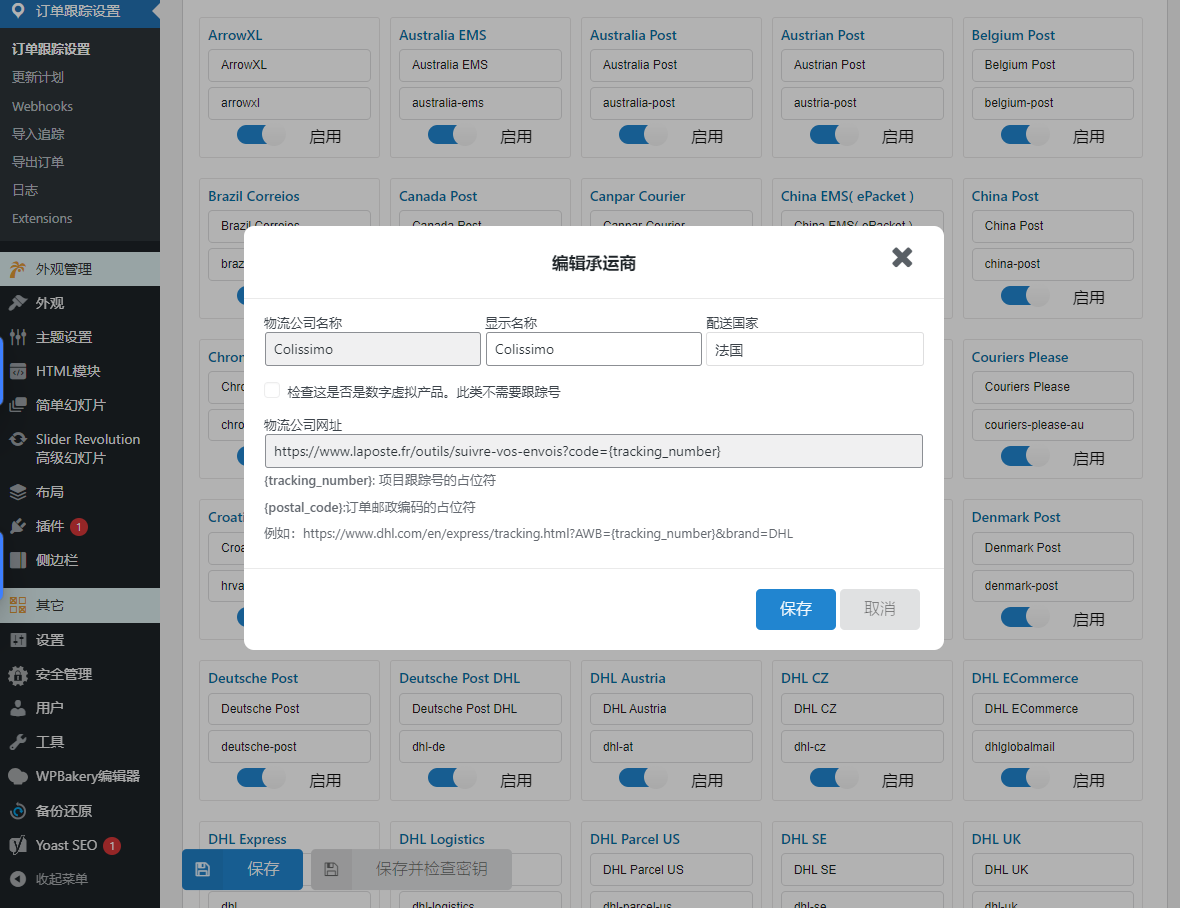
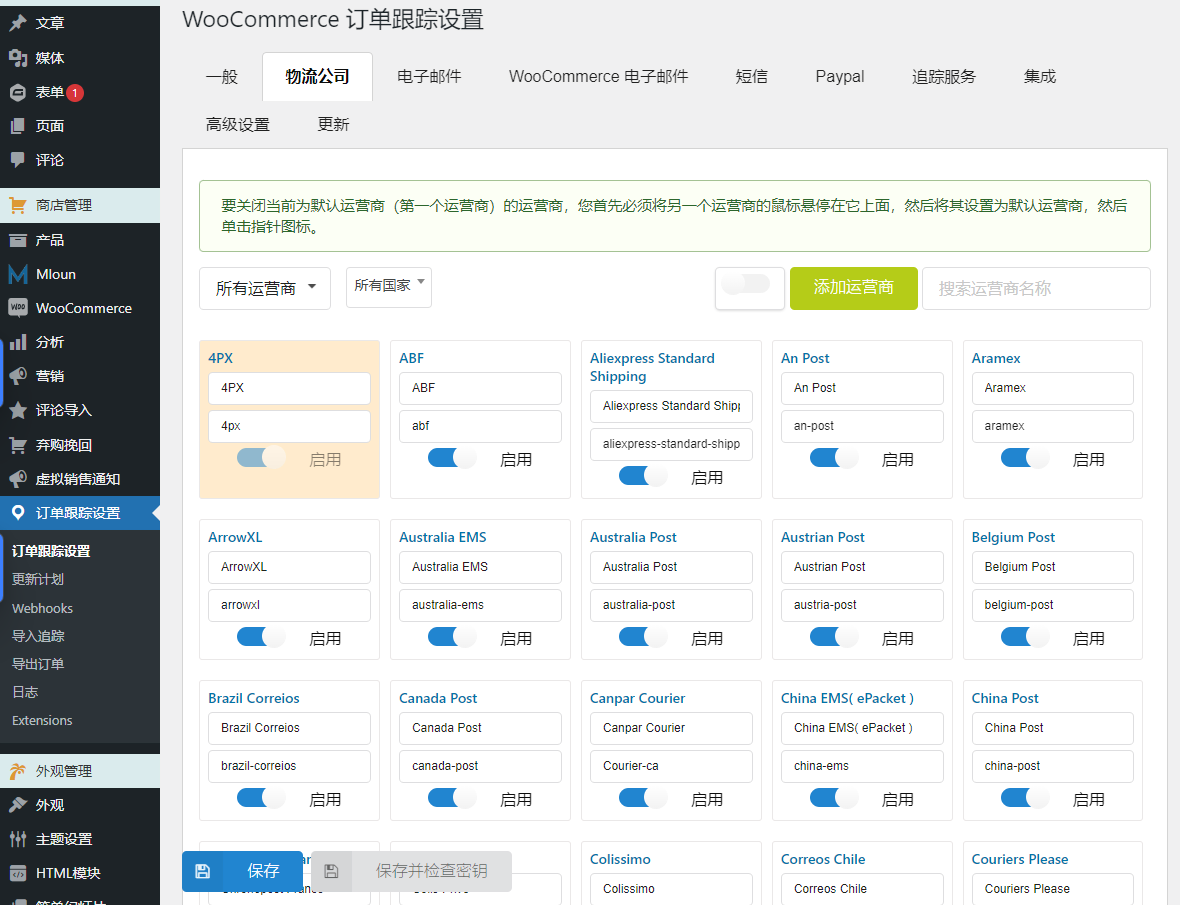
Choose from 92 comprehensive shipping companies and create a custom shipping carrier.
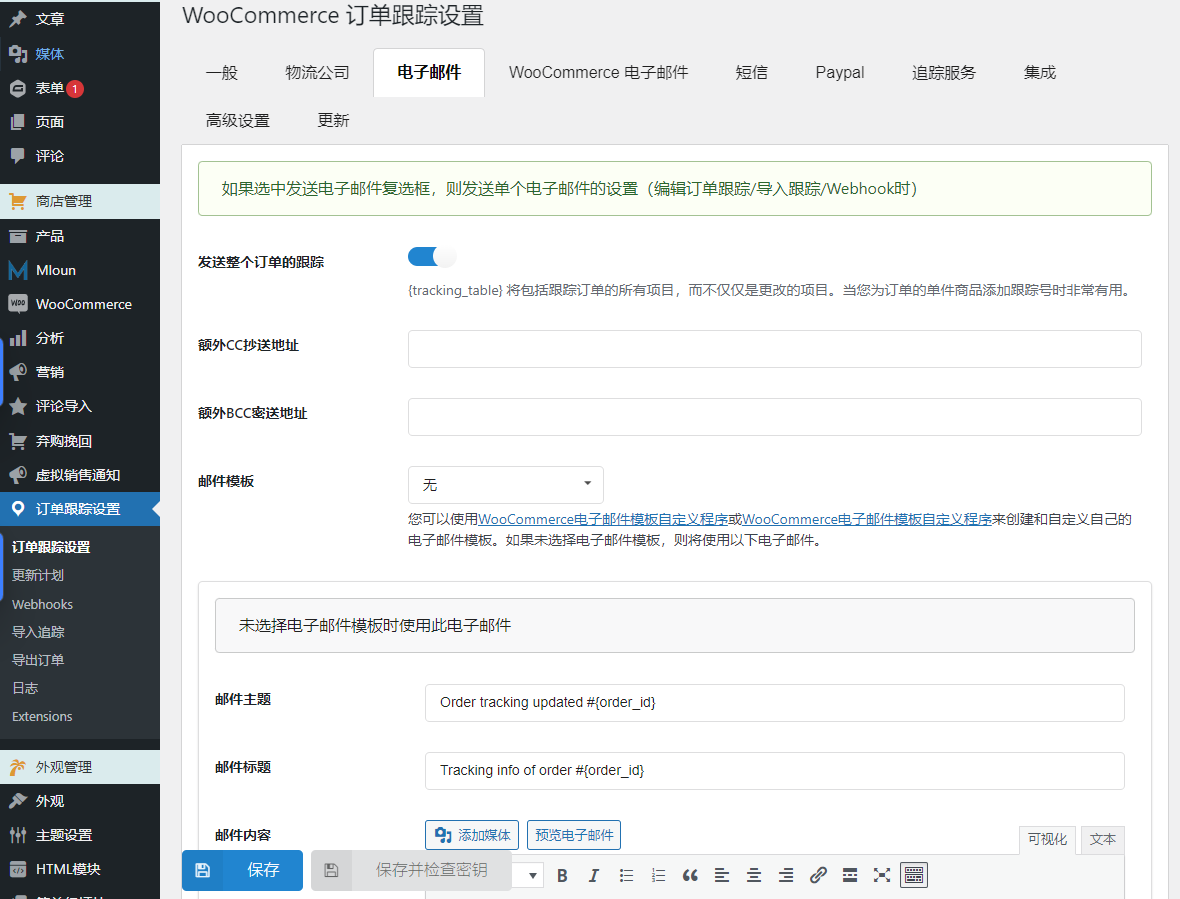
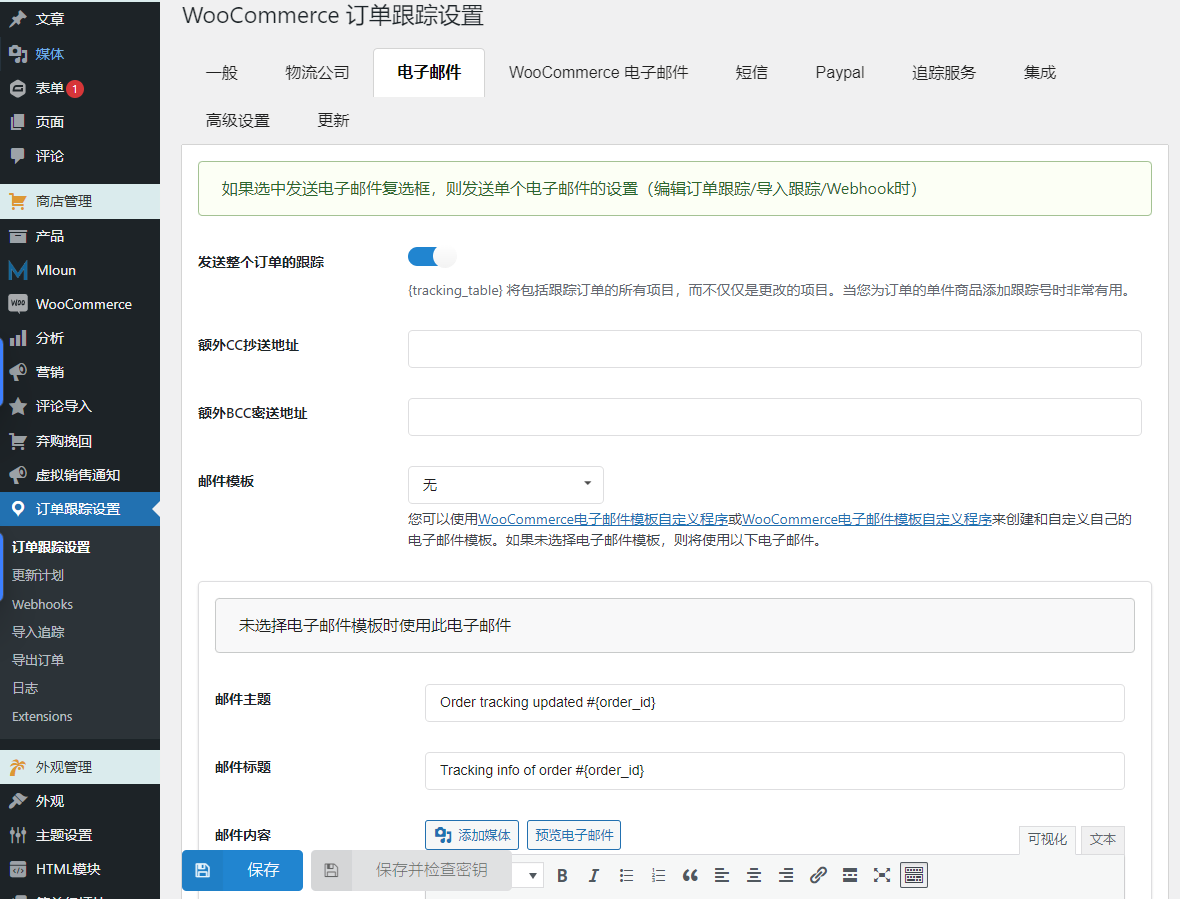
Send tracking emails to customers, customized using the WooCommerce email template customizer.
Include tracking information in customer's PayPal account and notify via text message.
Utilize webhooks for instant tracking updates.
Schedule updates for tracking numbers.
Manually add tracking numbers to orders and send notifications.
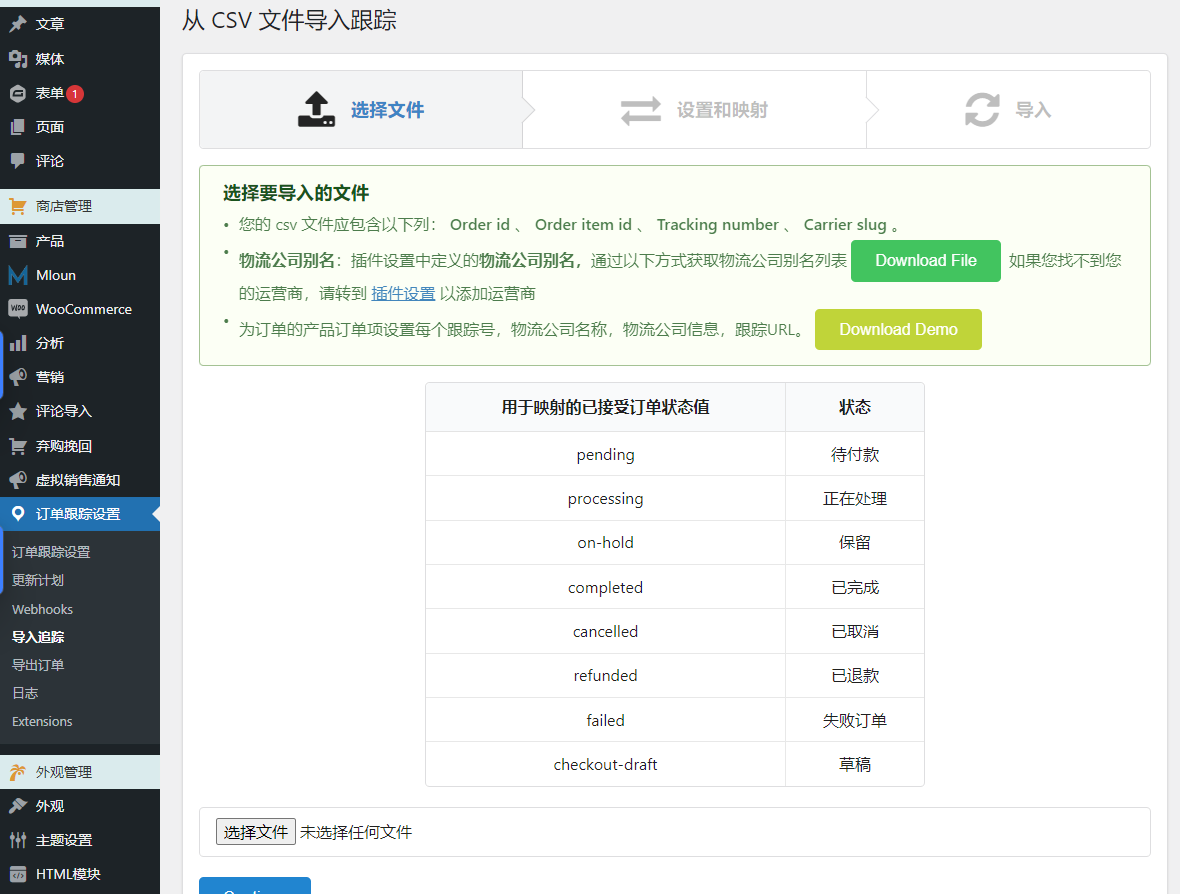
Import/export order and tracking information using CSV files.
Create and customize order tracking pages.
Translation tracking page timeline.
Enhance tracking security with Google reCAPTCHA.
Display tracking form using shortcode.
Works seamlessly with WPML and Polylang to provide multi-language support.
Control access to plugin settings for administrators or store managers.
Get developer support.
1. Shipping Carriers in WooCommerce Order Tracking
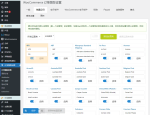
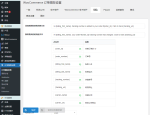
Integrated with over 90 shipping carriers worldwide, WooCommerce order tracking provides a wide range of carrier options. You can also add custom carriers if needed.
Comprehensive carrier selection: Choose the carrier that suits your needs from a list of over 90 carriers.
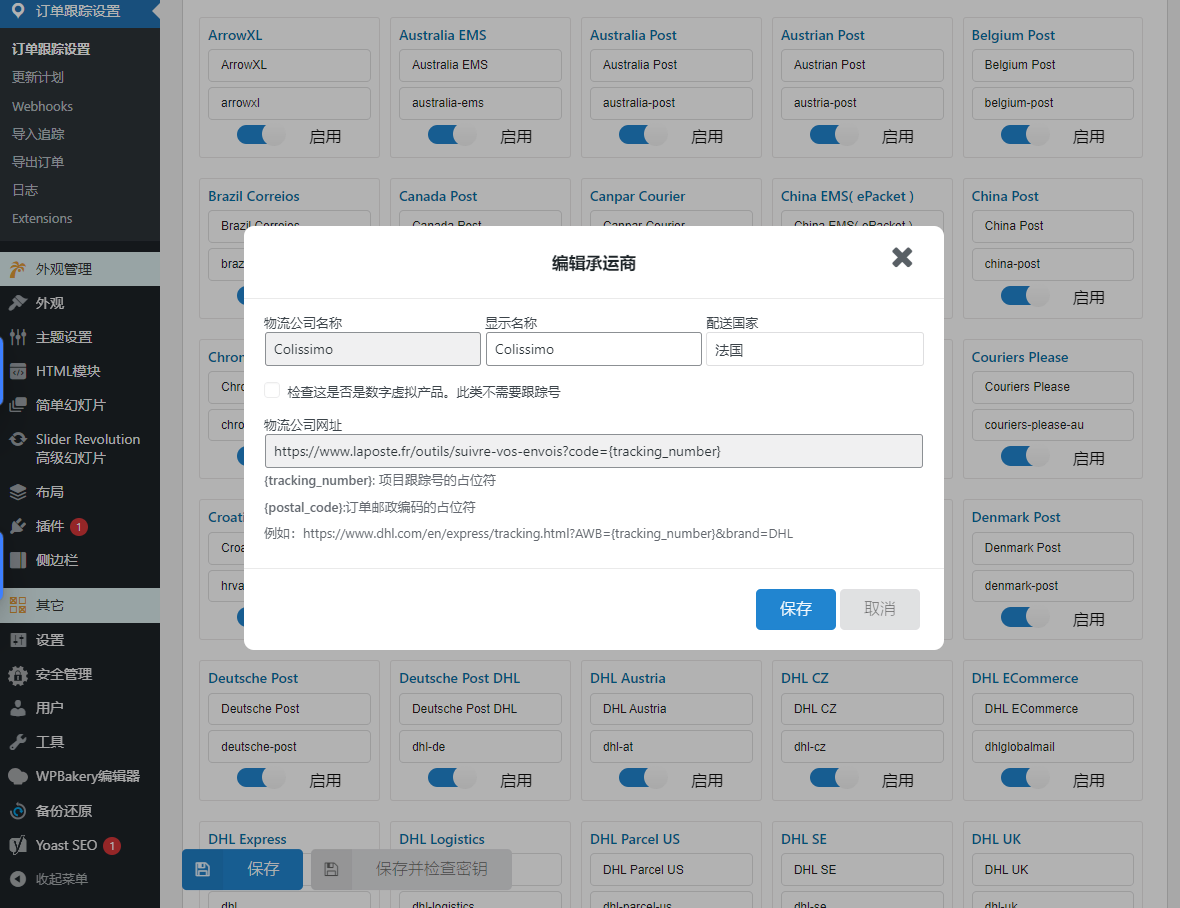
Automatic Tracking URL: When entering your tracking number, simply select your carrier and fill in the number. The plugin automatically generates tracking URLs.
Switch active carriers: Easily show or hide specific carriers based on your preference.
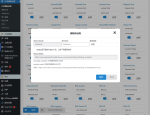
Add a custom operator: You can add a custom operator by specifying the operator name, slug, and tracking URL.
2. Send an email with order tracking information.
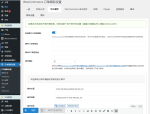
Send tracking email: Choose to send a tracking email to your customer when you add a tracking number to their order.
Edit tracking emails: Tracking emails can be customized with email subjects, titles, and content. The plugin provides shortcodes that display customer names, order IDs, shipping information, and more in emails.
and WooCommerce 电子邮件模板定制器插件结合使用,创建订单跟踪电子邮件模板。
3. WooCommerce Email in WooCommerce Order Tracking
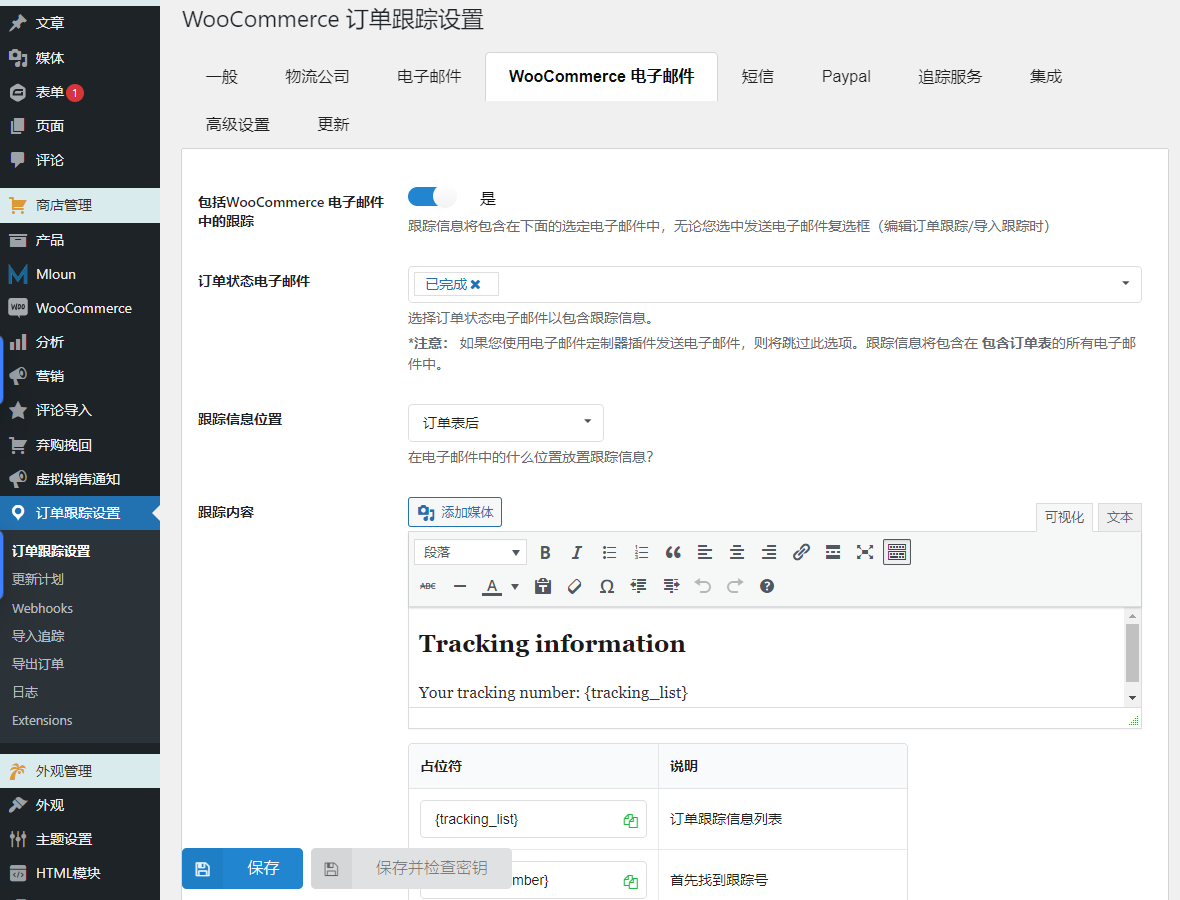
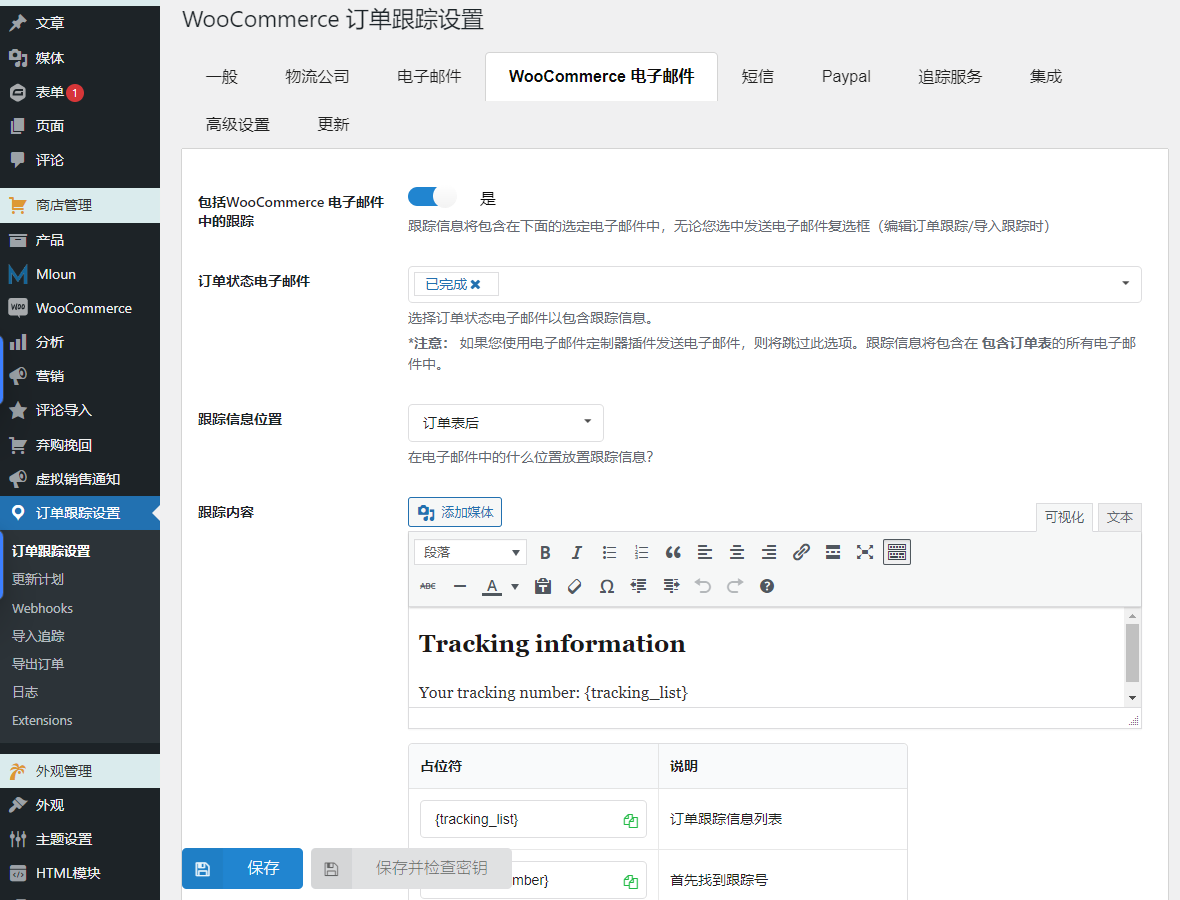
Include tracking information in WooCommerce emails when order status changes.
Choose a location in your WooCommerce emails to place tracking information.
4. SMS functionality in WooCommerce order tracking
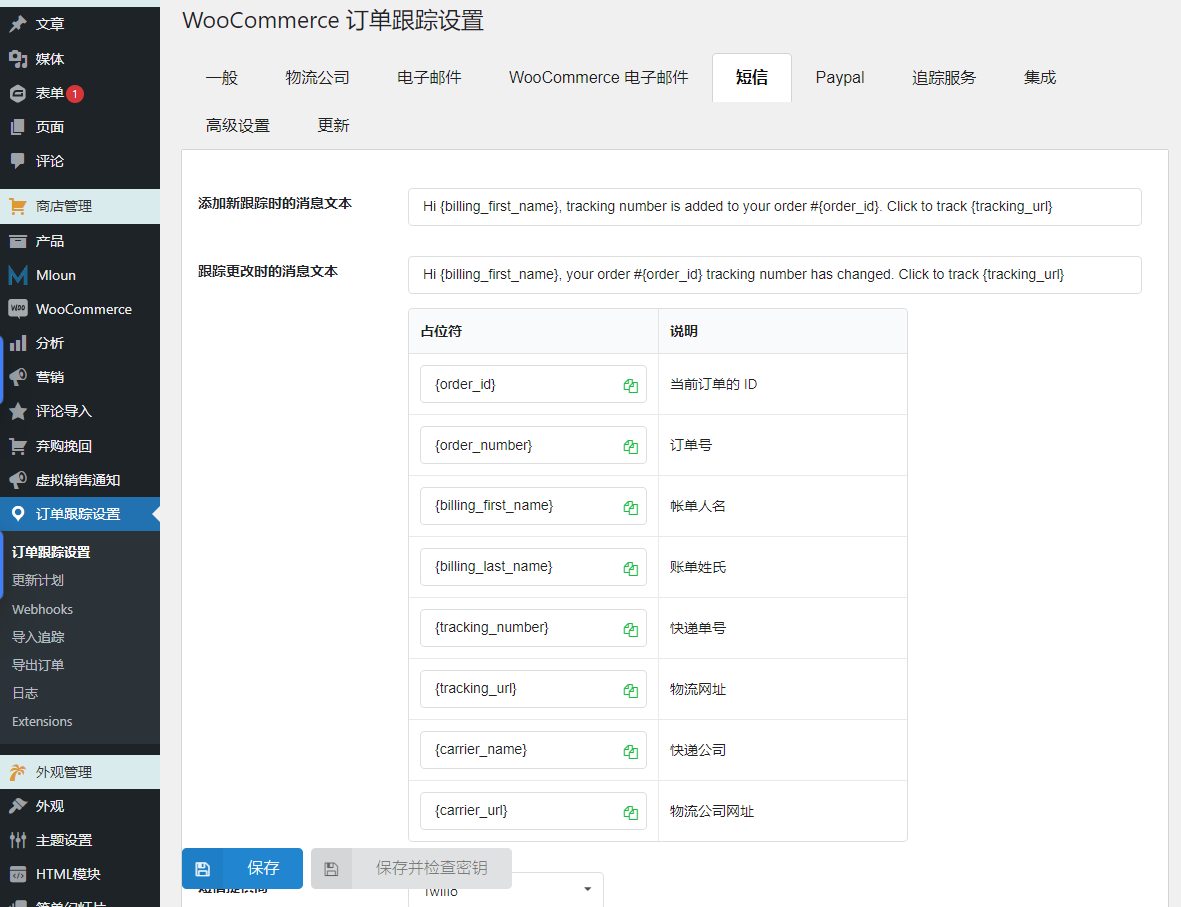
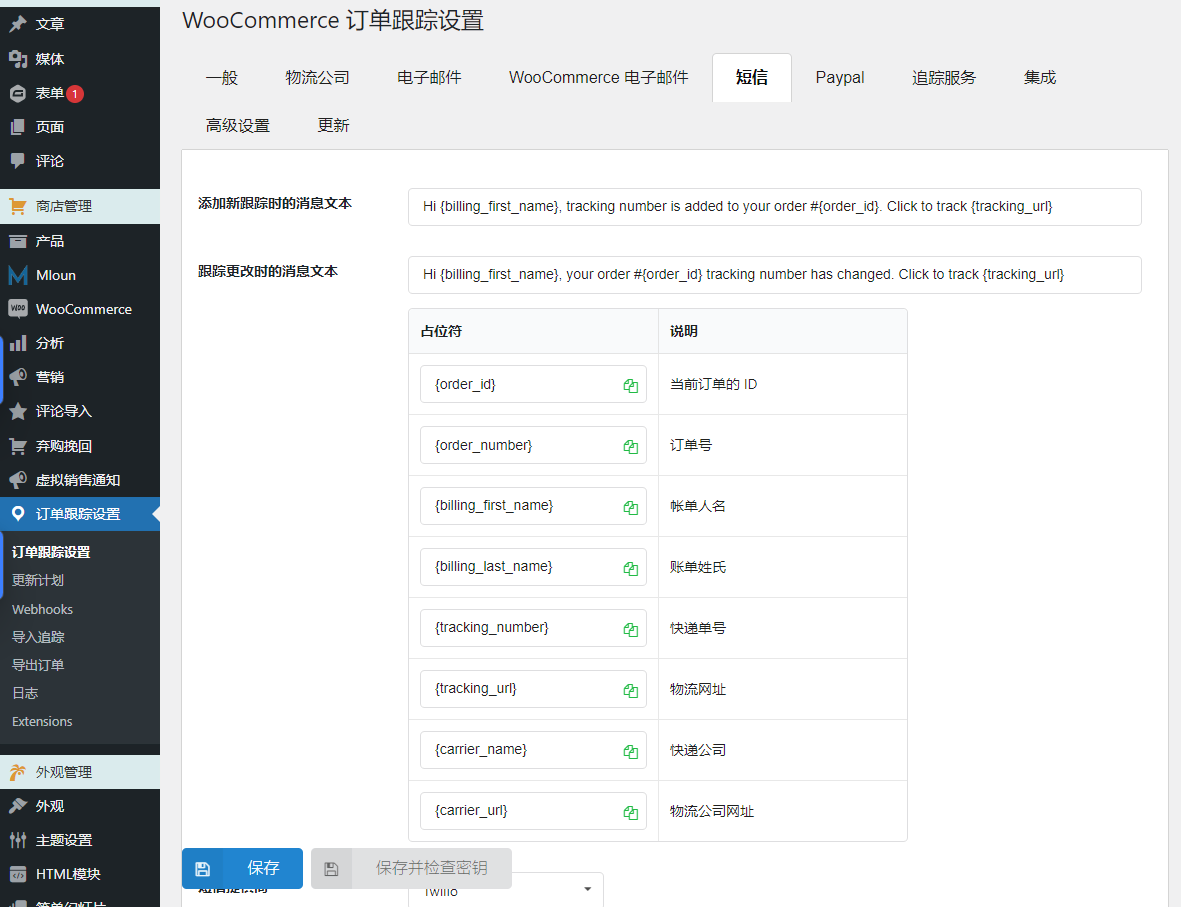
The SMS feature allows you to notify your customers when tracking information changes via text message with the tracking URL.
There are 3 SMS providers to choose from, including Twilio, Nexmo, and Plivo.
Text mode check connection
When used in conjunction with WooCommerce's ALD (Aliexpress Dropshipping and Fulfillment), automatically send SMS notifications to customers about updated Aliexpress order tracking information.
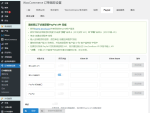
5. PayPal functionality in WooCommerce order tracking
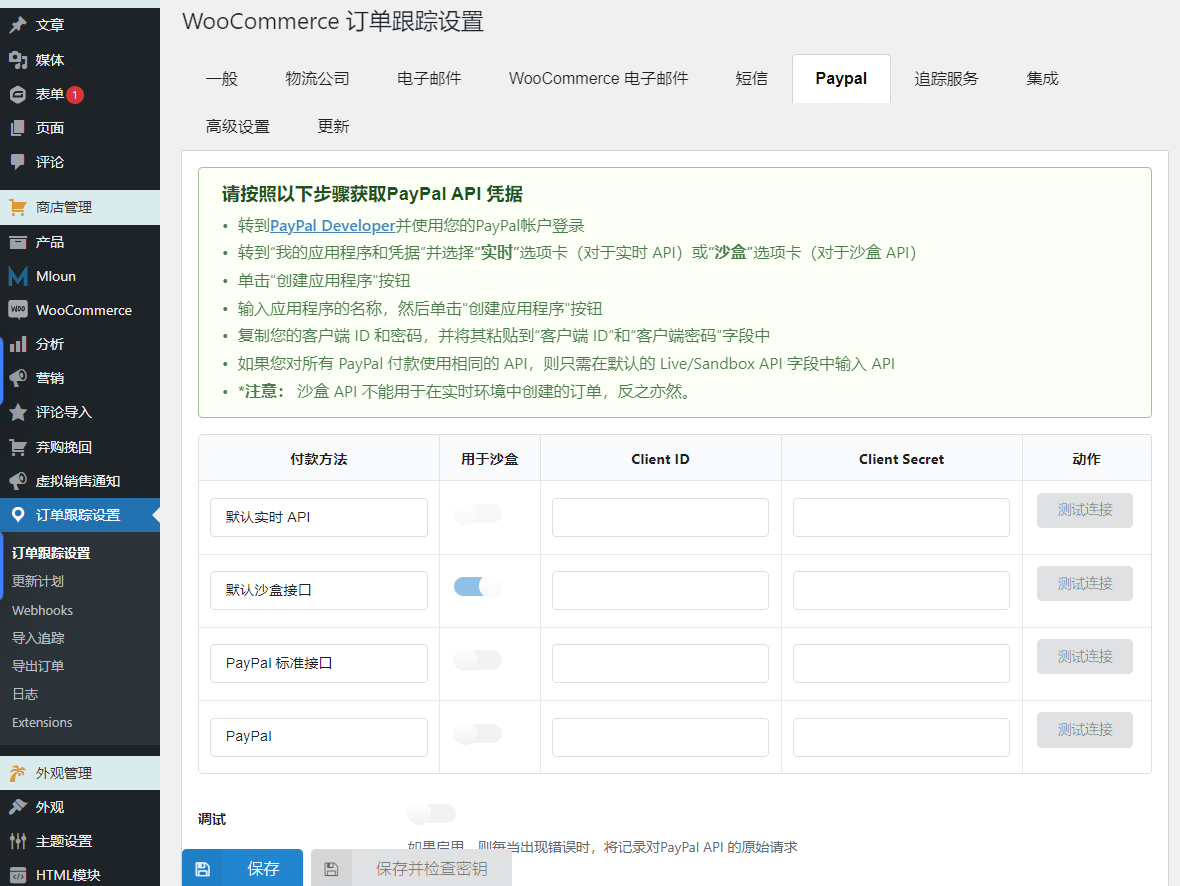
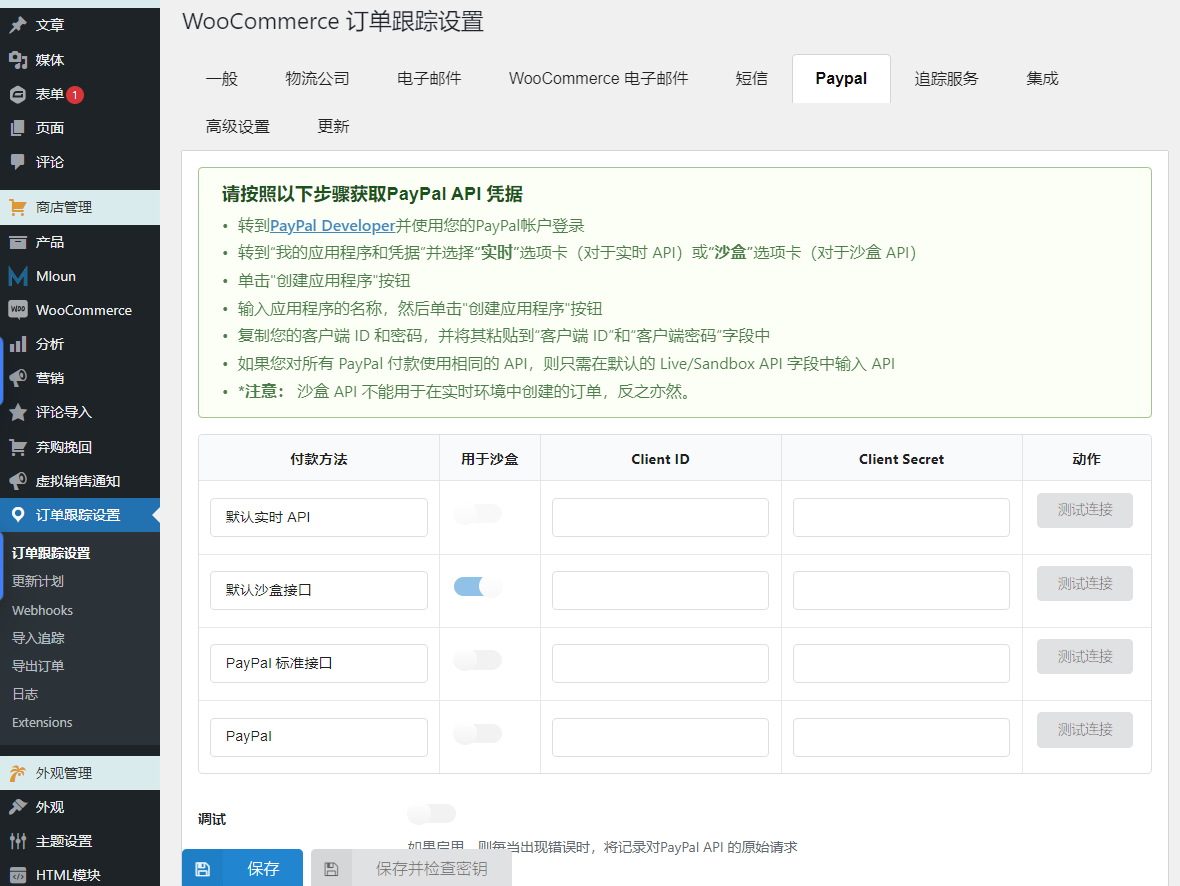
Automatically add shipping information: Shipping information including carrier name, tracking number and shipping status will be automatically added to your Paypal transaction details.
Paypal Sandbox Support: The plugin offers a sandbox mode option that allows you to test the feature using a Paypal sandbox account before using it with a real account.
Automatically add tracking numbers to PayPal after syncing AliExpress orders via our ALD plugin (requires ALD plugin to be installed and activated)
Supports many core PayPal plugins (check compatibility list)
6. Tracking Services and Google reCAPTCHA
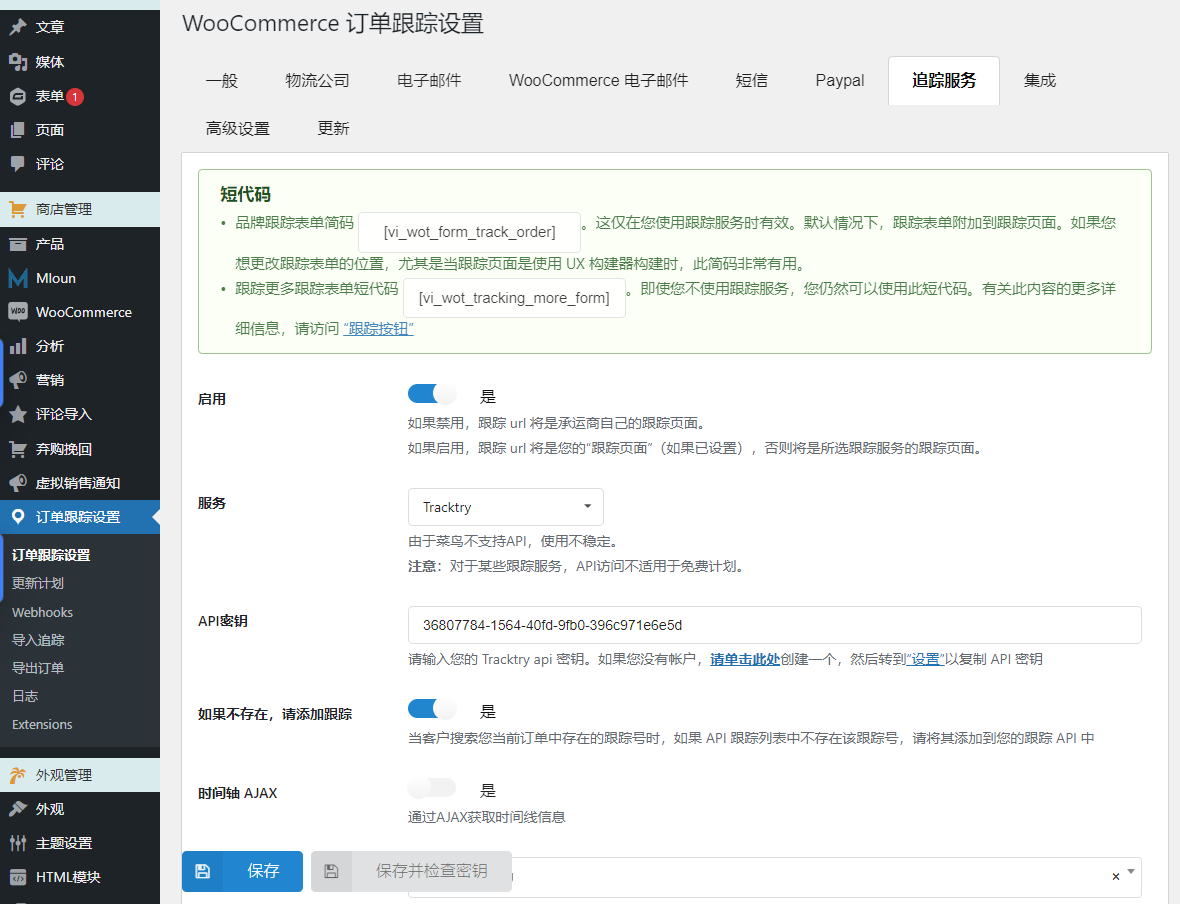
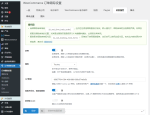
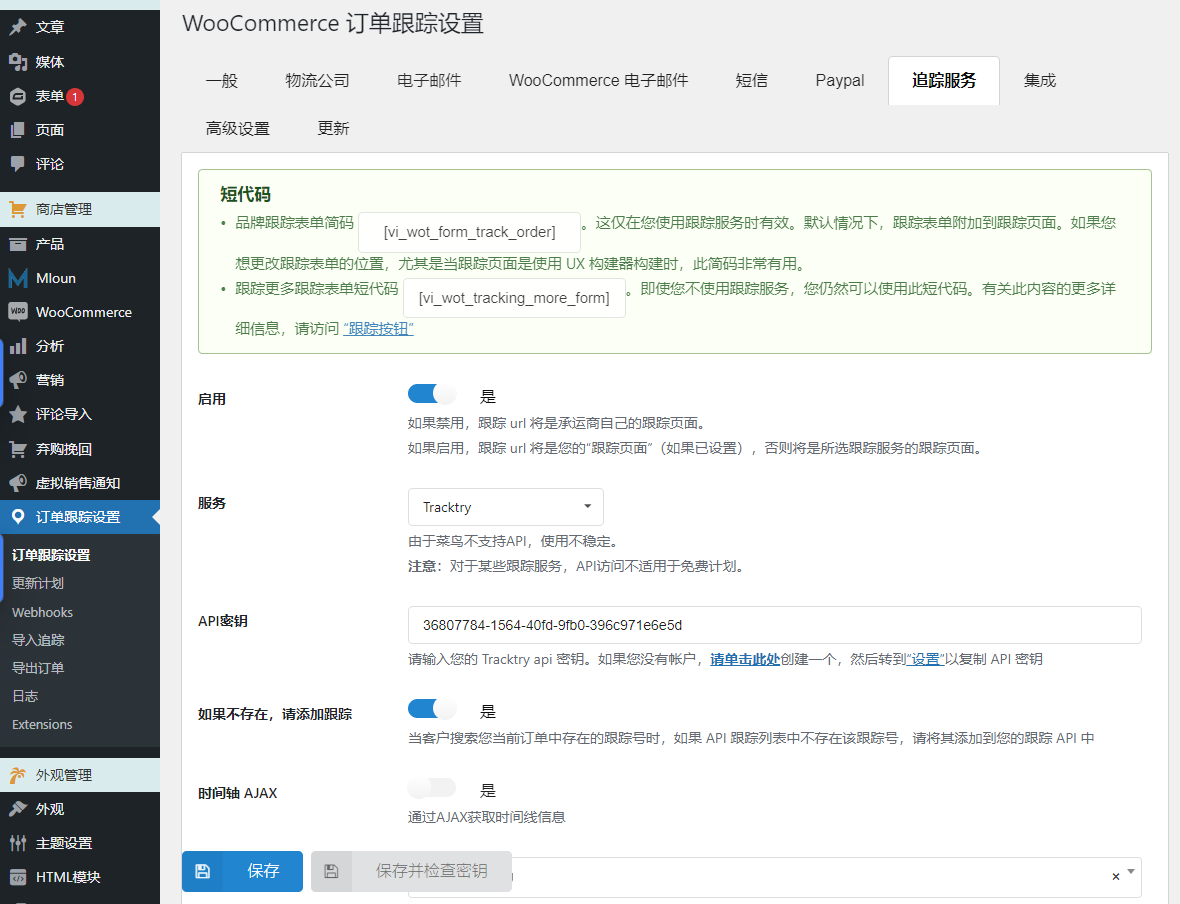
WooCommerce order tracking integrates with TrackingMore, Cainiao, EasyPost, Aftership, Tracktry and 17Track via API. The plugin will obtain shipping information from these tracking services and transmit it to your customers. Please read the red note below carefully.
TrackingMore, EasyPost, Aftership, 17Track, Tracktry: These options require a valid API/access key to work. WooCommerce order tracking will automatically obtain tracking information from these tracking services.
Rookie: This tracking service does not require an API to run.
Google reCAPTCHA: This option helps you protect your site from spam and abuse.
7. Add/edit tracking information
WooCommerce Order Tracking allows you to add/edit tracking information within specific orders – manually for each order in WooCommerce > Orders page, or in bulk via the ability to export orders/import tracking information using a CSV file
7.1. Export orders and import tracking information using CSV files
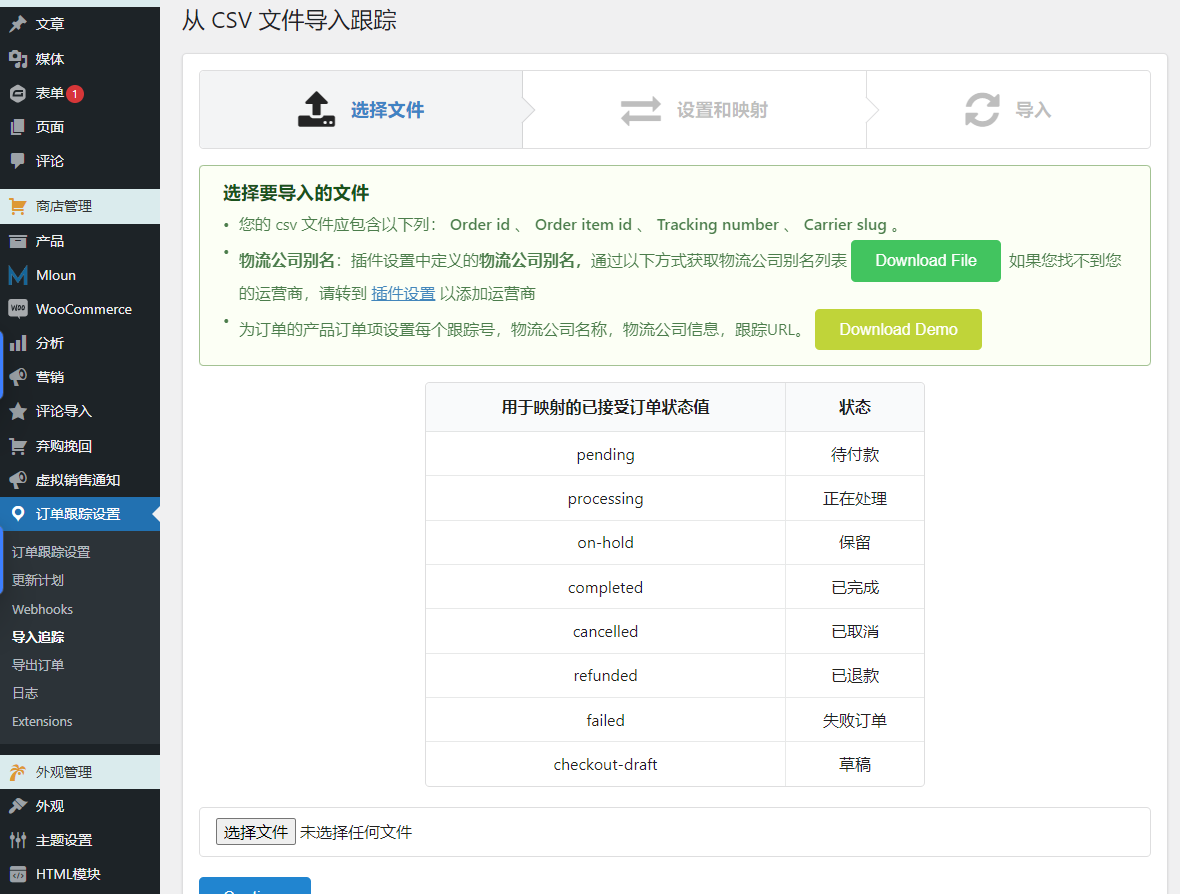
This plug-in provides the function of batch importing tracking information as CSV files. You can choose to export your orders to a CSV file and add tracking information to the exported file. Then import the CSV file and tracking information will be added to your WooCommerce order and Paypal transaction details.
Order Filters: Filters help you select orders for export by creation date, payment date, completion date, status, billing address, shipping address, payment method, and shipping method.
Export fields: Select the order fields you want to export. Including order ID, order item ID, product ID, variant ID, product name, product price, quantity and product SKU...
Import tracking information using a CSV file: Add tracking information after editing the exported order file. You can import the file back. Tracking information will be automatically added to your WooCommerce order.
7.2. Manually add/edit tracking information in WooCommerce order tracking
Add tracking information: You can select the order to which you want to add tracking information in WooCommerce >. Order
Information you can change includes the tracking number, tracking carrier, shipping carrier, change order status, email the customer if the tracking information changes, and add the tracking number to PayPal options.
Set up tracking numbers in batches: This option helps you save time when adding tracking numbers to orders that contain many different items.
Manage tracking by order; by ordering items; or both: Control tracking numbers at the item level for each order. Add tracking to the order list page.
8. Create an order tracking page in WooCommerce order tracking
An order tracking page is automatically created when activating the plugin, but you can also select a page and make it your order tracking page using the shortcode we provide.
Tracking pages allow your customers to check shipping information on your website (instead of visiting the shipping carrier's website).
Get the timeline via AJAX.
Design Tracking Page: This page has two templates and multiple design options for you to change its front-end.
Translate the timeline on the tracking page using the Google Cloud Translation API.
Translate date and time: Date and time are displayed in English by default. It will be translated to your website's locale with the Translate Date Time option.
If tracking information is not updated for new orders after purchase, the tracking information and tracking number will be defaulted.
3 reviews for Woocommerce orders tracking 可自定义的订单物流跟踪
You must be logged in to post a review.
Theme/plugin installation method
Installation method one:
Directly upload the (theme/plug-in) zip package to the WordPress backend, install it and activate it.
[Theme installation method] Appearance-Theme-Add new theme-Upload theme zip package
[Plug-in installation method] Plug-in-Add new plug-in-Upload plug-in zip package
Installation method two:
FTP upload [theme] to the website root directory /wp-content/theme/ below
FTP upload [plug-in] to the website root directory /wp-content/plugins/ below
How to use Chinese documents
The default Chinese file is already included in the theme/plug-in file package. If there is an independent Chinese file, use the following method to upload it
FTP upload [theme Chinese file] to the root directory of the website under /wp-content/languages/themes
FTP upload [plug-in Chinese file] to the root directory of the website under /wp-content/languages/plugins


















blue star (verified owner) –
The function is really powerful...
glen (verified owner) –
Needless to say, it’s really useful. .
Serene (verified owner) –
Logistics can be customized, which is great