









Official Demo:Enter
Official price: 149-249 US dollars,This site provides continuous new versions and Chinese updates
program list
Includes: Main program WP All Import Pro
附加包:Wp All Import Pro Woocommerce Addon ,Wp All Import Pro Acf Add-On , Wp All Import Pro User Import Add-On , Wp All Import Pro Link Cloaking Add-On
Plug-in features
Import into any theme or plugin field
Automatically detect custom fields, taxonomies, image galleries, location fields, and everything else in your WordPress site.
Upload any file type, size, and structure
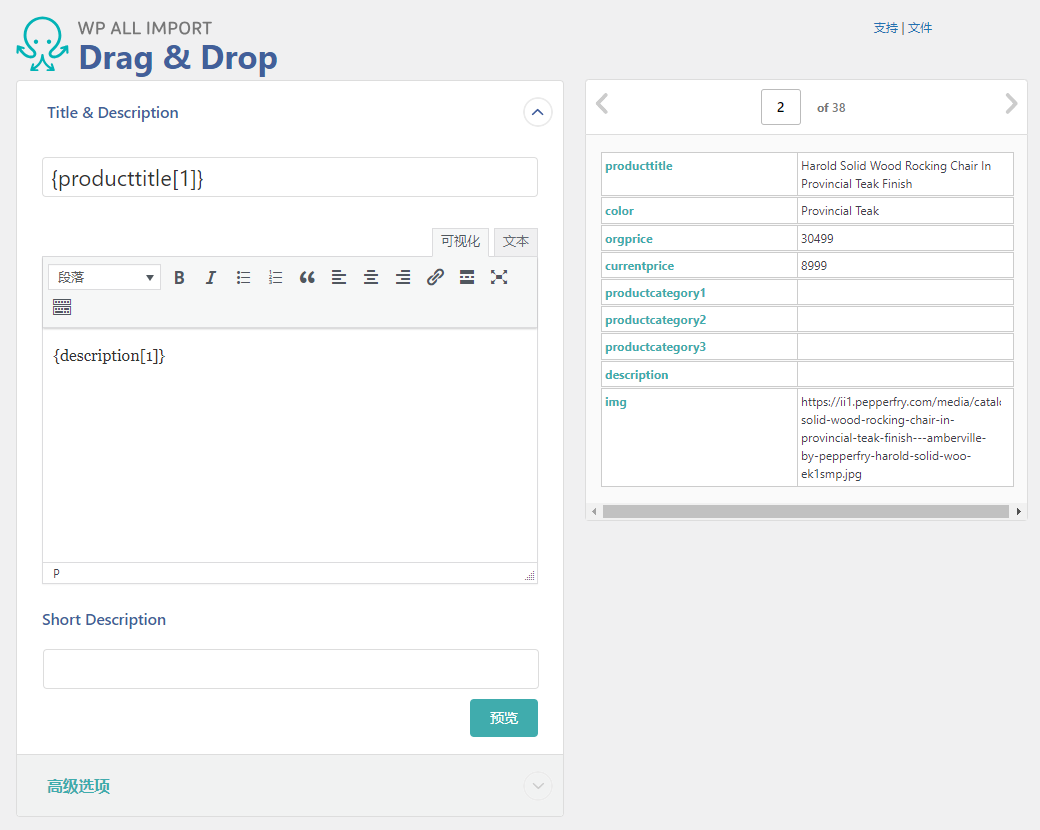
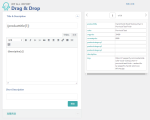
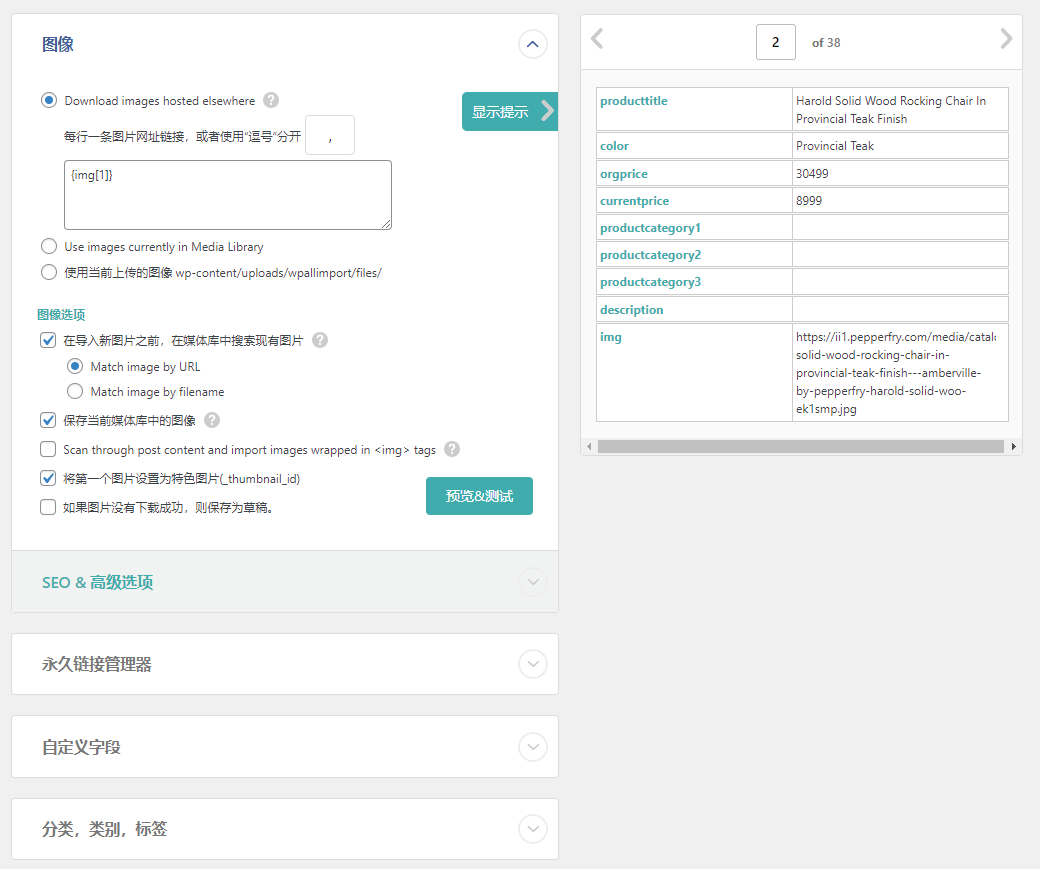
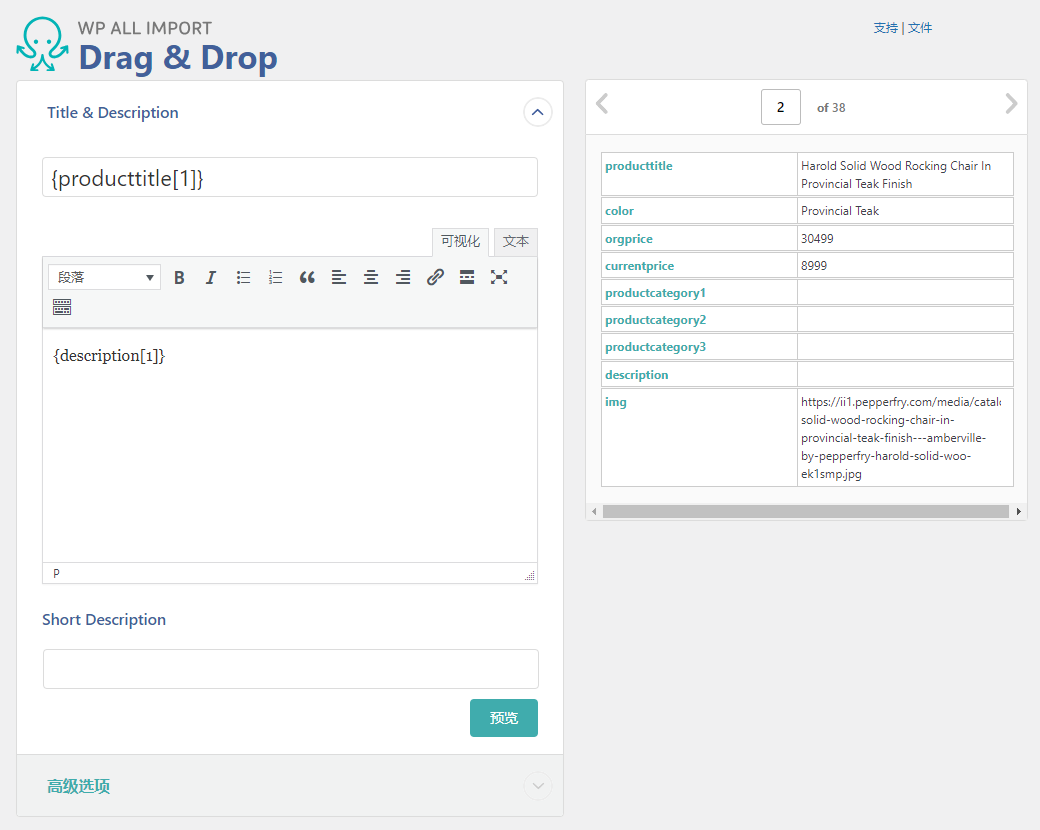
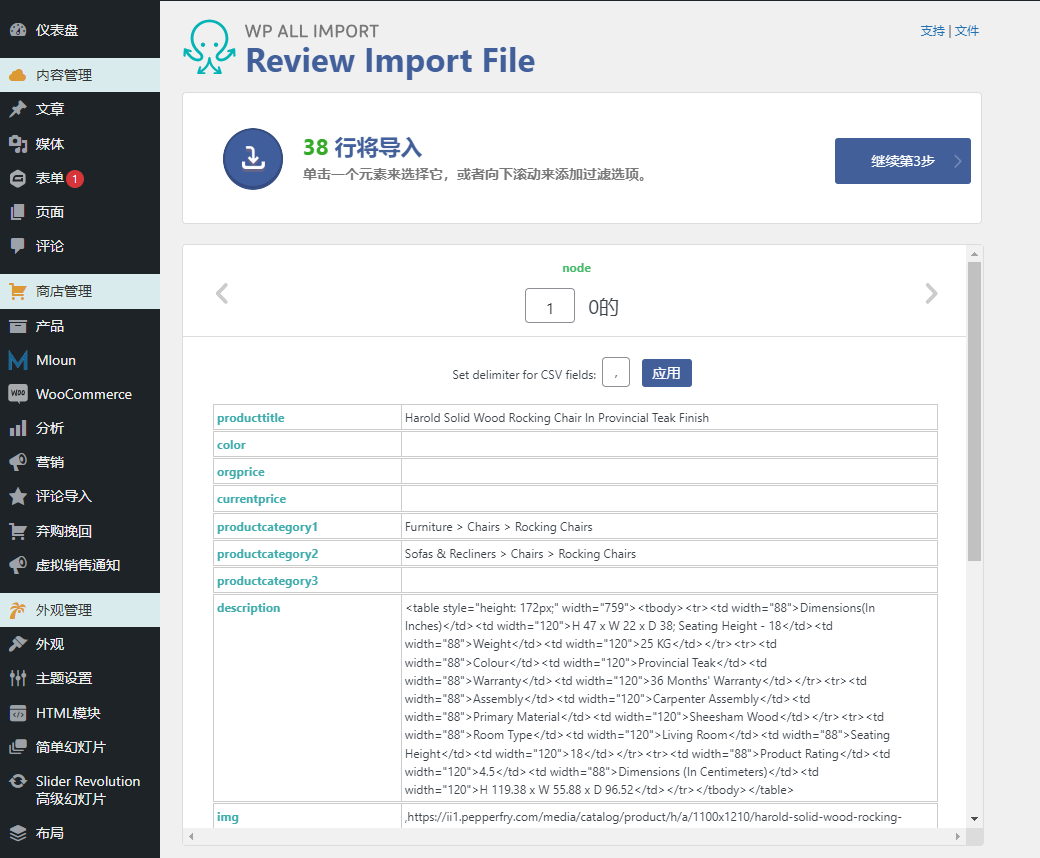
Import from any XML, CSV, or spreadsheet to WordPress. No need to reorganize your data. Simply drag and drop to map your data to the corresponding fields in WordPress. Even on shared hosting, large files containing hundreds of megabytes of data can be imported.
Update existing content with new data
Import data into existing posts with full control over what is updated and what is unchanged.
Import WooCommerce, ACF, users, lists, etc.
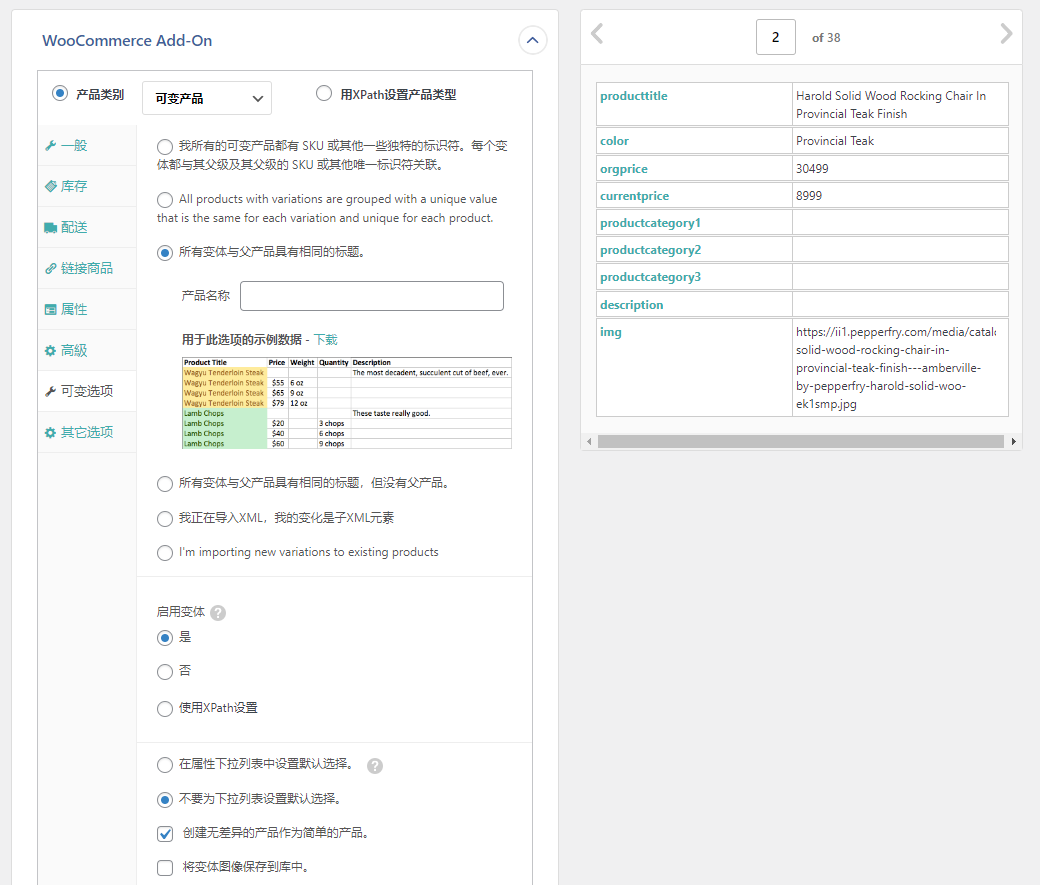
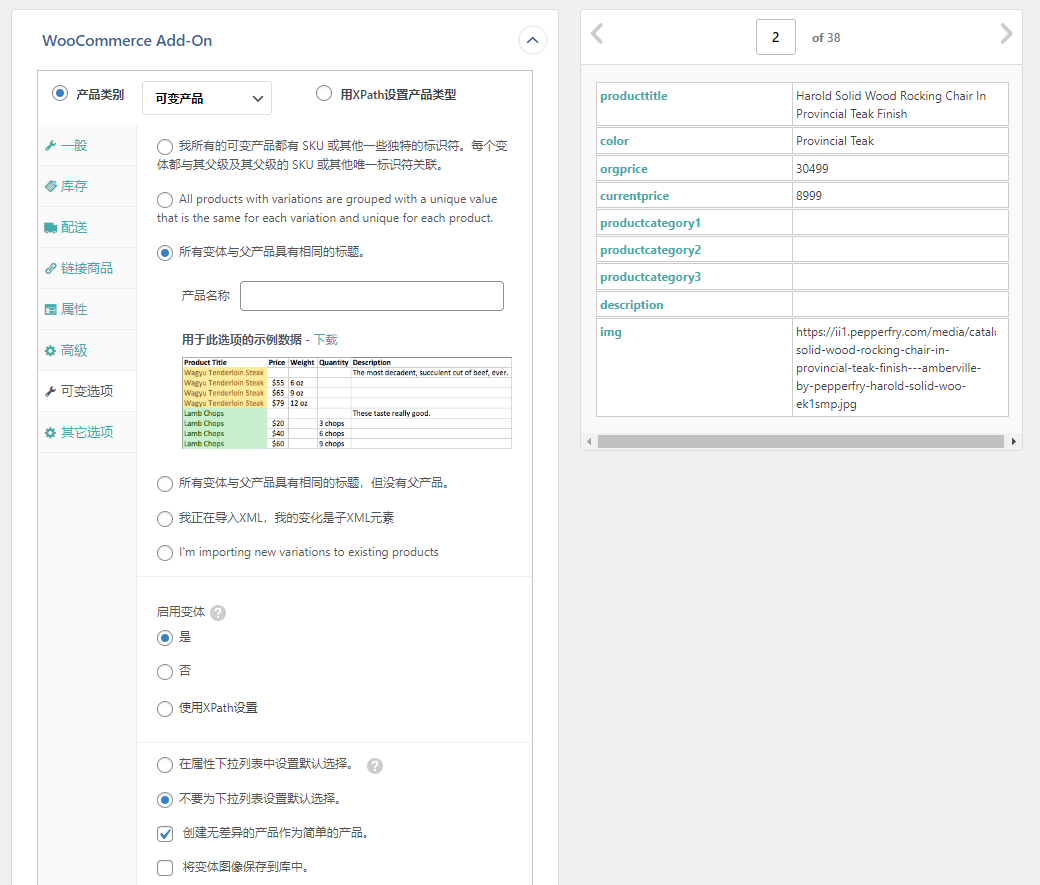
Variable products, SEO meta, repeater fields, custom user meta, image galleries, term meta – WP All Import can do it all.
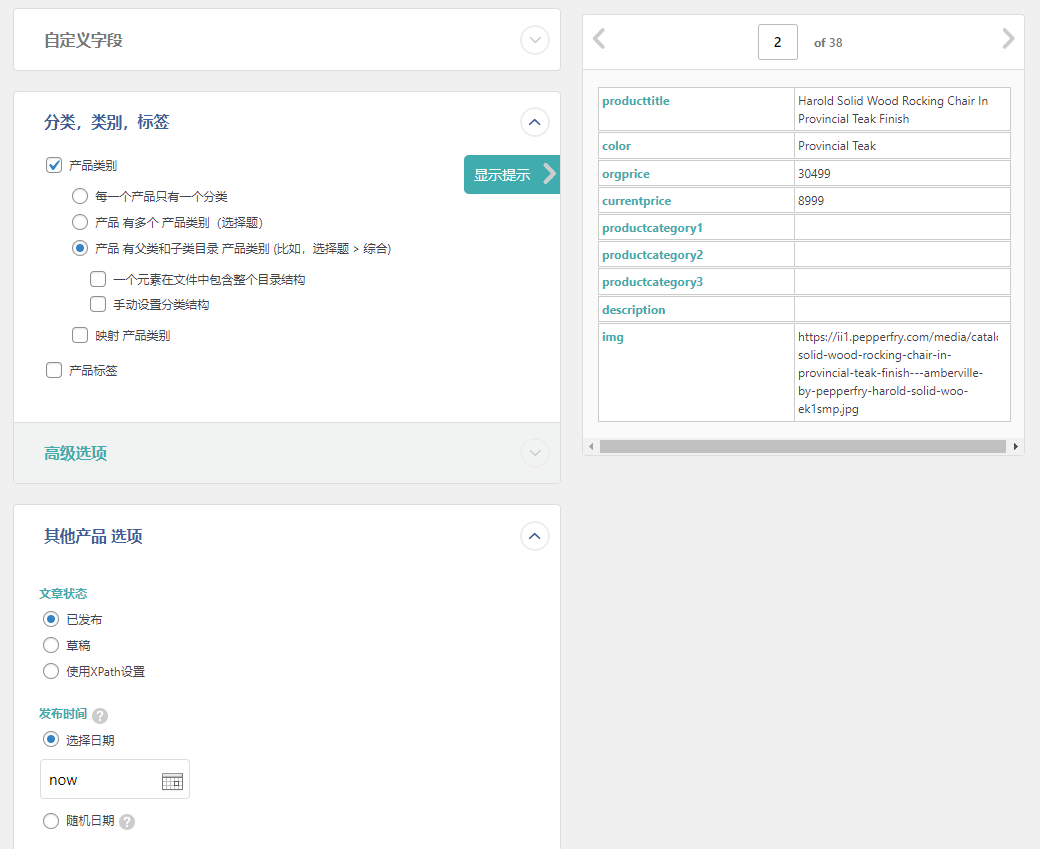
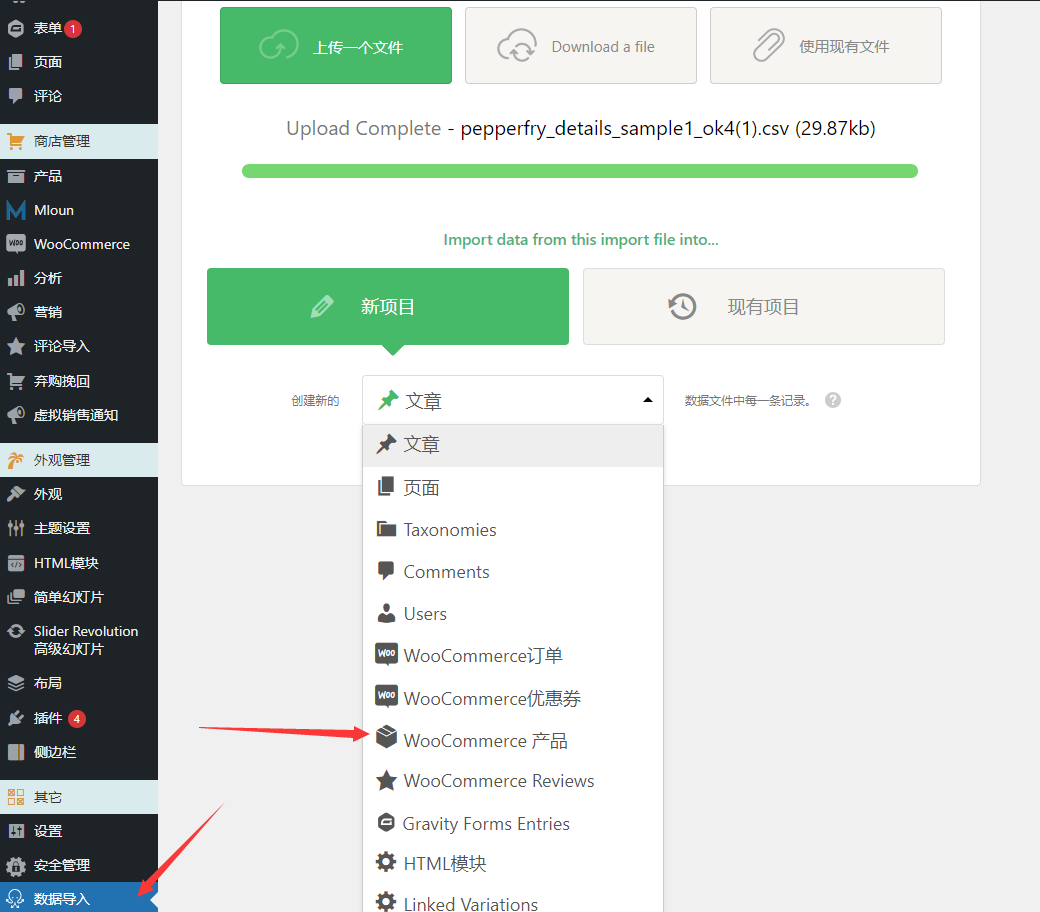
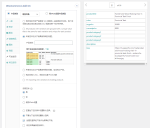
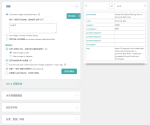
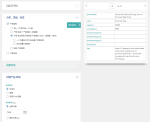
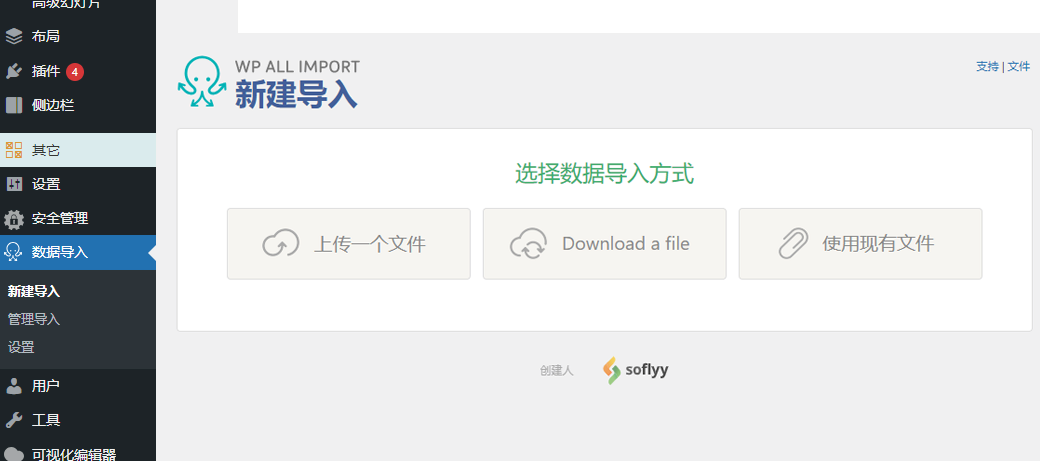
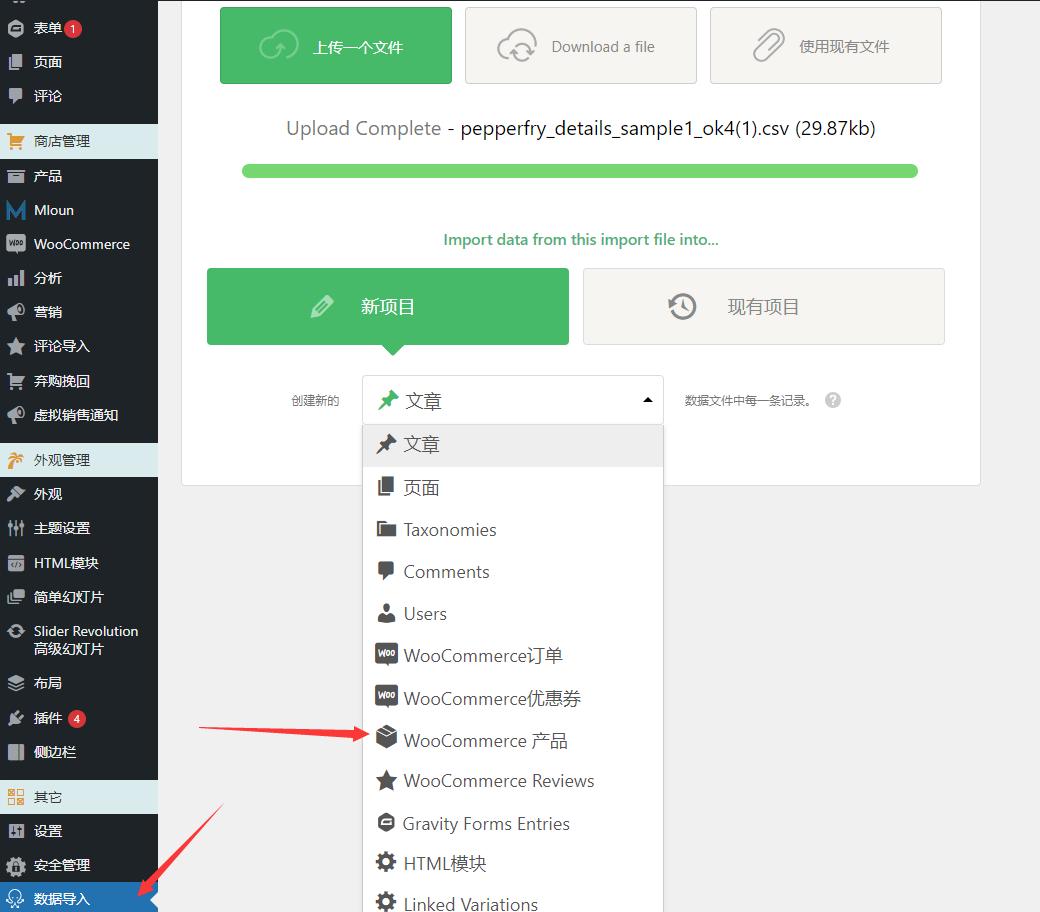
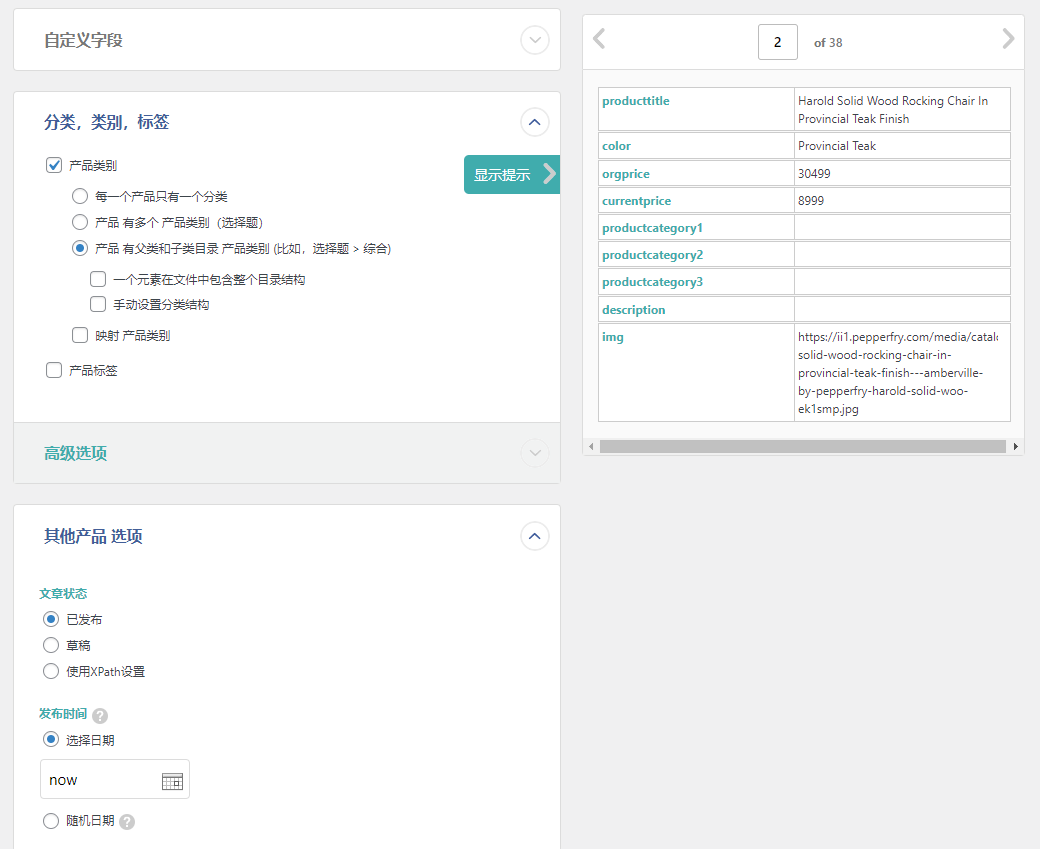
Plug-in Chinese demonstration
Compatible with tons of popular themes and plugins
Need to export data from a plug-in to Excel or any other format? Or need to import CSV, XML or Excel data into a plug-in? WP All Import gets the job done with ease.
WooCommerce
WPML
Listify
Rank Math SEO
WP Job Manager
Toolset Types
Yoast SEO
RealHomes
Pods
Advanced Custom Fields
All In One SEO
Easy Property Listings
More. .
4 reviews for 万能导入工具WP All Import
You must be logged in to post a review.
Theme/plugin installation method
Installation method one:
Directly upload the (theme/plug-in) zip package to the WordPress backend, install it and activate it.
[Theme installation method] Appearance-Theme-Add new theme-Upload theme zip package
[Plug-in installation method] Plug-in-Add new plug-in-Upload plug-in zip package
Installation method two:
FTP upload [theme] to the website root directory /wp-content/theme/ below
FTP upload [plug-in] to the website root directory /wp-content/plugins/ below
How to use Chinese documents
The default Chinese file is already included in the theme/plug-in file package. If there is an independent Chinese file, use the following method to upload it
FTP upload [theme Chinese file] to the root directory of the website under /wp-content/languages/themes
FTP upload [plug-in Chinese file] to the root directory of the website under /wp-content/languages/plugins


















fleeting time (verified owner) –
The product is indeed easy to use, but it depends on whether the host has the ability to handle so much data, otherwise it will get stuck.
Dew (verified owner) –
Much better than Woocommerce's built-in features.
Smile (verified owner) –
I can drag and drop the corresponding fields. I like this feature!
Like a dream (verified owner) –
Functions normally, and the export and import of products is very powerful