










Core Features Overview
-
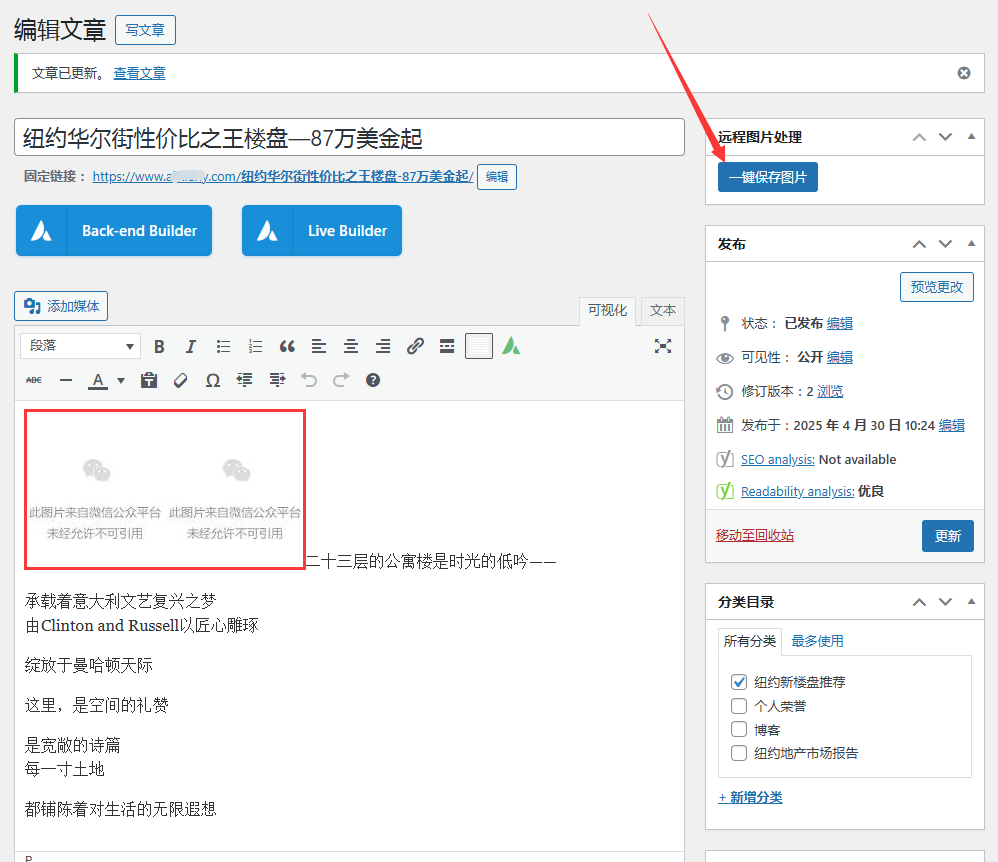
Automatic remote image capture
-
Intelligently scan all external link images in the article content
-
Specially adapted to WeChat public account picture format (automatically parsed
wx_fmtparameter) -
Download the image to your local media library
-
-
Fully automatic image processing
-
Automatically replace remote URLs with local attachment links
-
Keep original file names and automatically normalize them
-
Support multiple formats: JPG/PNG/GIF/WEBP/SVG
-
-
SEO enhancement processing
-
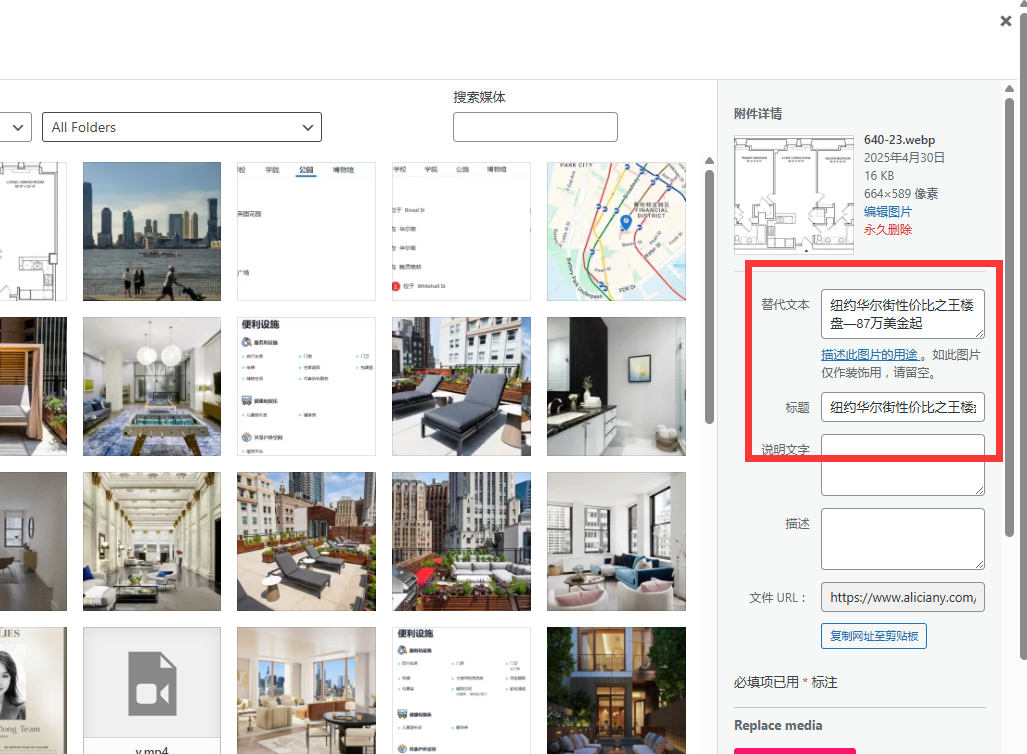
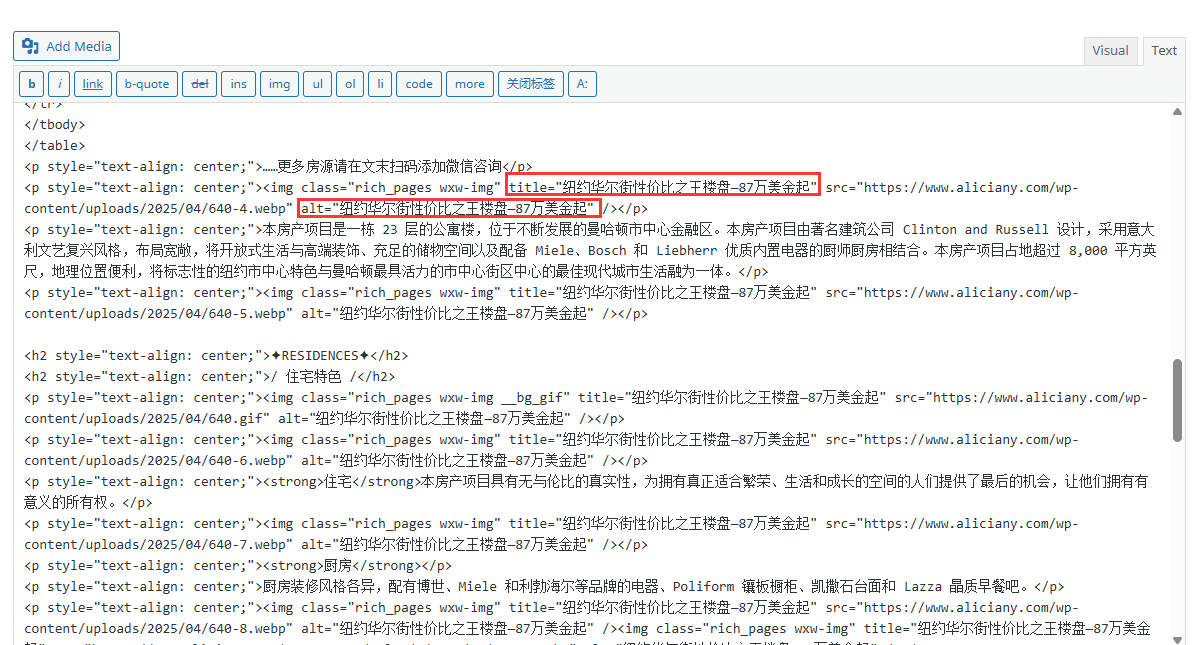
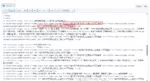
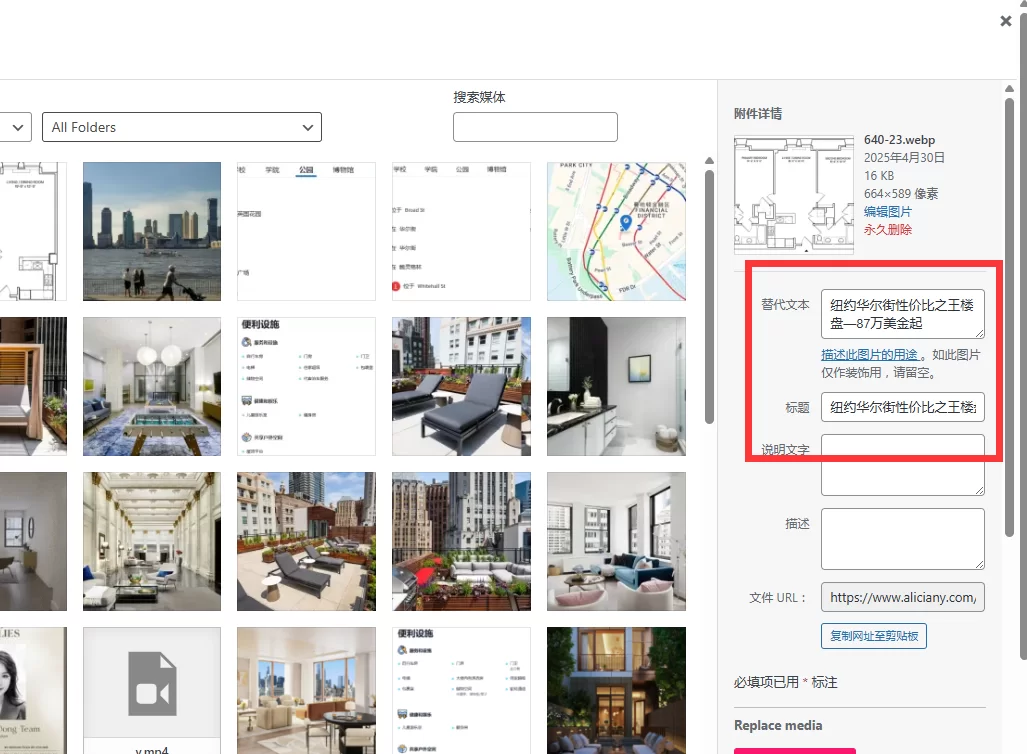
Automatically generate ALT text using article title
-
Intelligently set the image title attribute
-
Make sure all images conform to HTML standards
-
-
Visual operation interface
-
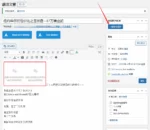
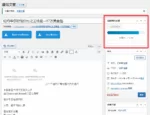
Add a control panel to the sidebar of the article editing page
-
One-touch operation button ("Save all pictures")
-
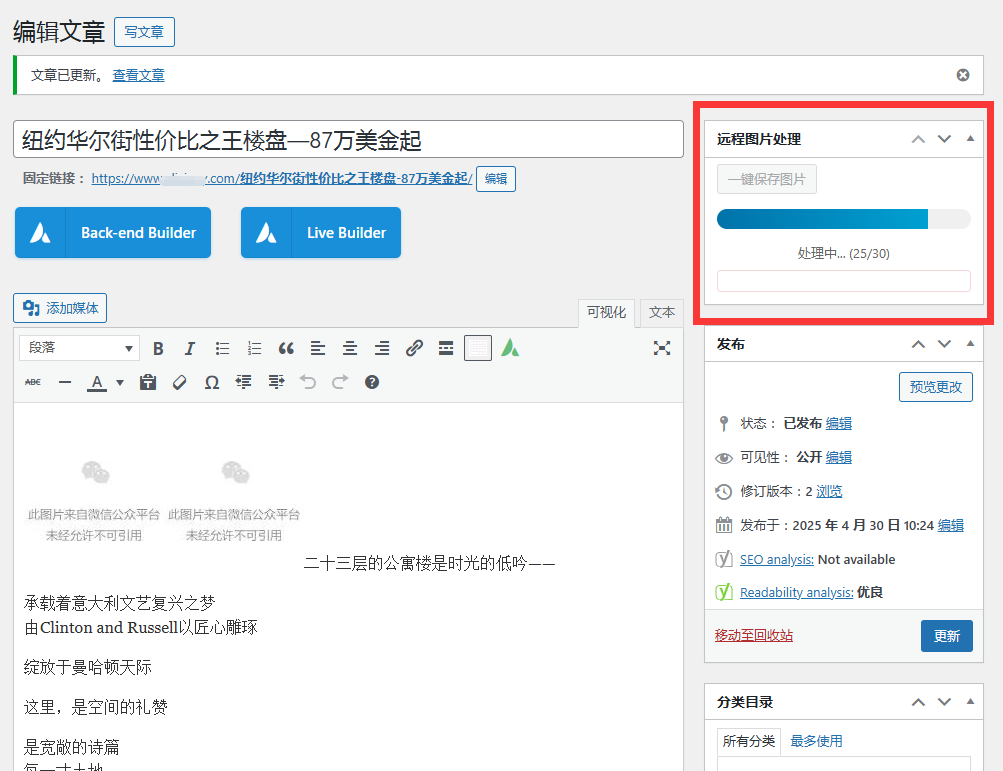
Real-time display of processing progress:
-
Progress bar animation
-
Status prompt
-
False Alarm
-
-
-
Security protection mechanism
-
AJAX processing with security verification
-
User permission verification (editing permission required)
-
HTML content security filtering
-
PHP 7.4+ environment detection
-
DOM extension dependency check
-
-
Special support for WeChat public accounts
-
Perfect analysis of WeChat-specific image links
-
Automatically identify WeChat image formats
-
Dedicated error handling logic
-
-
Lossless content processing
-
Keep the original formatting without any damage
-
Only modify the image tag without affecting other content
-
Use DOM parsing instead of regular expressions
-
-
Management enhancements
-
Unlock WebP/SVG upload support
-
Detailed error log
-
Backend batch processing of large articles
-
Technical implementation features
-
front end: Asynchronous processing based on jQuery
-
rear end:
-
Using DOMDocument to accurately parse HTML
-
WordPress native media handling method
-
Complete error capture mechanism
-
-
Data processing flow:
-
DOM accurately locates image elements
-
Temporarily download remote images
-
Processing by media system specifications
-
Smart replacement of article links
-
Automatically set SEO properties
-
Typical application scenarios
-
Content Migration – Convert external image hosting to local storage
-
WeChat import – Process WeChat official account article content
-
SEO optimization – Automatically complete image ALT attributes
-
Performance Improvements – Eliminate external resource dependencies
Operating environment requirements
-
WordPress 5.0+
-
PHP 7.4+ (DOM extension must be enabled)
-
Article editing permissions


You must be logged in to post a review.
Theme/plugin installation method
Installation method one:
Directly upload the (theme/plug-in) zip package to the WordPress backend, install it and activate it.
[Theme installation method] Appearance-Theme-Add new theme-Upload theme zip package
[Plug-in installation method] Plug-in-Add new plug-in-Upload plug-in zip package
Installation method two:
FTP upload [theme] to the website root directory /wp-content/theme/ below
FTP upload [plug-in] to the website root directory /wp-content/plugins/ below
How to use Chinese documents
The default Chinese file is already included in the theme/plug-in file package. If there is an independent Chinese file, use the following method to upload it
FTP upload [theme Chinese file] to the root directory of the website under /wp-content/languages/themes
FTP upload [plug-in Chinese file] to the root directory of the website under /wp-content/languages/plugins



















Reviews
There are no reviews yet.