









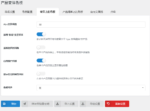
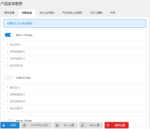
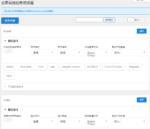
Official Demo:Enter
Official price: $22,This site provides continuous new versions and Chinese updates
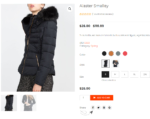
Front-end effect demonstration:
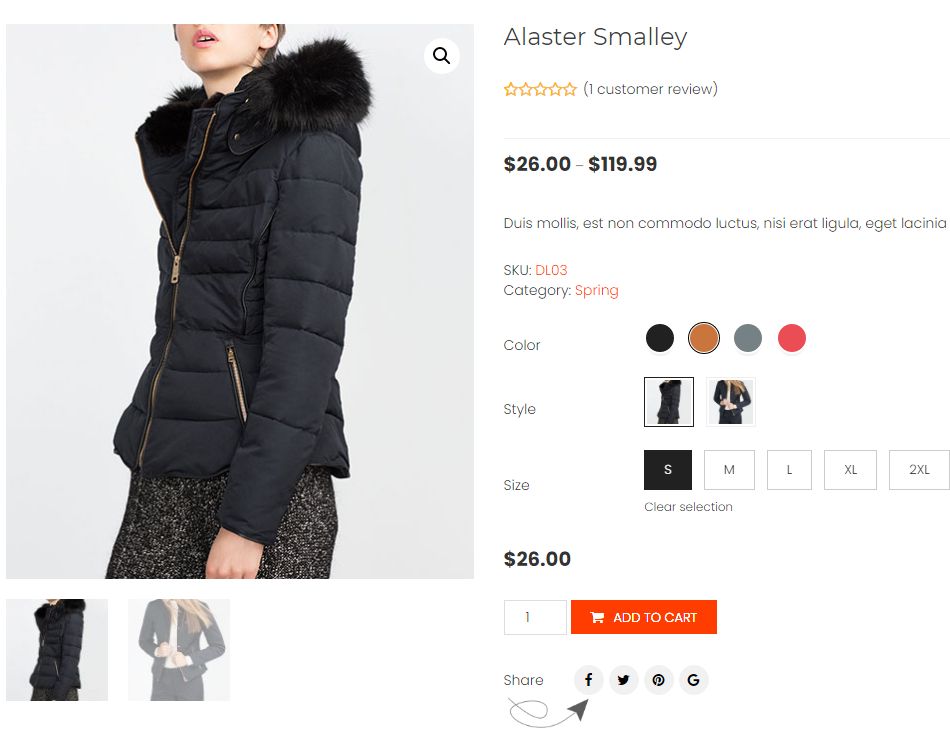
Change the default property dropdown list to colorful options
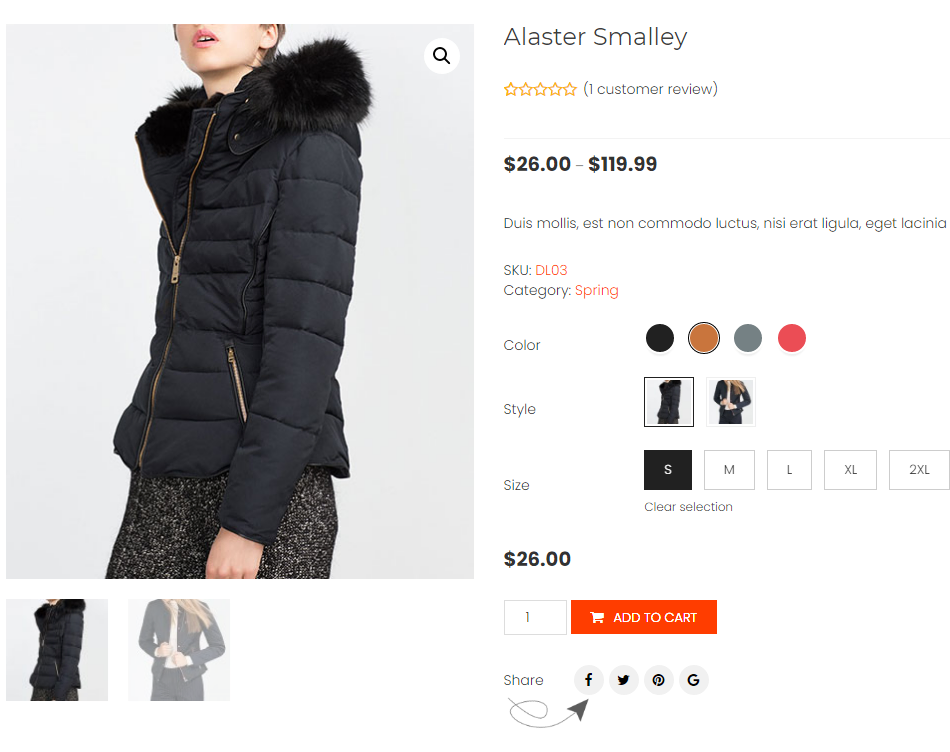
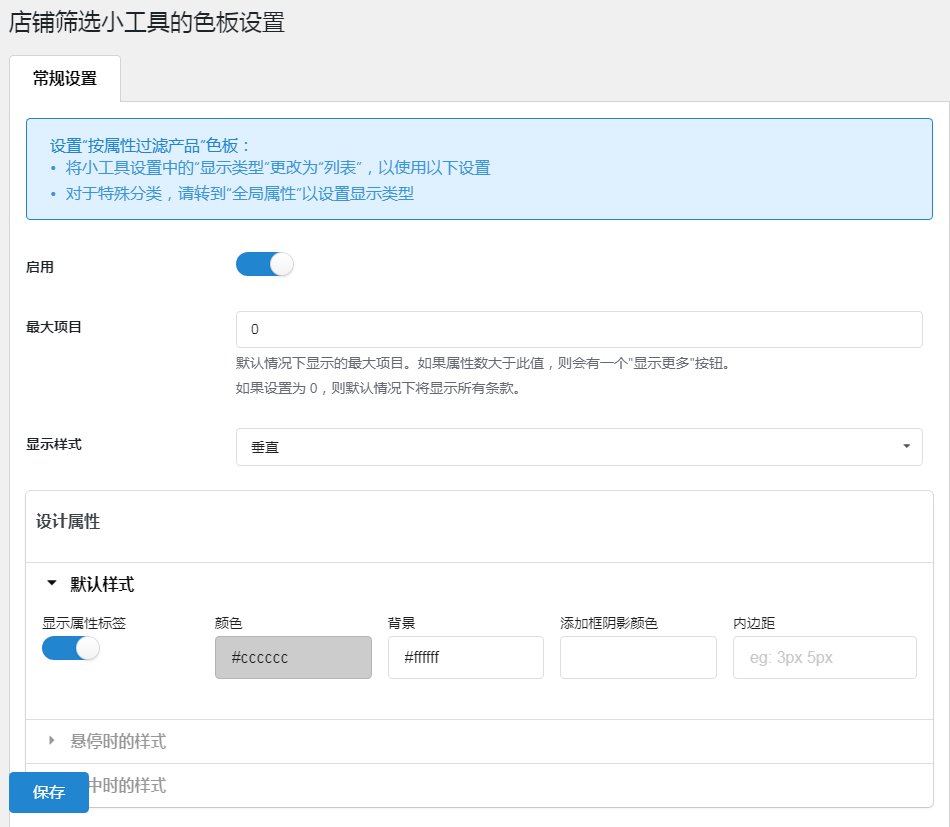
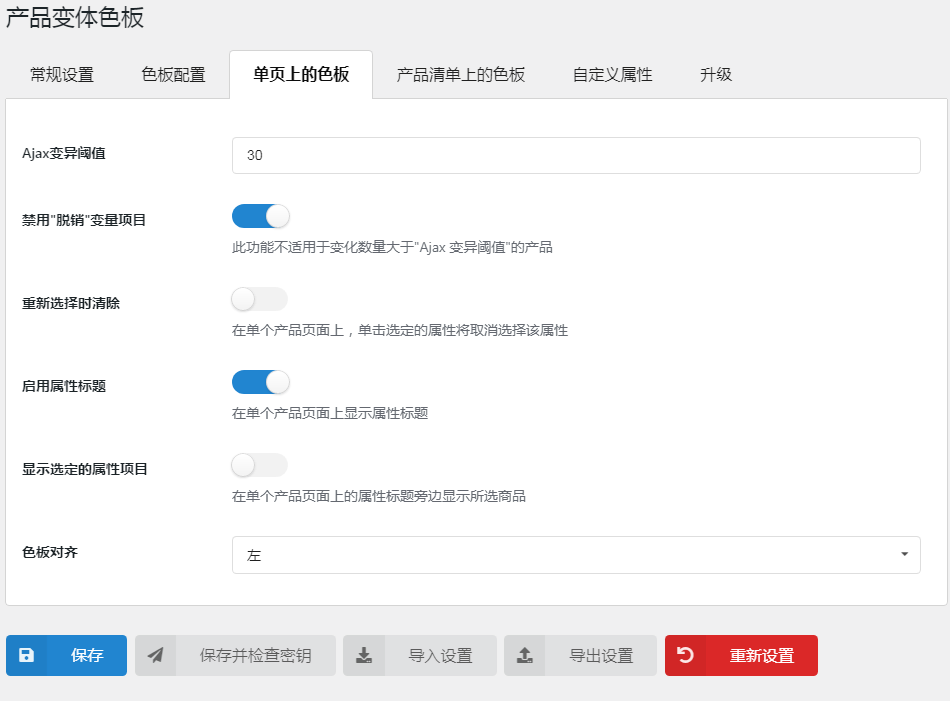

Customize global properties and custom properties in plugin settings.
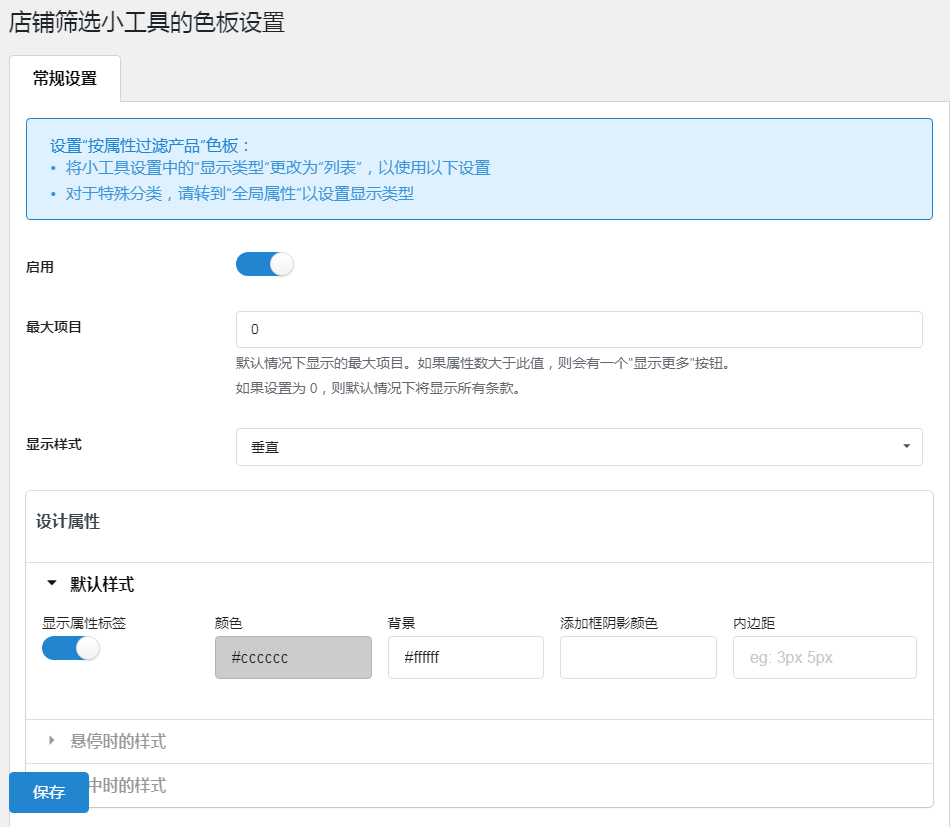
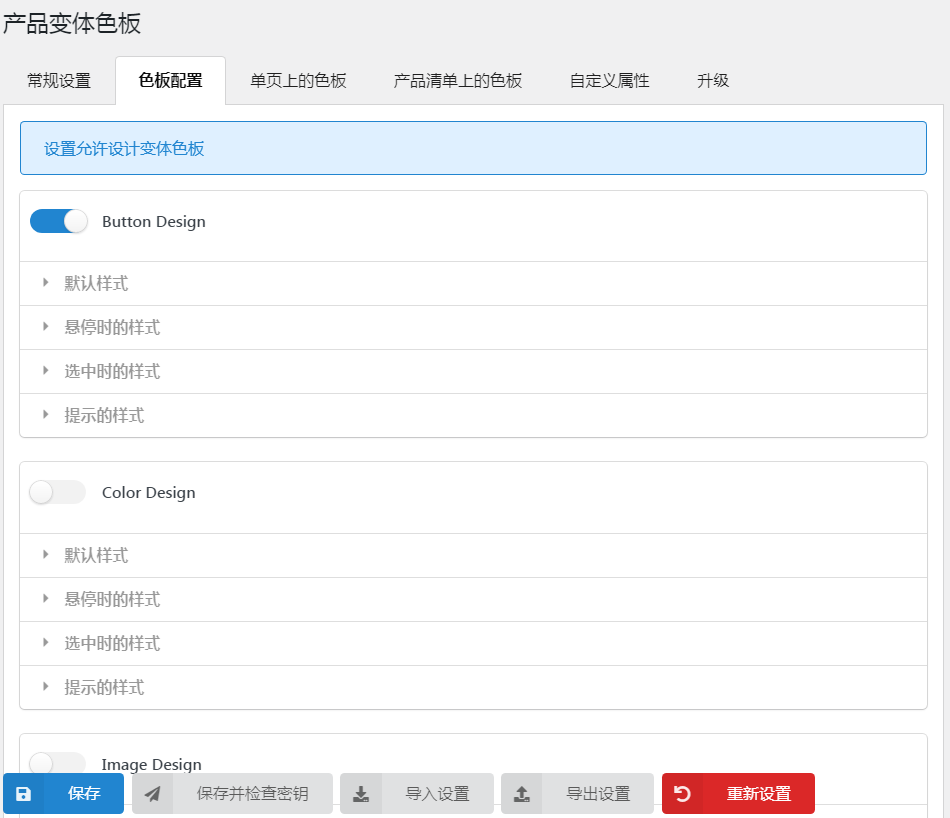
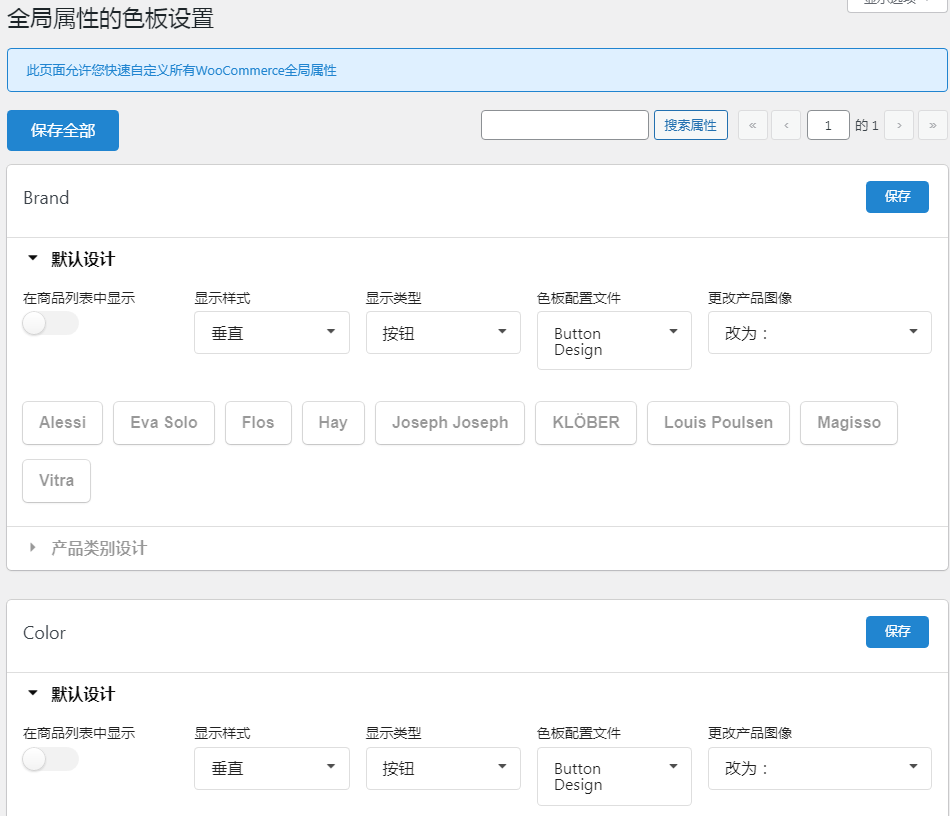
该插件允许您通过该插件的色板设置快速自定义 WooCommerce 中所有现有的全局属性。
- Search properties: You can use the search bar to search for existing global properties.
- display style: You can set to display global properties in 2 styles: horizontal or vertical.
- display type: You can set display 5 types of global properties: button, color, image, changing image, radio.
- Swatch Profile: You can choose to display one of the available swatch profiles.
- Show on product list: this allows you toin product listShow/hide existing global properties.
- Edit the term for global properties:You can customize each property term for existing global properties.
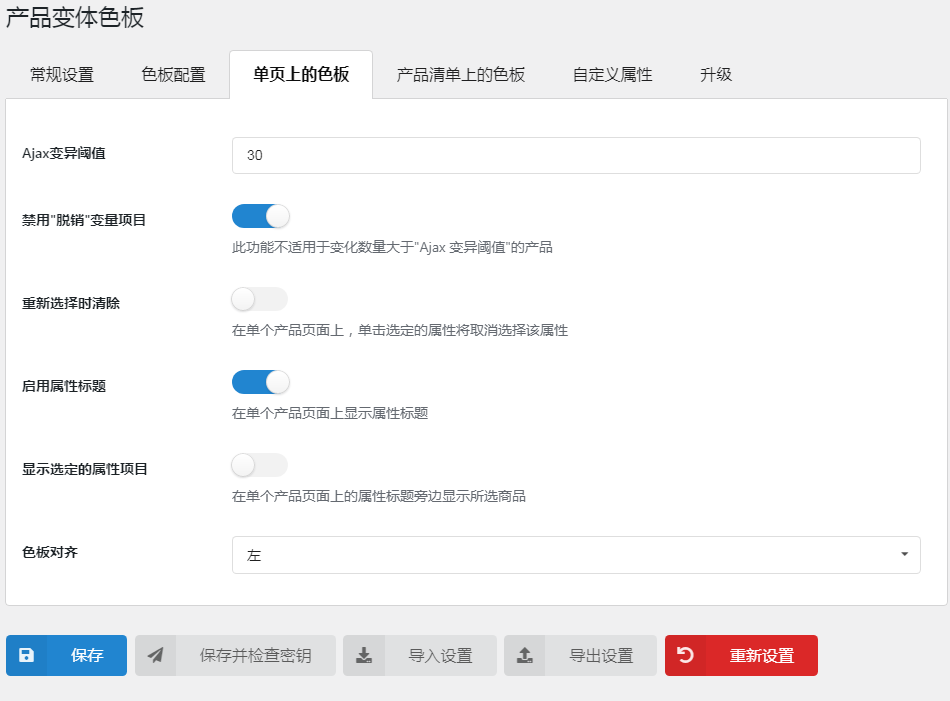
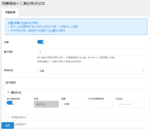
You can easily install through the custom properties feature in the plugin to display custom properties for variant products.
- Custom property name: You can enter the name of an existing property and quickly customize it.
- Assign category: Select the categories in which to apply the custom attribute.
- display style: You can choose to display custom properties in 2 styles: horizontal or vertical.
- display type: You can choose to display custom attributes in 5 types: Button, Color, Image, Variation Image, Radio.
- Swatch Profile: Select to display custom properties in one of the available swatch profiles.
- Show on product list: this allows you toin product listShow/hide specific custom properties on.
Unlimited Swatch Configurations
The WooCommerce Product Variations Swatches plugin allows you to style your swatch profiles.
- Custom Swatch Configuration:You can customize to show default swatch design mode: name, fill, height, width, font size, size in mobile mode, color on product listing, box shadow effect.
- Style hover state:You can customize the hover state, including color, background, border, box shadow effect, downsizing.
- Style selected state:You can customize the display state when a variant swatch is selected. Customization includes color, background, border, box shadow effect, downsizing.
- Custom tooltips:You can customize the tooltip state when selecting a variant sample. Include tooltip color, border, font size and position.
- Copy/Delete:You can also copy the current swatch profile to quickly generate many swatch design patterns
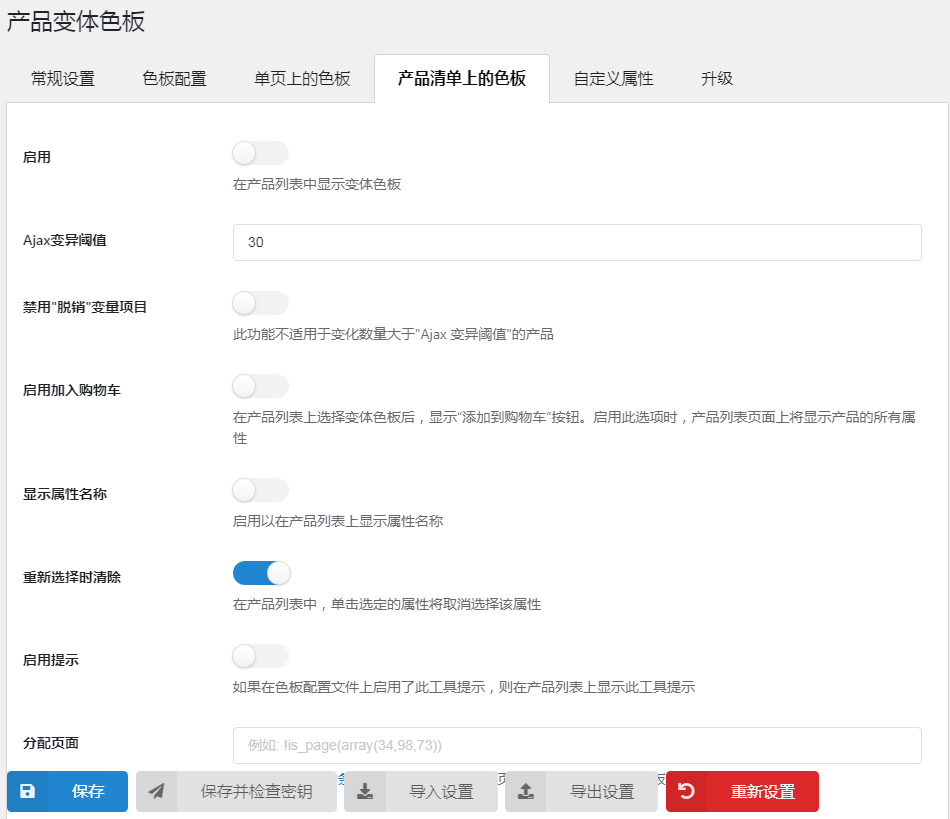
Display product variant samples in product listings and assigned pages.
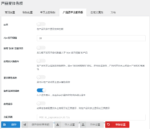
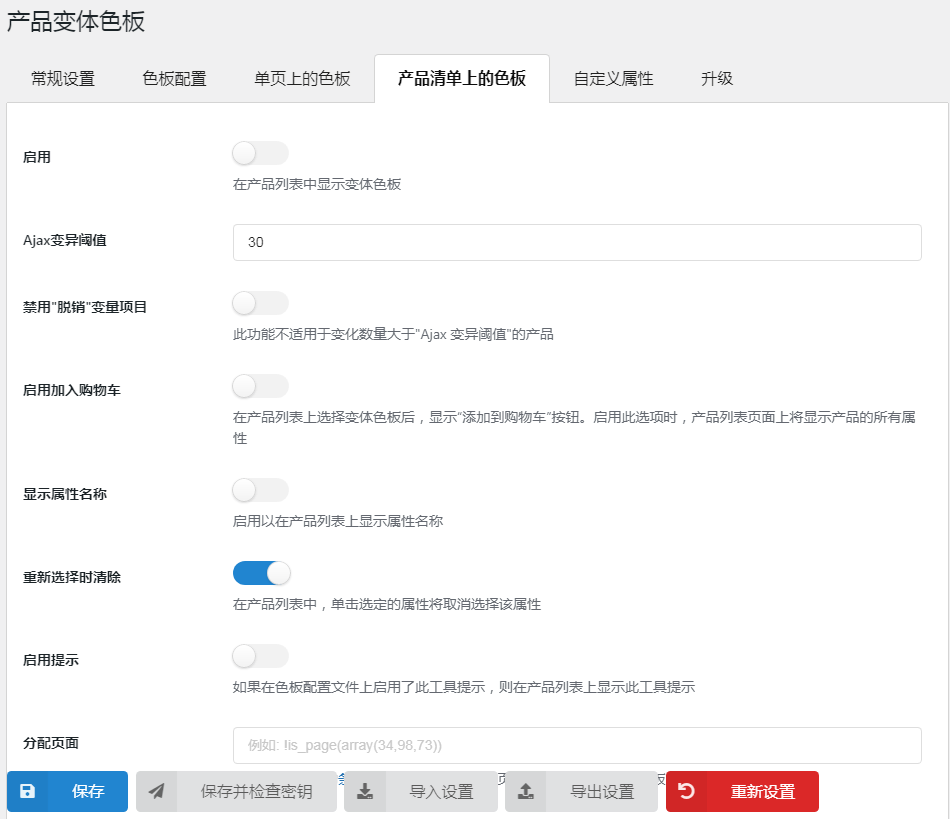
You can manage show/hide product variation swatches through some options shown on the product list tab.
- Show add to cart button:You can enable the show add to cart button, which will show up after selecting the attribute.
- Display property names:You can choose to show/hide the attribute name of the variant swatch.
- Location: You can customize the position of variation swatches on store pages, category pages, and product lists.
- Text tooltip:This allows you to show or hide variation text tooltips on product listings.
- Maximum property item: You can manage the number of attribute items displayed on the color swatch.
1 review for WooCommerce变化色板/属性美化
You must be logged in to post a review.
Theme/plugin installation method
Installation method one:
Directly upload the (theme/plug-in) zip package to the WordPress backend, install it and activate it.
[Theme installation method] Appearance-Theme-Add new theme-Upload theme zip package
[Plug-in installation method] Plug-in-Add new plug-in-Upload plug-in zip package
Installation method two:
FTP upload [theme] to the website root directory /wp-content/theme/ below
FTP upload [plug-in] to the website root directory /wp-content/plugins/ below
How to use Chinese documents
The default Chinese file is already included in the theme/plug-in file package. If there is an independent Chinese file, use the following method to upload it
FTP upload [theme Chinese file] to the root directory of the website under /wp-content/languages/themes
FTP upload [plug-in Chinese file] to the root directory of the website under /wp-content/languages/plugins

















Lee (verified owner) –
Very easy to use, a lot of product options are rich