
















Official Demo:Enter
Official price: $42,This site provides continuous new versions and Chinese updates
function list
With the HUSKY filter, you can further expand and strengthen your store:
• Build filter elements with HUSKY Smart Designer
• Filter by SKU
• color filter
• image filter
• Taxonomy Range Slider Filter
• Hierarchical dropdown filter
• filter statistics – You can collect information about search requests on your siteStatistical data, to improve your business efficiency!
• Quick Search Filters
• meta filter
• SEO link – Convert search parameters into part of the URL, which is very useful for SEO operations
• filter by rating
• filter condition
• Featured product filter
• In stock checkbox filter
• Tag filter
• Discount checkbox filter
• Product Filter Results Messenger
• Search Query Saver
• step filter
• filter partMaybe you're a *WordPress+PHP developer* looking for more flexibility? You can take advantage of the HUSKY filter extension API to create something unusual for your projects or client projects. Using the HUSKY filter extension API and the default extension as an example, you can professionally create any extension for the search form, or even create custom woo product loop templates for your own purposes. Maximum flexibility regarding product filtering! Not only for developers, this advanced filter plugin will allow each user greater flexibility than standard WooCommerce store display – the best way to extend filtering capabilities.
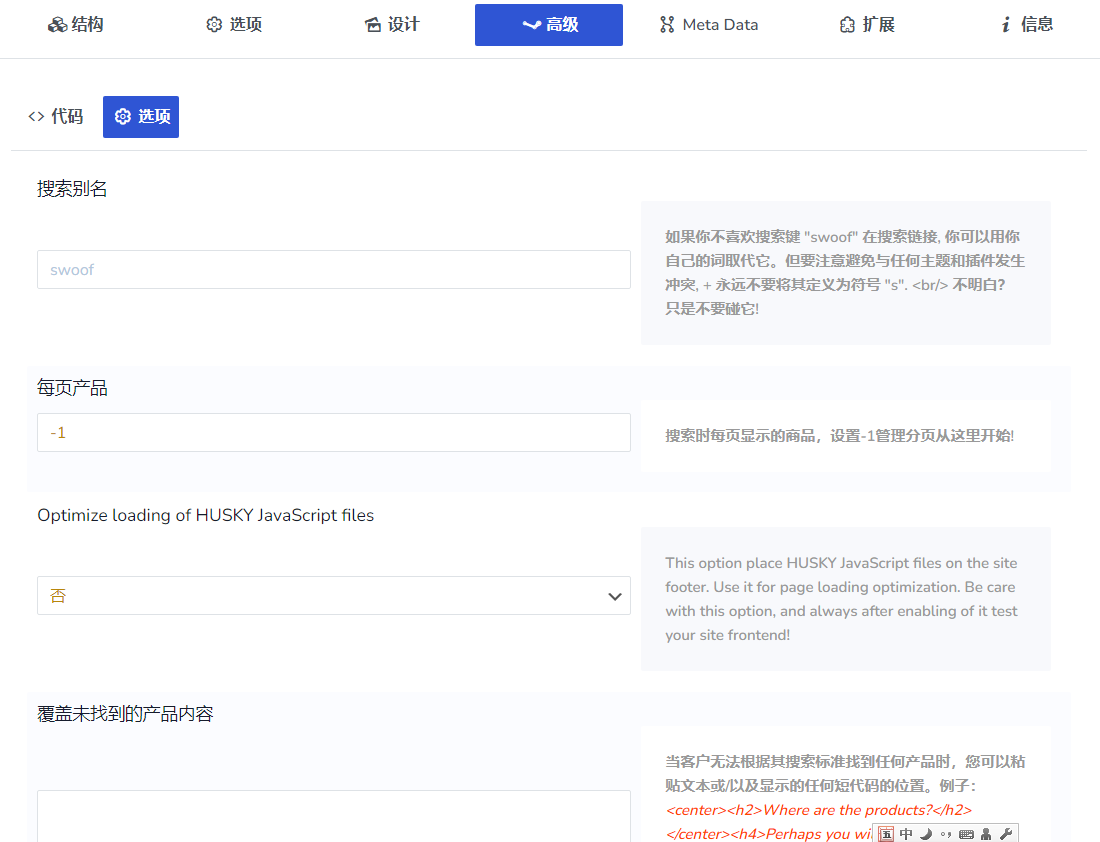
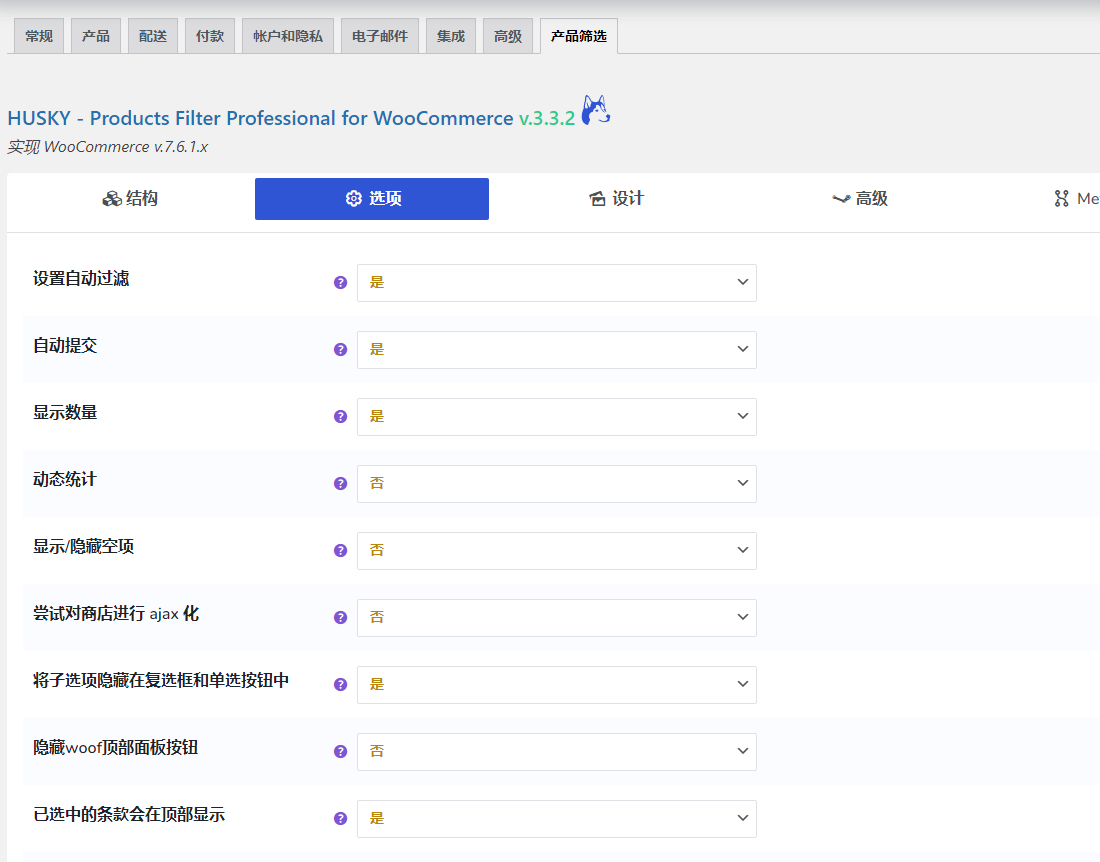
Background screenshot


special function
 Instructions
HUSKY can be used as a shortcode or as a widget. special short code[woof] Allows to insert product filters in any part of the website. Product categories and attributes can be displayed in the search form, such as: radio buttons, check boxes, drop-down lists, multi-select drop-down lists, radio buttons in drop-down lists, colors, images, labels, hierarchical drop-down lists,Attribute/Category Range Slider, a check button button in the dropdown list.
product shortcode
The product shortcode [woof_products per_page=8 columns=3 is_ajax=1 taxonomies=product_cat:9] allows to display and filter target products on a single page or part of post content, of course, products can be filtered in redirect or AJAX mode. Using the shortcode attribute custom_tpl it is even possible to use custom templates, which gives a lot of flexibility for different projects.
Filter/search products via AJAX
(Optional) Allows filtering of WooCommerce products without reloading the page. Works on both 95% WordPress themes and should be tested before publishing to a production site as it depends on the current WP theme's functionality and integrated HTML code.
Dynamically recalculate product quantities when filtering
This is powerful and it allows to show in the search form how many relevant variants will be found if one clicks on an HTML element in the filter search form.
Filter WooCommerce products based on metadata
Metafield data (text and number types) can be added during the search process using a special function in the plugin settings page.
Filter products by SKU
HUSKY allows to filter your store products by SKU via big search form, also via special shortcode[woof_sku_filter]to filter.
filter products by price
Can be displayed as a range slider or as a dropdown list with range selection.
WooCommerce Product Text Search
Search by title, content, abstract and combinations thereof. Special shortcodes can be used[woof_text_filter], you can insert it where you want to place it.
SEO links with pre-filtered products
Use the HUSKY extensionSEO URL request, your store can generate SEO friendly links, which will positively impact your website's search results in Google and other search systems.
Step by step product filtering
This technique allows to create product wizards for your store customers, allowing them to choose step by step the products they want to buy.
filter statistics
You can analyze search data at any time to understand what customers are more interested in. Of course, such data will help expand your business.
Quick Search Filters
Created exclusively for HUSKY, this technology allows instant searching of product quantities, regardless of product quantity, without AJAX or page reloads.
3 reviews for Woocommerce产品筛选
You must be logged in to post a review.
Theme/plugin installation method
Installation method one:
Directly upload the (theme/plug-in) zip package to the WordPress backend, install it and activate it.
[Theme installation method] Appearance-Theme-Add new theme-Upload theme zip package
[Plug-in installation method] Plug-in-Add new plug-in-Upload plug-in zip package
Installation method two:
FTP upload [theme] to the website root directory /wp-content/theme/ below
FTP upload [plug-in] to the website root directory /wp-content/plugins/ below
How to use Chinese documents
The default Chinese file is already included in the theme/plug-in file package. If there is an independent Chinese file, use the following method to upload it
FTP upload [theme Chinese file] to the root directory of the website under /wp-content/languages/themes
FTP upload [plug-in Chinese file] to the root directory of the website under /wp-content/languages/plugins

















Lin S (verified owner) –
Sinicization is OK
Doji (verified owner) –
The WooBeWoo I used before didn't work well at all, it's good to change to this one
Harry (verified owner) –
Powerful and easy-to-use filter artifact!