











Official Demo:Enter
Official price: $79,This site provides continuous new versions and Chinese updates
Features
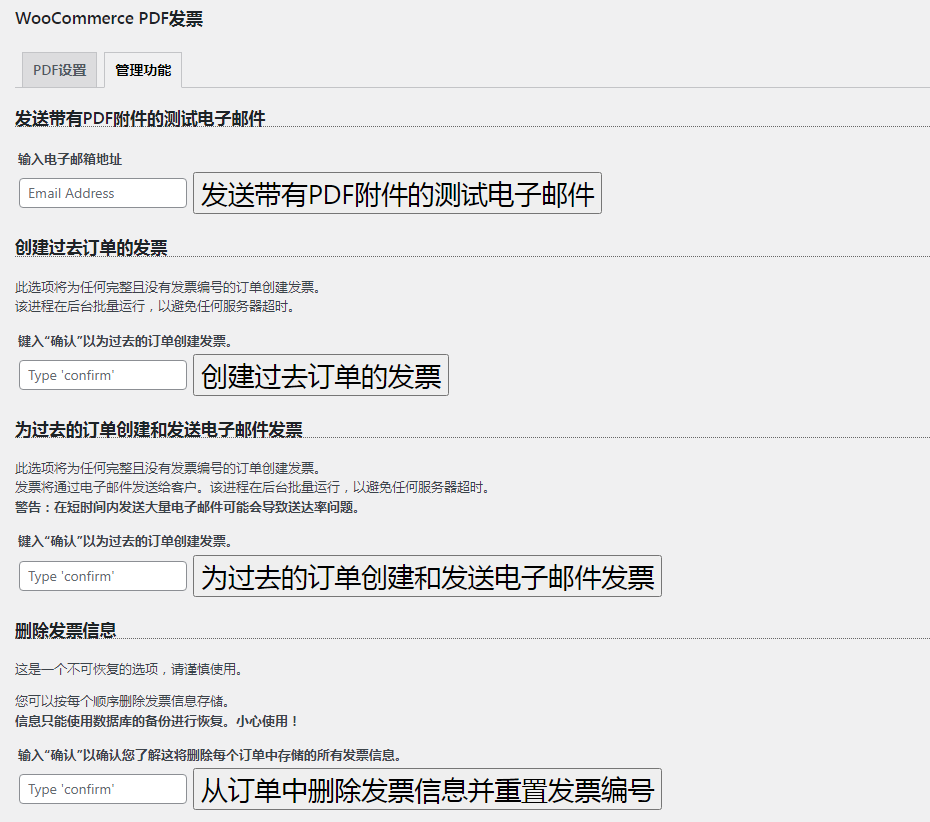
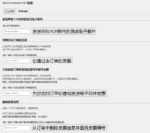
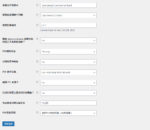
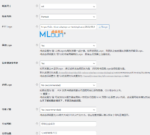
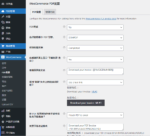
Fill in the information setting template as needed, the details are as follows, set the PDF Invoice LOGO, company information, etc.
- Custom Invoice Template
- Customize company information sections such as tax ID, phone, fax, etc.
- Custom invoice number
- Attach PDF to Admin's "New Order" email
- Add LOGO image to PDF
- custom date format
- Custom Invoice Number Prefix Format
- Use filters to add/remove lists from invoices
- Invoice number column in the order list
- Resend an invoice or download an invoice from the order list
- Edit Invoice Clerk Data on the Order Screen
3 reviews for Woocommerce PDF Invoice发票
You must be logged in to post a review.
Theme/plugin installation method
Installation method one:
Directly upload the (theme/plug-in) zip package to the WordPress backend, install it and activate it.
[Theme installation method] Appearance-Theme-Add new theme-Upload theme zip package
[Plug-in installation method] Plug-in-Add new plug-in-Upload plug-in zip package
Installation method two:
FTP upload [theme] to the website root directory /wp-content/theme/ below
FTP upload [plug-in] to the website root directory /wp-content/plugins/ below
How to use Chinese documents
The default Chinese file is already included in the theme/plug-in file package. If there is an independent Chinese file, use the following method to upload it
FTP upload [theme Chinese file] to the root directory of the website under /wp-content/languages/themes
FTP upload [plug-in Chinese file] to the root directory of the website under /wp-content/languages/plugins















kama (verified owner) –
Good thing, very real plug-in, with Chinese
Jan (verified owner) –
Yes, powerful, closed.
happy little two (verified owner) –
Very practical, independent station is too needed.