








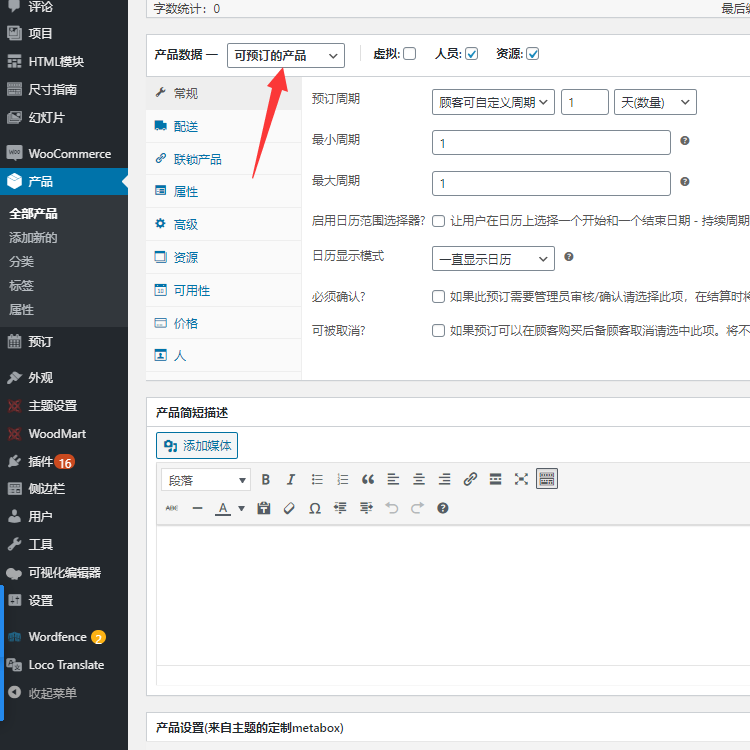
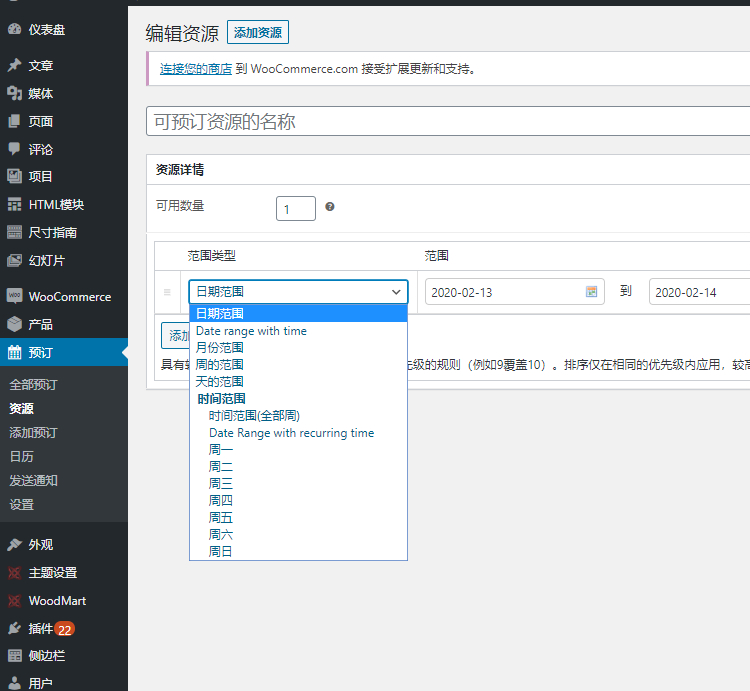
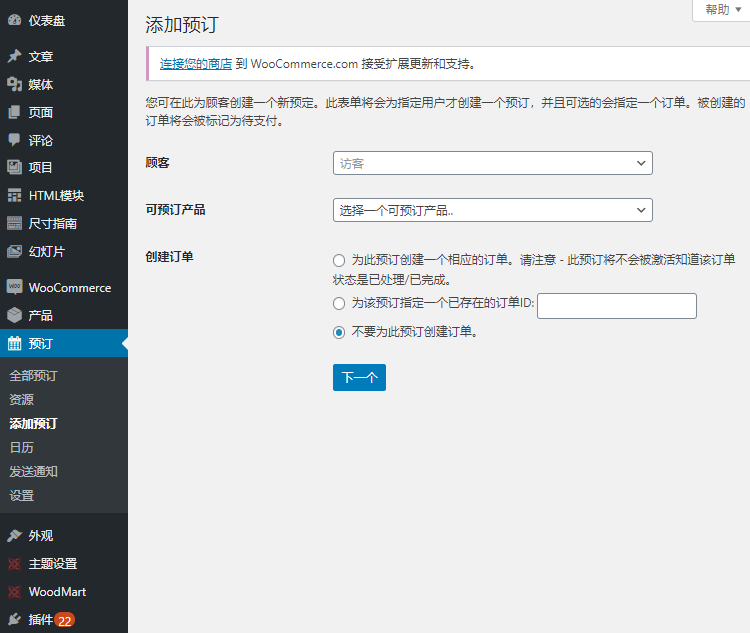

Official Demo:Enter
Official price: $249,This site provides continuous new versions and Chinese updates
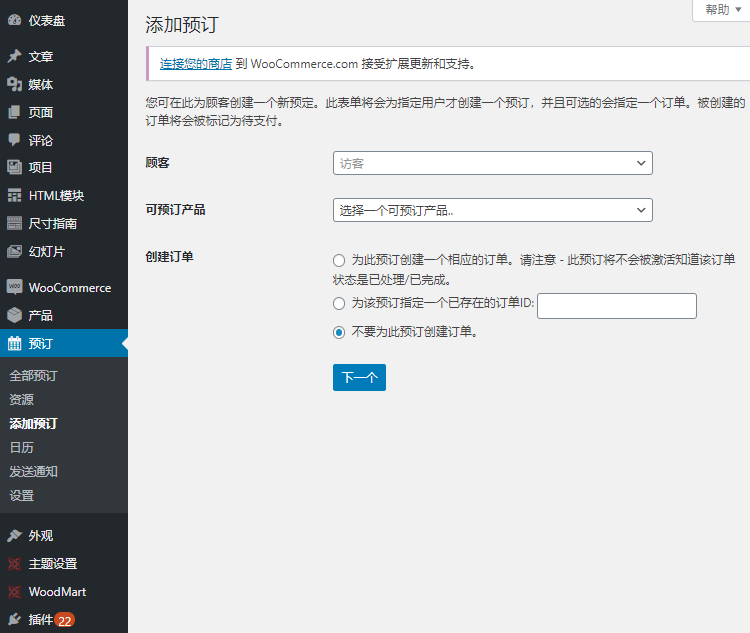
Features introduction:
Allow customers to book conveniently, saving time and effort
Let your customers book, book or rent on their own - without the need to call.
Let clients book classes, schedule appointments or book projects
No matter what choice you want to offer your customers, WooCommerce Bookings can:
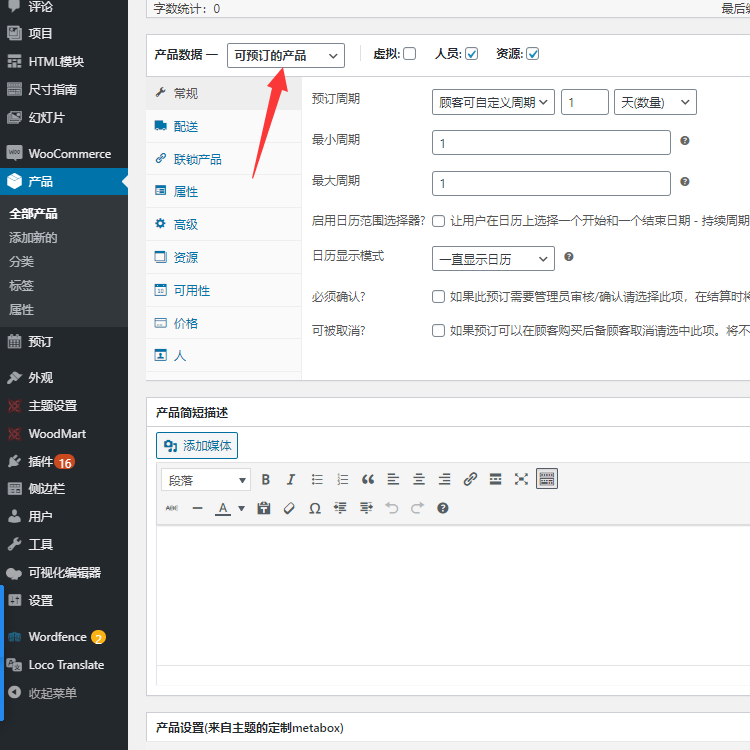
- Define setup options, such as fixed time periods for classes, appointments or guided tours
- allow customers toFlexibility to book any range you want,let themchoose the mostthe right time, such as staying in a hotel
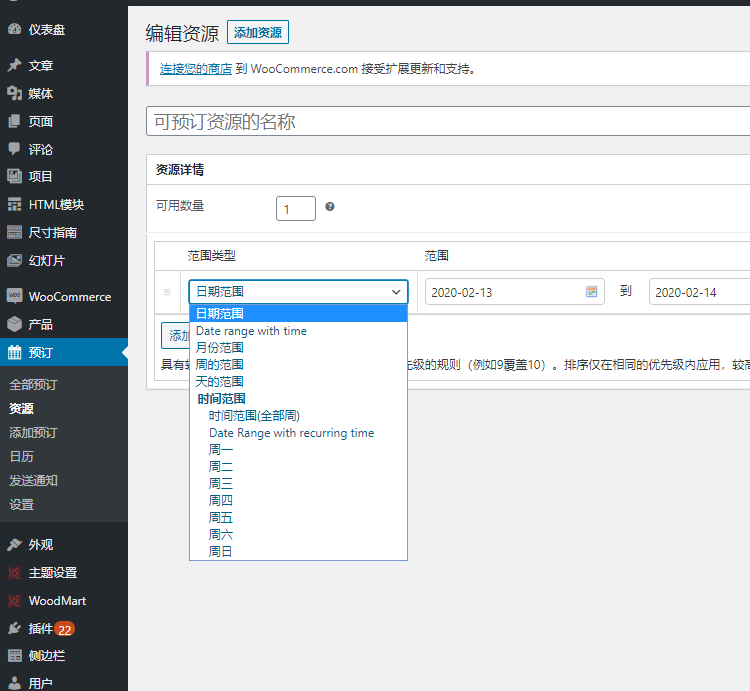
Either way, you canExclude unbookable times, thereby allowing time to take care of other priorities, andCreate buffers between subscriptions, to make sure the schedule is right for you.
Use your time slot for the most specific information - the plugin allows bookings in days, hours or even minutes.
Book a one-on-one appointment or a multi-person event
You can set a minimum and maximum number of participants: one appointment at a time, or have multiple people book a class or tour.
Special rates for groups, days or individuals
Offer discounts for groups or people booking multiple seats, showing lower prices early on, higher prices on weekends, or specials for kids. With pre-orders, you can customize the pricing according to your needs.
Displays availability in customer's time zone
If your service is online, or you're shipping items to customers, show availability in the customer's time zone so they can book when they really need it. Whether booking from New York, New Mexico or New Zealand, it will be done within the time frame you set, so no appointment needed!
It is ideal for virtual classes, online appointments or rentals that need to be delivered to clients.
Requires confirmation, provides free self-cancellation
Confirmation so that you have time to review before making an official reservation. Automatically send reminders to push bookings to reduce no-shows and set whether to cancel bookings on your own.
Send customer reminders to reduce customer no-shows
Remind customers about their reservations via a convenient notification email one day prior to booking, confirming the booking, and the day before the booking date.
If you want to do more, you can send special reminders directly from your site.
No repeat booking
Avoid double bookings by assigning required resources to specific bookings. For example, if your 2:00 bride schedules a fitting and stylist before 3:30, the stylist will not show up for a bride who schedules a 3:00 fitting. You never have to worry about serving the same resource to two clients at the same time.
Manage calendars your own way - including syncing with Google Calendar
Use the calendar view to see your day or month. Update existing bookings or availability, or filter to view specific services or resources.
What if a customer makes a reservation by phone or otherwise? When communicating offline, appointments can be added manually from the calendar.
You must be logged in to post a review.
Theme/plugin installation method
Installation method one:
Directly upload the (theme/plug-in) zip package to the WordPress backend, install it and activate it.
[Theme installation method] Appearance-Theme-Add new theme-Upload theme zip package
[Plug-in installation method] Plug-in-Add new plug-in-Upload plug-in zip package
Installation method two:
FTP upload [theme] to the website root directory /wp-content/theme/ below
FTP upload [plug-in] to the website root directory /wp-content/plugins/ below
How to use Chinese documents
The default Chinese file is already included in the theme/plug-in file package. If there is an independent Chinese file, use the following method to upload it
FTP upload [theme Chinese file] to the root directory of the website under /wp-content/languages/themes
FTP upload [plug-in Chinese file] to the root directory of the website under /wp-content/languages/plugins


















Reviews
There are no reviews yet.