










Official Demo:Enter
Official price: $59/year,This site provides continuous new versions and Chinese updates
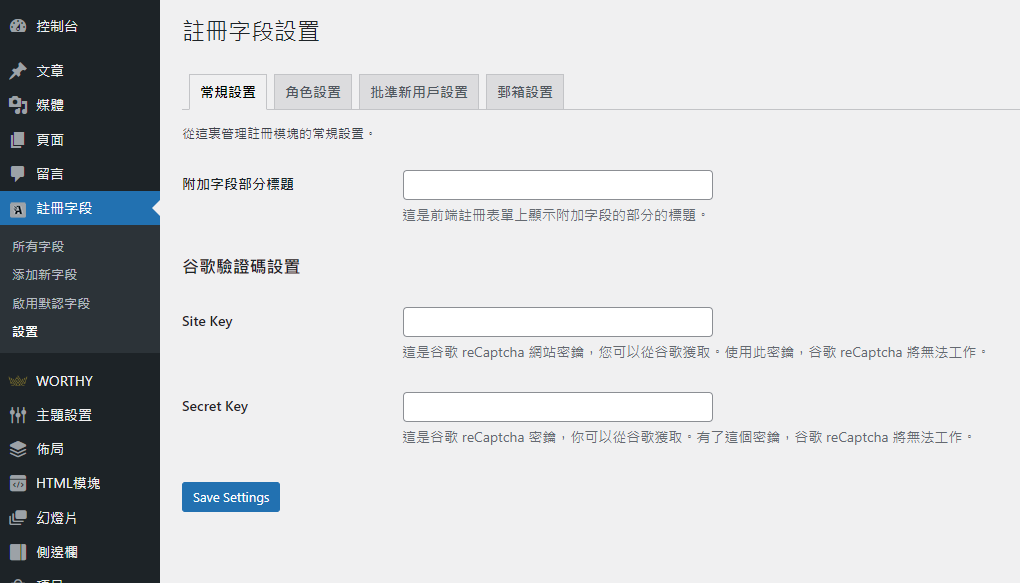
Custom User Registration Fields for WooCommerce Key Features
- 在您的 WooCommerce 注册表单中添加无限的额外字段
- Display field data on the user's My Account page and in registration emails
- Choose from 17 field types
- Display specific or all custom fields on admin order detail pages and order emails
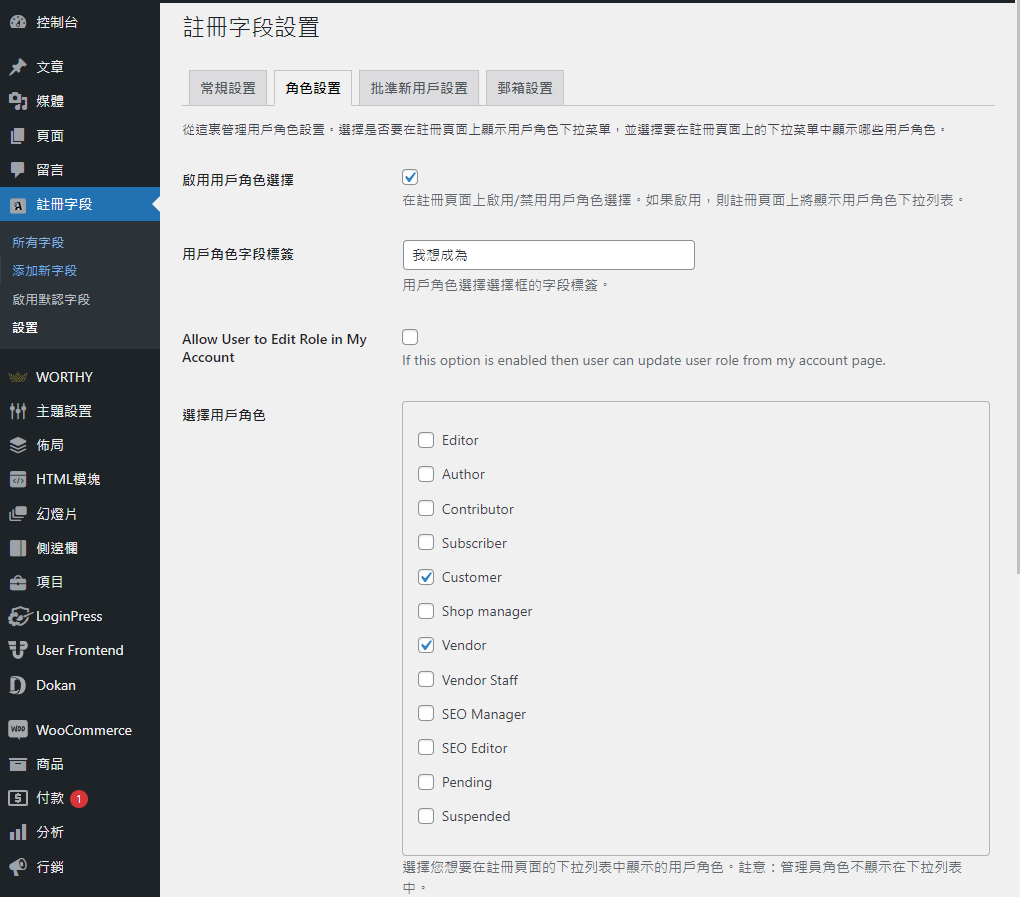
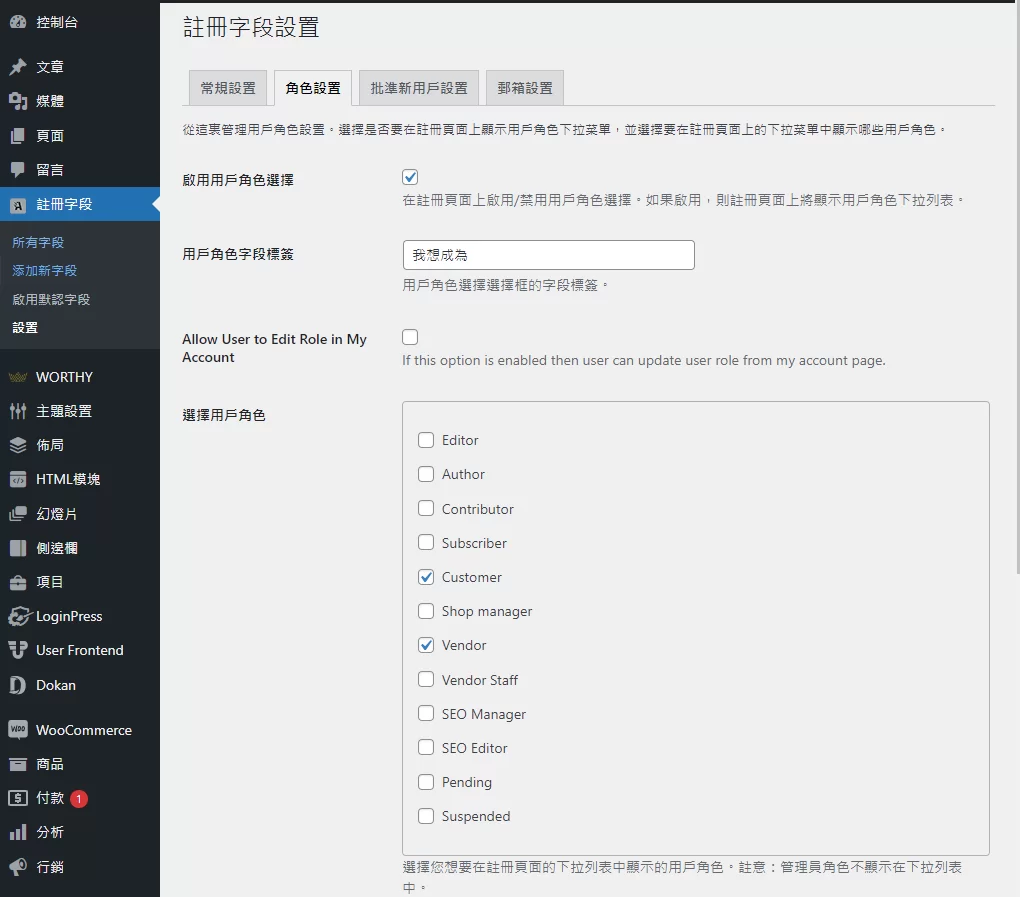
- Choose whether to display the User Role drop-down menu on the registration form
- Display all or specific user roles in a drop-down list
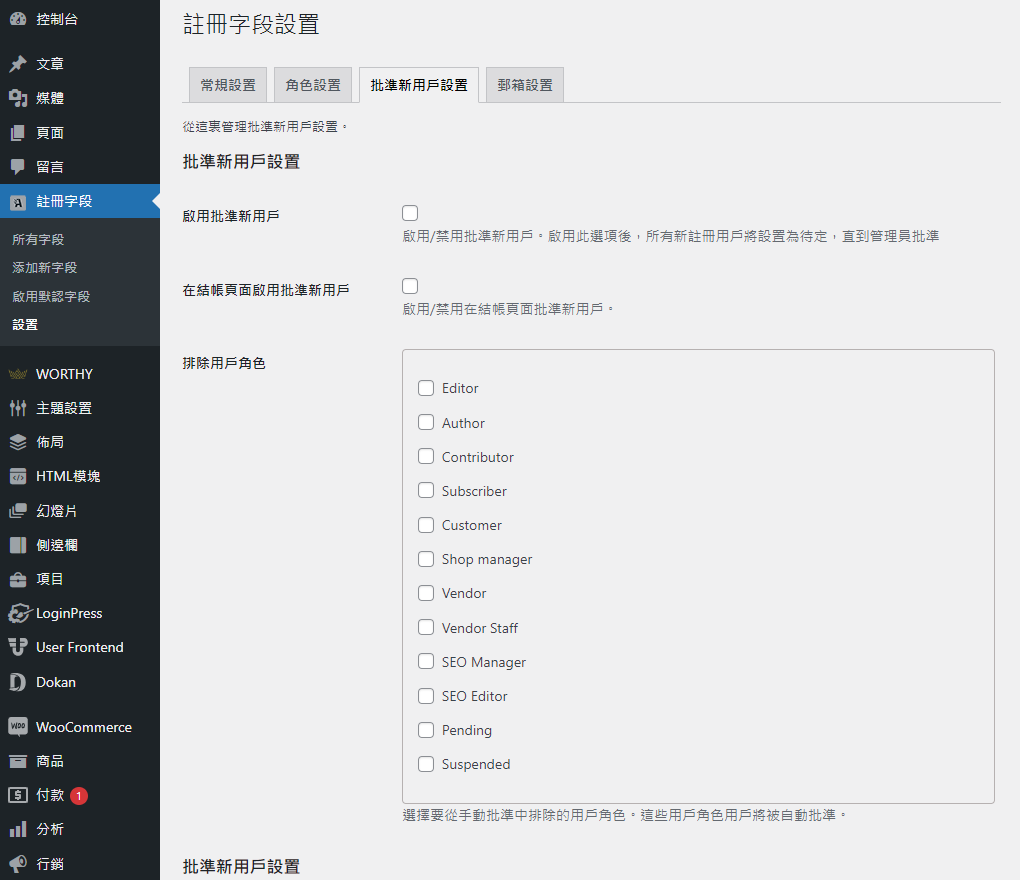
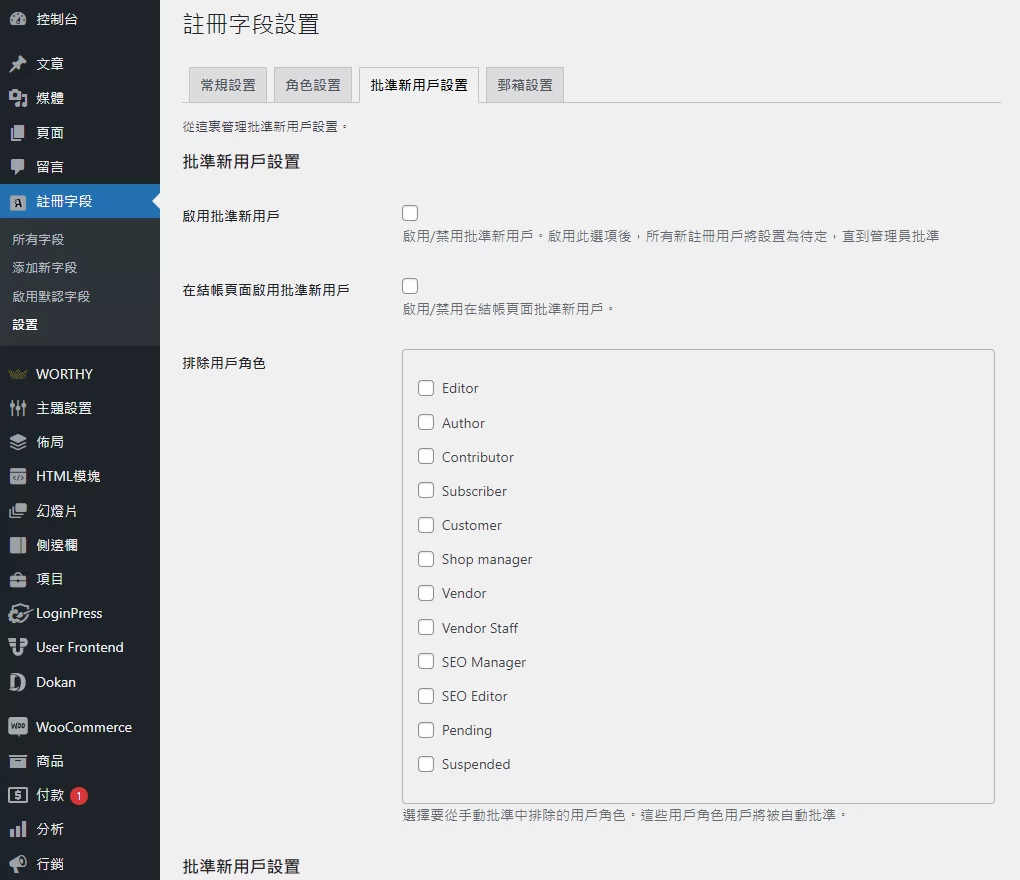
- Automatically or manually approve all users or specific users based on selected user roles
- Send automatic email notifications to administrators and customers
- Compatible with all third-party user role extensions
- Add fields related to user roles
- Enable default registration fields
- Option to hide fields from customer view and use them as Admin info fields in WP-ADMIN user detail page.
- Allow customers to update their user roles from the My Account page
- Enable admin notifications when editing their field data from the My Account page.
- Add reliable registration fields (new)
Add multiple custom registration fields
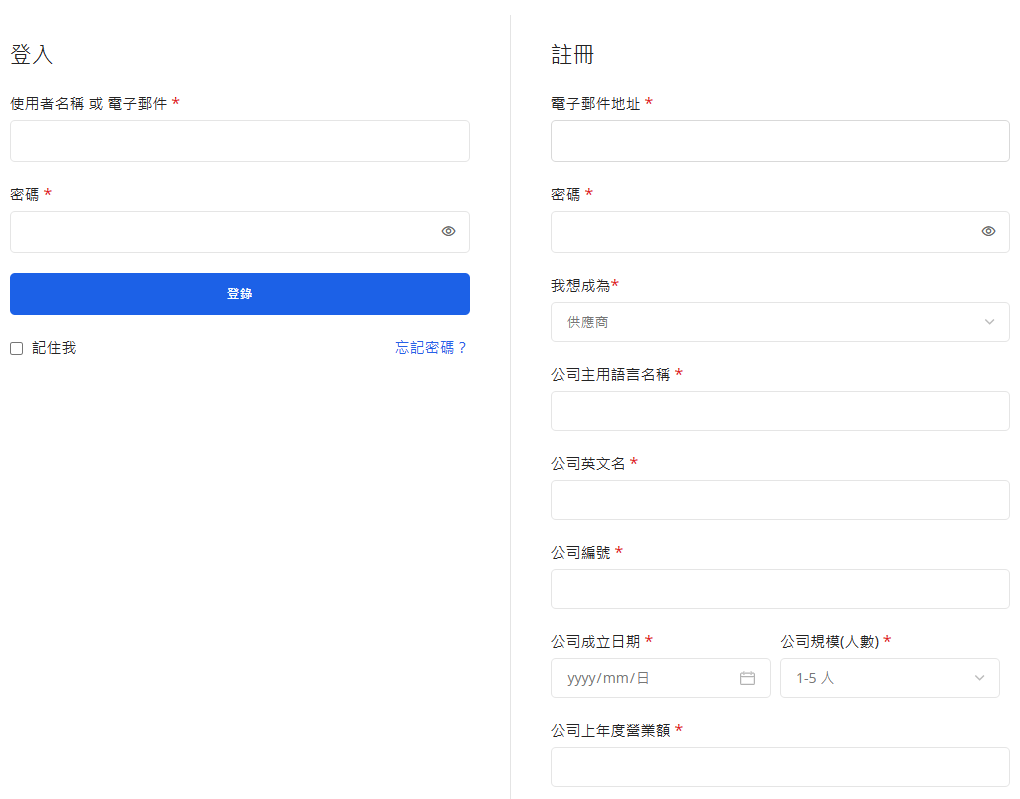
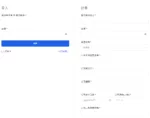
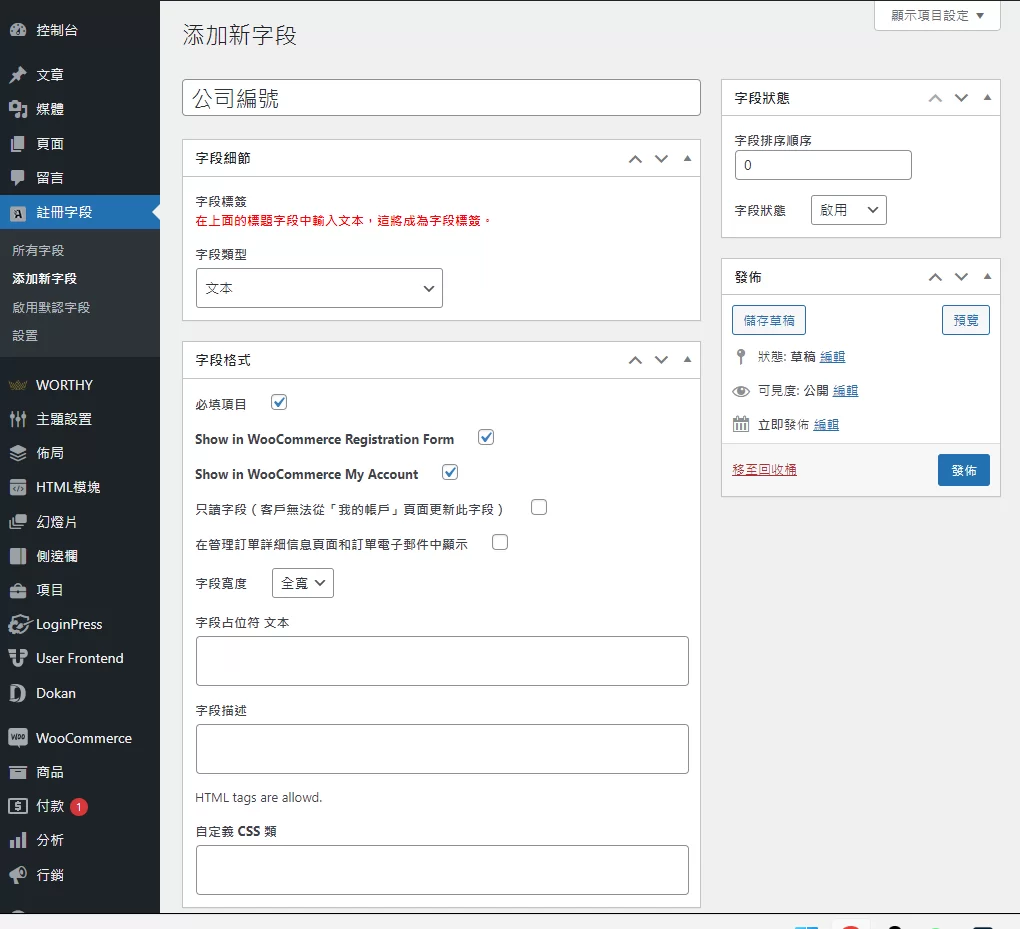
You can add multiple fields and place them anywhere on the user registration form. If you have WooCommerce installed and activated, then these fields will be displayed on the WooCommerce registration form; if WooCommerce is not activated, then the same fields will be displayed on the WordPress registration form.
Display a user role drop-down menu on the registration form
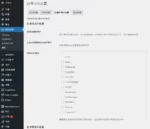
WooCommerce Registration extension also allows you to display a User Role dropdown menu on your registration form. Your customers can select the most suitable role for themselves during registration. Display all or specific user roles in the dropdown menu and choose between manual and automatic approval for each user role.

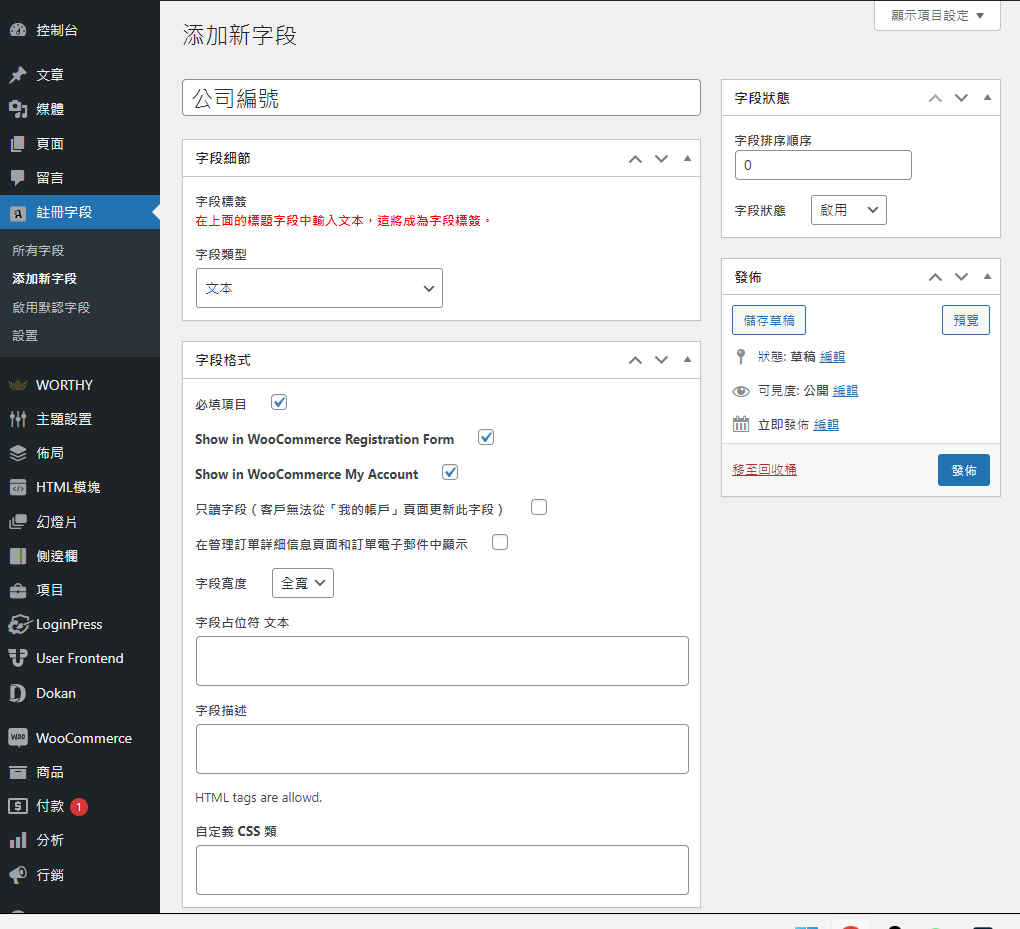
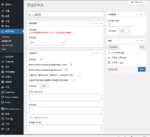
When you create new fields, you can add custom labels, placeholders, and descriptions to each field, and specify whether the field is required or optional. You can also make fields read-only so that customers can't change the data they entered after they sign up.
B2B/B2C/Supplier Registration
Custom User Registration Fields for WooCommerce acts as a full-featured B2B registration solution, allowing you to register both general and B2B customers/vendors using the default WooCommerce registration form. You can add fields that are relevant to the user roles. For example, if you have created "Company", "Vendor", and "Wholesale" user roles, you can create different types of fields for all of these user roles. You can display the company name and VAT number when the user selects the "Company" role from the drop-down list, and you can display the company name and address when the user selects the "Retailer" role from the drop-down list during registration.
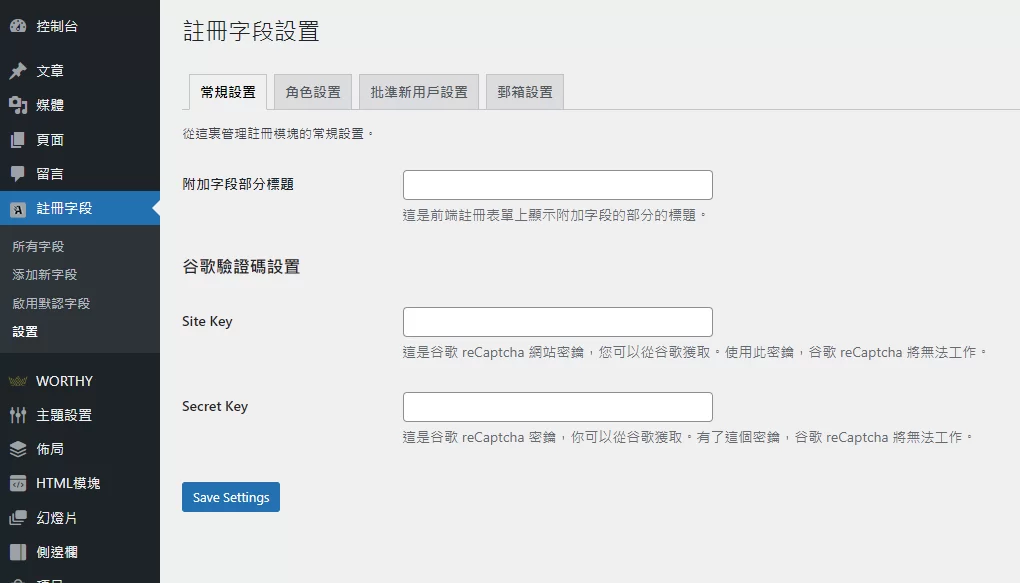
Supported custom field types
WooCommerce Custom Registration Fields extension offers 14 field types so you can collect any type of information from your customers.
- text
- Text Area
- Select box
- Multiple selection box
- checkbox
- Multiple checkboxes
- single button
- number
- Password (accepts secret input)
- File upload (limit file type and size)
- color picker
- Date Picker (Calendar)
- time picker
- Google reCaptcha
- Heading field
- Description (display message only)
Enable default registration fields
WooCommerce offers 10 different billing fields that you can choose to display on your signup form. With this extension, you can enable these fields in just a few clicks – no code required. The default fields include:
- name
- surname
- company
- nation
- Street Address
- Address 2
- State/County
- Town/City
- postal code
- Telephone
Once enabled, the extension will automatically fill in the fields data in the billing section on the checkout page if the customer has already filled those fields on the registration page. On enabling any of the above fields, our extension allows you to customize the following details,
- Field Labels
- Placeholder
- Field Description/Message
- Optional or Required
- Sorting
- Field width
Fields displayed during checkout under the Account section:
If you have enabled the registration feature during checkout, the same registration fields will appear under the account creation section of the checkout page. However, there are some technical limitations.
1 review for Custom User Registration Fields for WooCommerce用户注册自定义字段
You must be logged in to post a review.
Theme/plugin installation method
Installation method one:
Directly upload the (theme/plug-in) zip package to the WordPress backend, install it and activate it.
[Theme installation method] Appearance-Theme-Add new theme-Upload theme zip package
[Plug-in installation method] Plug-in-Add new plug-in-Upload plug-in zip package
Installation method two:
FTP upload [theme] to the website root directory /wp-content/theme/ below
FTP upload [plug-in] to the website root directory /wp-content/plugins/ below
How to use Chinese documents
The default Chinese file is already included in the theme/plug-in file package. If there is an independent Chinese file, use the following method to upload it
FTP upload [theme Chinese file] to the root directory of the website under /wp-content/languages/themes
FTP upload [plug-in Chinese file] to the root directory of the website under /wp-content/languages/plugins

















Patricia (verified owner) –
Functionality is available