










Official Demo:Enter
Official price: $99,This site provides continuous new versions and Chinese updates
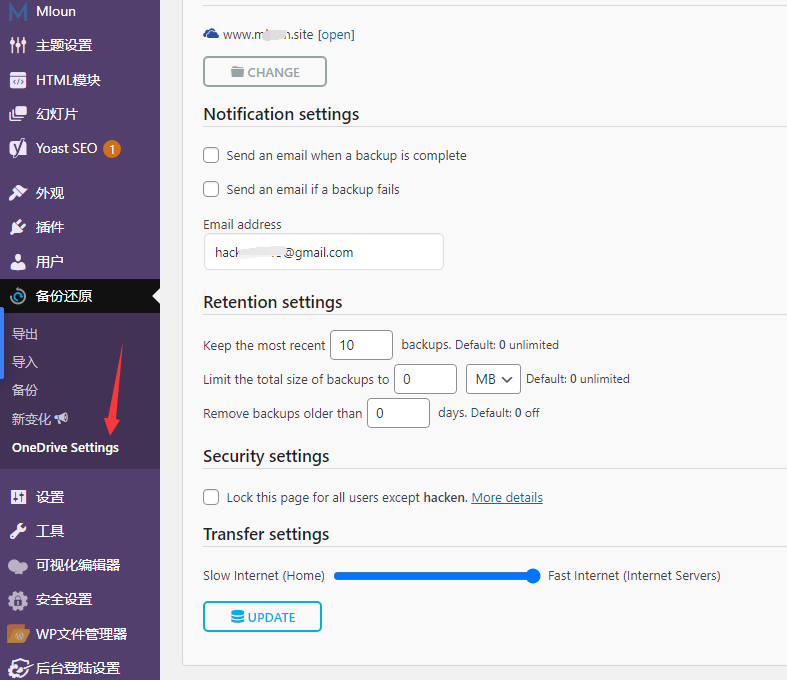
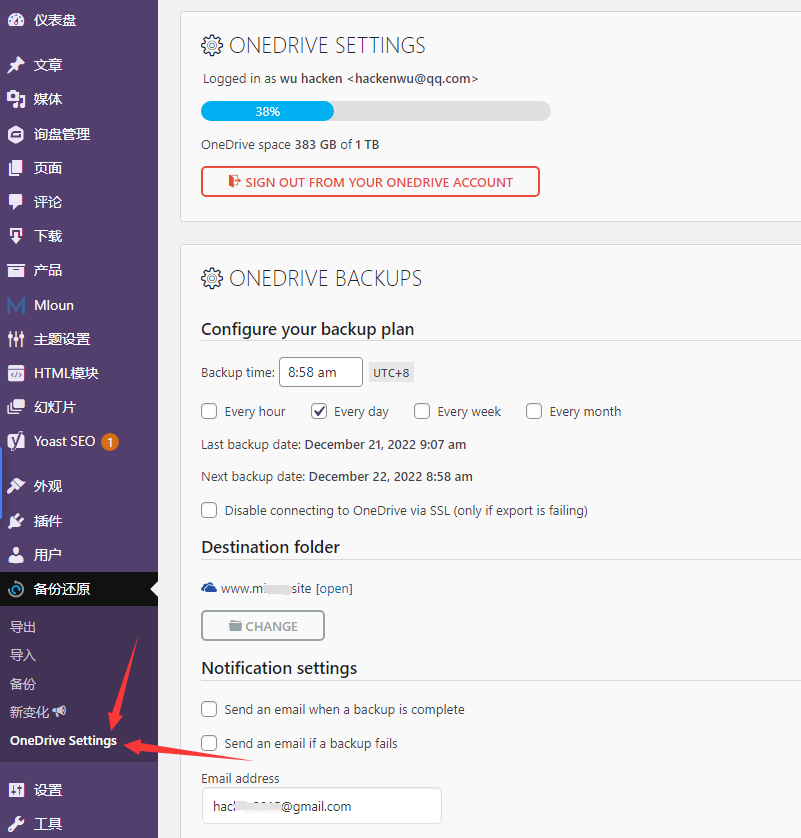
Onedrive Extension
- Automatically from OneDrive
- Support OneDrive for
- Use on any number of sites
- Can be backed up automatically, hourly, daily, weekly and monthly.

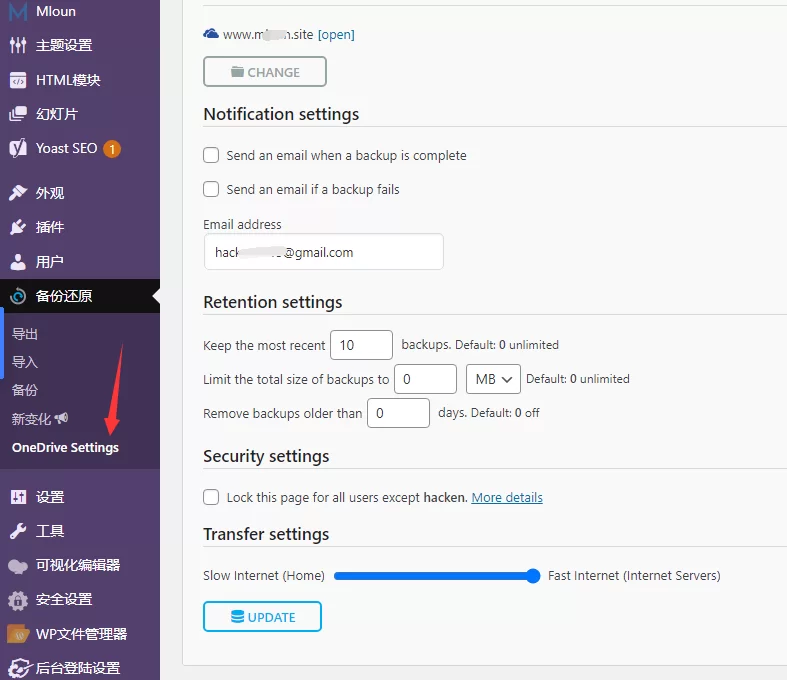
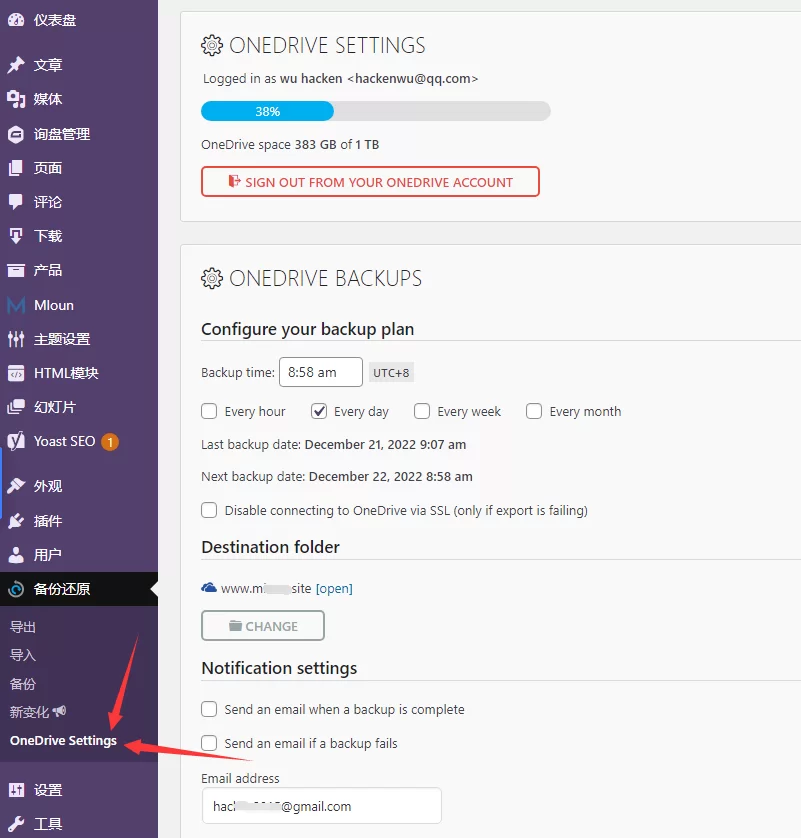
The method of All inOne WP Migration Onedrive restore is very simple
Backup:You can directly export to Onedrive on the old platform, and the obtained whole site file package is xxxxxx..wpress and stored in your Onedrive space.
Restoration process:
1. When you are sure to export to the local computer, modify the resolution to the new server
2. Install a new wordpress program, the username and password are casual, because you only need to log in once, log in to the wordpress background
3. Go to the plugin to search for All inOne WP Migration and install it
4. Upload All in One WP Migration Onedrive Extension and activate it
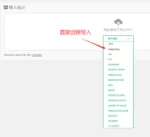
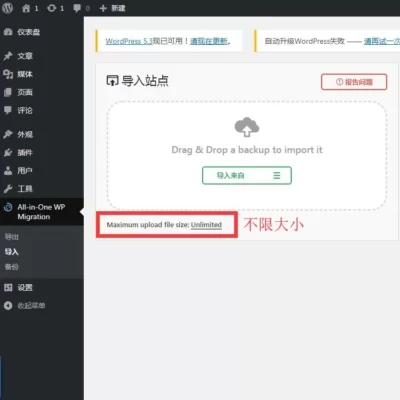
5. Finally, when importing, choose to import from Onedrive, browse the file list on Onedrive, and select Import.
6. After the restoration is successful, refresh the background and everything has changed. Re-login, the username and password will be the same as the old website.
4 reviews for All in One WP Migration Onedrive一键备份还原
You must be logged in to post a review.
Theme/plugin installation method
Installation method one:
Directly upload the (theme/plug-in) zip package to the WordPress backend, install it and activate it.
[Theme installation method] Appearance-Theme-Add new theme-Upload theme zip package
[Plug-in installation method] Plug-in-Add new plug-in-Upload plug-in zip package
Installation method two:
FTP upload [theme] to the website root directory /wp-content/theme/ below
FTP upload [plug-in] to the website root directory /wp-content/plugins/ below
How to use Chinese documents
The default Chinese file is already included in the theme/plug-in file package. If there is an independent Chinese file, use the following method to upload it
FTP upload [theme Chinese file] to the root directory of the website under /wp-content/languages/themes
FTP upload [plug-in Chinese file] to the root directory of the website under /wp-content/languages/plugins





































LIN (verified owner) –
Nice…
A little more VC (verified owner) –
Recommended Backup Tool
Linoo (verified owner) –
Perfect, very suitable for moving large files.
Harry (verified owner) –
Very easy to use backup tool, can perfect automatic backup!