








WooCommerce PDF Invoices & Packing Slips download
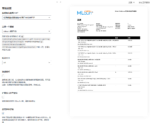
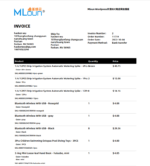
Custom template 1
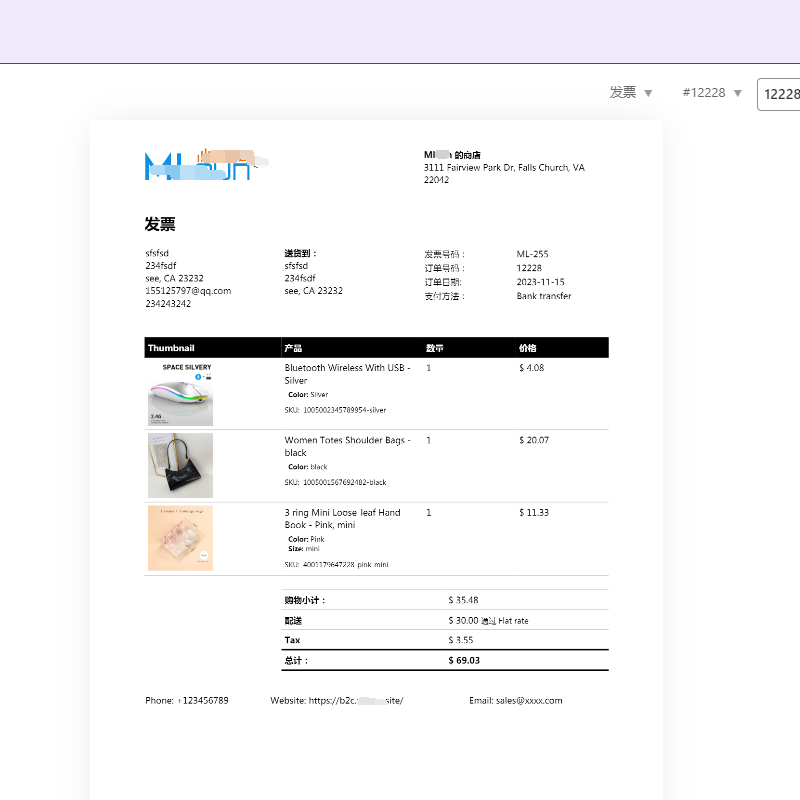
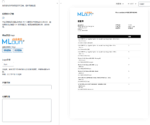
Custom Template 2
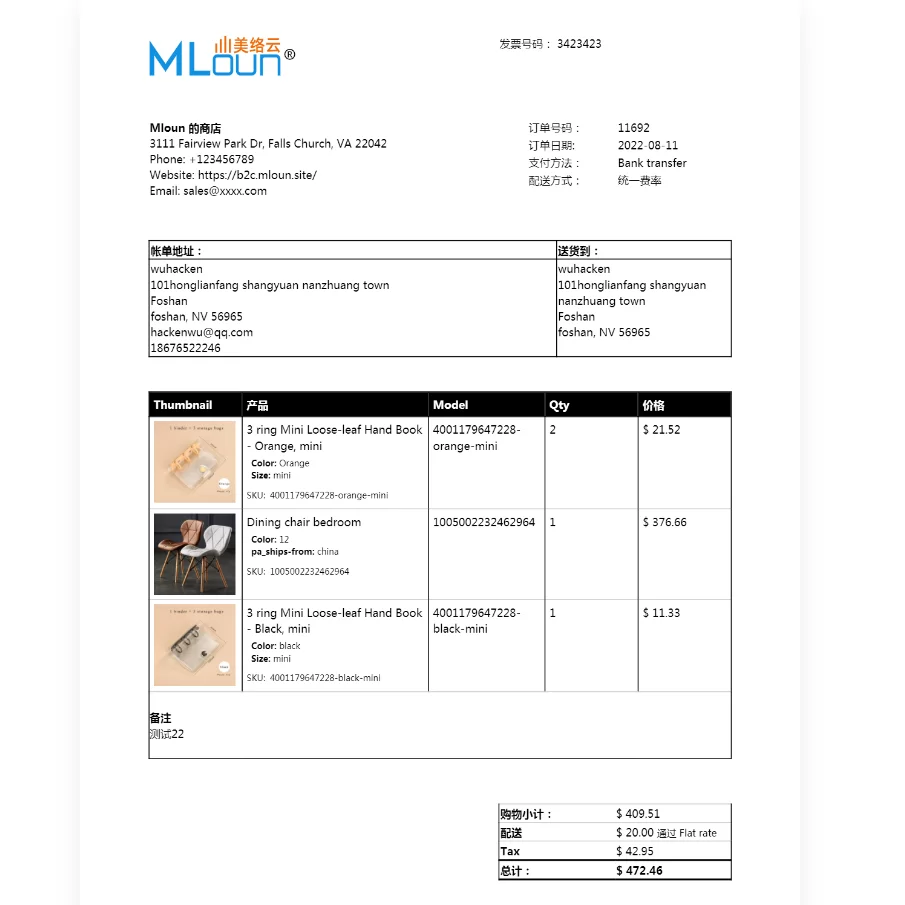
Official Demo:Enter
The official price of the professional version: 59 euros,This site provides continuous new versions and Chinese updates
Foreground client preview
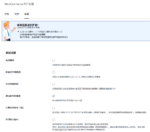
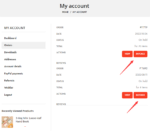
Front Desk, Invoice Button for My Account
Background preview
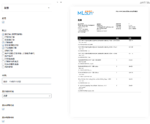
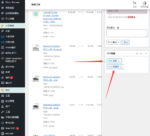
Backend Woocommerce - order viewing, viewing PDF invoices and packing slips.
3 reviews for Woocommerce PDF和装箱单+自定义模板
You must be logged in to post a review.
Theme/plugin installation method
Installation method one:
Directly upload the (theme/plug-in) zip package to the WordPress backend, install it and activate it.
[Theme installation method] Appearance-Theme-Add new theme-Upload theme zip package
[Plug-in installation method] Plug-in-Add new plug-in-Upload plug-in zip package
Installation method two:
FTP upload [theme] to the website root directory /wp-content/theme/ below
FTP upload [plug-in] to the website root directory /wp-content/plugins/ below
How to use Chinese documents
The default Chinese file is already included in the theme/plug-in file package. If there is an independent Chinese file, use the following method to upload it
FTP upload [theme Chinese file] to the root directory of the website under /wp-content/languages/themes
FTP upload [plug-in Chinese file] to the root directory of the website under /wp-content/languages/plugins

















summer Wind (verified owner) –
It perfectly solves Chinese characters, and the template is powerful.
king (verified owner) –
Free version + perfect template, and can be upgraded, enough.
Caribbean Sea (verified owner) –
Templates are very nice.